Noloco
Build custom business apps without coding, using drag-and-drop simplicity
Noloco is a no-code platform that enables businesses to build custom apps, client portals, and CRMs from data sources like Airtable, Google Sheets, or PostgreSQL. It uses a drag-and-drop interface to create apps with views like tables, Kanban boards, or calendars. The platform integrates with tools like Zapier, Stripe, and HubSpot, allowing automated workflows and data syncing. Users can set role-based permissions to control data access and create branded client portals. The free plan supports three team seats and 2,000 rows, with paid plans scaling for larger teams and data needs.
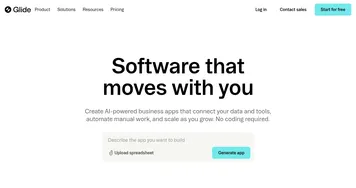
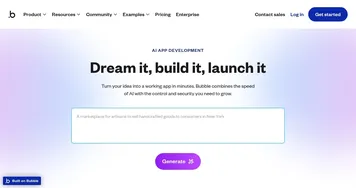
Key features include Noloco AI, which generates apps from data, and a variety of display options like maps or timelines. Workflows automate tasks like sending emails or triggering webhooks, while integrations connect to external tools. Compared to Glide, Noloco offers more robust permission controls, but Bubble provides greater customization for advanced users. The platform’s templates, covering HR, project management, and more, speed up setup. Pricing is tiered, with higher plans unlocking features like custom domains and priority syncing, competitive with Softr but pricier than Glide for larger teams.
Users appreciate the ease of creating apps without coding and the flexibility of integrations. However, the interface can overwhelm beginners, especially when managing complex workflows. Data must be well-structured for optimal results, and advanced features require learning. The community and video tutorials provide strong support, though some users report slow response times for complex queries.
Noloco suits small to medium businesses needing tailored tools without developers. Its focus on non-technical users makes it accessible, but power users may prefer Bubble’s depth. The platform’s recent updates, like two-factor authentication and AI-powered fields, add value.
Start with a template or clean data source. Use the free plan to test functionality, and explore tutorials for workflows. Share your app with a small group first to ensure it meets your needs.
Homepage Screenshot 📸
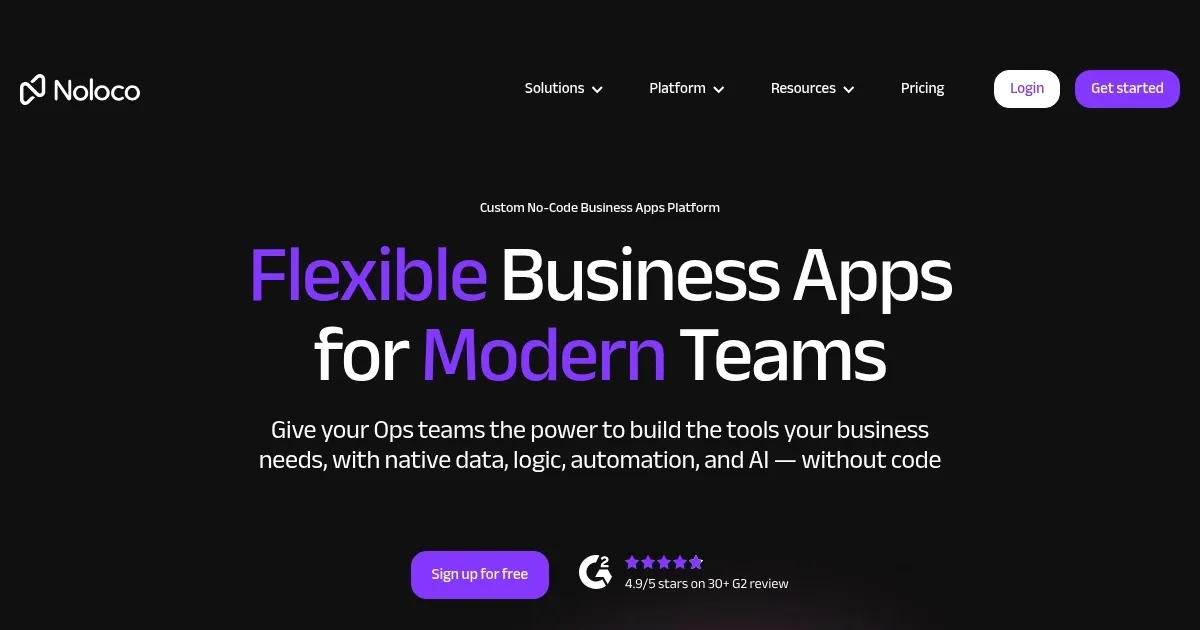
Video Overview 🎬
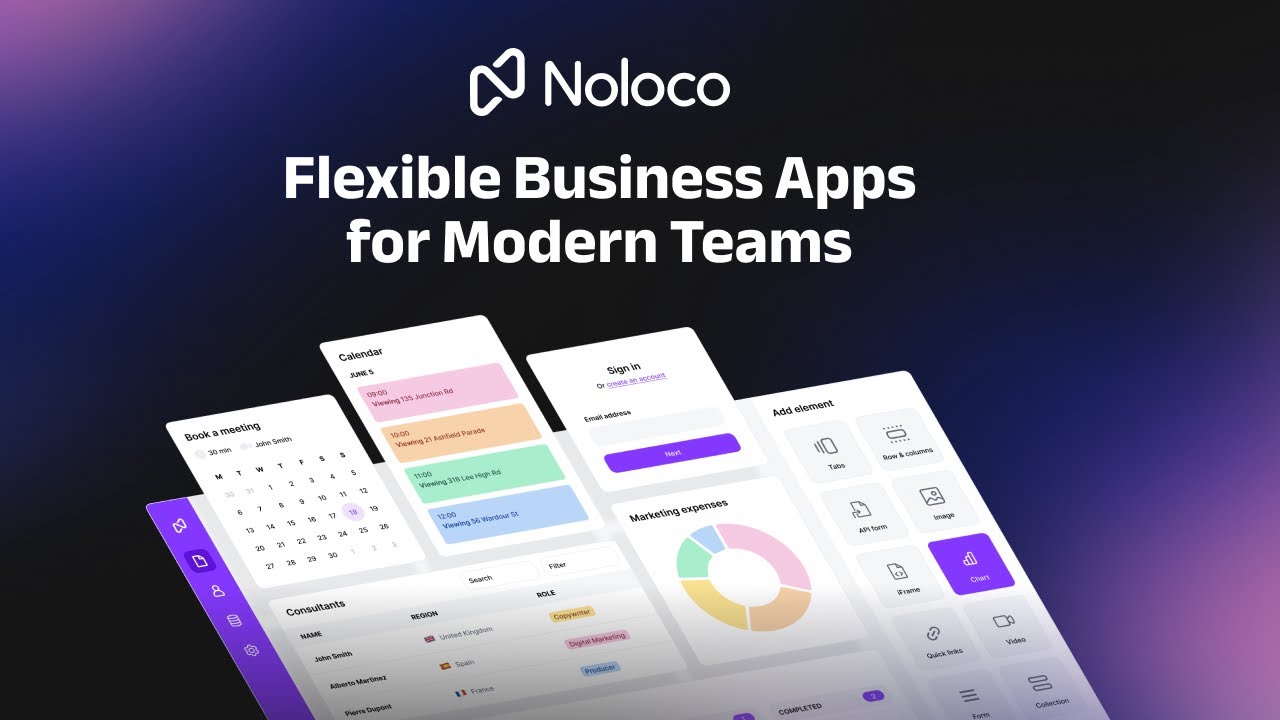
What are the key features? ✨
- Noloco AI: Generates custom apps from data sources in minutes.
- Drag-and-Drop Builder: Creates intuitive interfaces with views like Kanban or calendars.
- Role-Based Permissions: Controls data access for team members and clients.
- Integrations: Syncs with tools like Zapier, Airtable, and Stripe for workflows.
- Templates: Offers customizable starting points for HR, CRM, and project management.
Who is it for? 🤔
Examples of what you can use it for 💡
- Small Business Owner: Builds a client portal to share project updates and collect data.
- HR Manager: Creates an employee onboarding app to manage new hire processes.
- Project Manager: Designs a custom tool to track tasks and collaborate with teams.
- Consultant: Develops a CRM to manage client relationships and workflows.
- Real Estate Agent: Tracks properties and client inquiries in a tailored app.
Pros & Cons ⚖️
- Easy no-code app creation
- Customizable templates
- Free plan for small teams
- Interface can clutter
- Pricing scales fast
FAQs 💬
Ready to try Noloco?
Build custom business apps without coding, using drag-and-drop simplicity
Visit Noloco