MindStudio
Build AI-powered apps without writing a single line of code
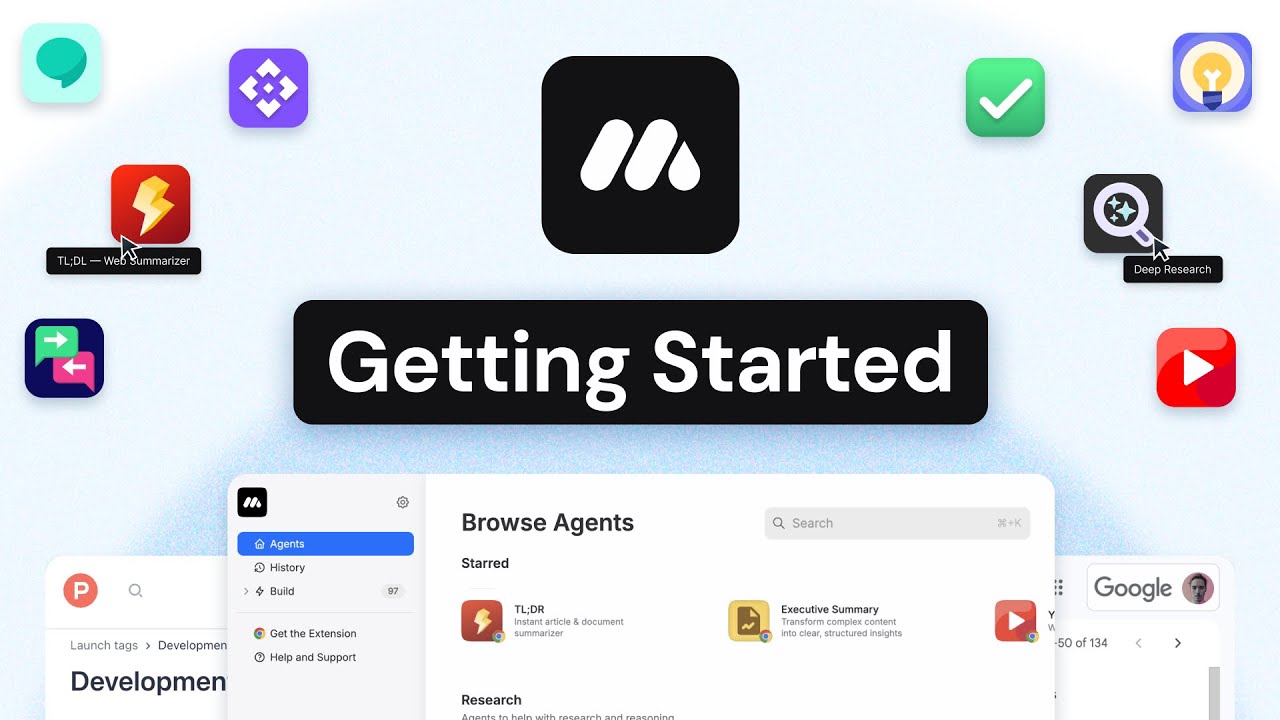
MindStudio is a no-code platform that lets anyone build AI-powered apps without writing a single line of code. It acts as a digital toolbox where you can create smart tools for your business or personal use.
MindStudio boasts a user-friendly interface and a variety of templates to get you started. And that “get you started” part involves enabling users to create their own AI assistant that can handle tasks like writing emails, analyzing data, or managing their schedule.
MindStudio can integrate with various data sources and existing tools like Google Sheets, Notion, or even scrape data from websites. This means you can build applications that are tailored to your specific needs and workflows.
MindStudio also offers a range of deployment options. You can use it to create a web app, a browser extension, or an API endpoint — making it a powerful tool for businesses of all sizes.
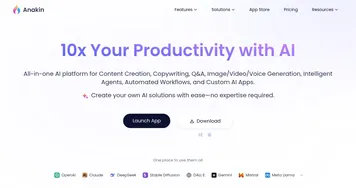
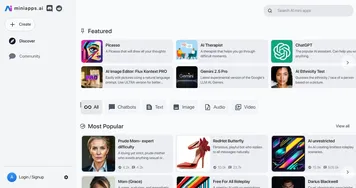
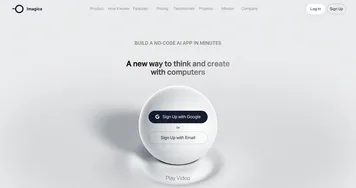
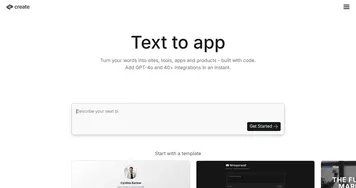
As expected, it isn’t the only such tool out there. Similar no-code AI platforms include Create, Dorik AI, and Aicado — each with its own strengths and weaknesses, so it’s worth exploring all options to find the best fit for your needs.
Homepage Screenshot 📸

Video Overview 🎬
What are the key features? ✨
- No-code interface: MindStudio allows users to build AI applications without any coding knowledge. Its drag-and-drop interface makes it accessible to everyone.
- Integration with multiple data sources: You can connect MindStudio to various tools like Google Sheets, Notion, and more - to enable seamless data flow.
- Flexible deployment options: Whether you want to create a web app, browser extension, or API endpoint - MindStudio provides the flexibility to deploy your AI agents in various formats.
- Pre-built templates: MindStudio offers a variety of templates to help you get started quickly.
- Access to multiple AI models: The platform provides access to over 50 AI models from leading providers, allowing you to tailor your workflows for a variety of tasks and use cases.
Who is it for? 🤔
Examples of what you can use it for 💡
- Create AI agents that can handle customer inquiries, providing instant responses and freeing up human agents for more complex tasks
- Use MindStudio to build applications that can analyze large datasets, identify trends, and generate reports
- Develop AI tools that can generate blog posts, social media content, or marketing copies
- Build AI agents that can manage appointments, send reminders, and coordinate meetings
- Create applications that monitor stock levels, predict demand, and automate reordering processes
Pros & Cons ⚖️
- Pre-built templates help users get started quickly
- Accessible to users without technical backgrounds
- Ability to connect with various data sources and tools
- Access to multiple AI models
- Advanced users might find the platform lacks the depth of customization available in traditional coding environments
Ready to try MindStudio?
Build AI-powered apps without writing a single line of code
Visit MindStudioMindStudio alternatives 🔗