Open WebUI
Enables offline AI interactions with LLMs, integrating document and web content
Open WebUI is a self-hosted, open-source AI interface designed for offline interactions with large language models, supporting Ollama and OpenAI-compatible APIs. It offers a robust platform for users prioritizing privacy and customization. The tool integrates document and web content into chats via its Retrieval Augmented Generation (RAG) engine, supports image generation, and provides a modular Pipelines Framework for custom integrations.
Key features include document loading, where users can upload files and query them using the # command, and web search integration with providers like Google PSE or Brave Search. The platform supports Markdown, LaTeX, and code syntax highlighting, enhancing readability. Voice and video call features require HTTPS for secure operation, and the Model Builder lets users create custom models from Ollama bases. Installation is primarily via Docker, with options for Kubernetes or pip, and it supports GPU acceleration for tasks like image generation with AUTOMATIC1111 or DALL-E.
Open WebUI is free for its open-source version, with an Enterprise Plan available for advanced features like custom branding. Compared to Hugging Face, which focuses on cloud-based model hosting, or Gradio, suited for quick demos – Open WebUI excels in offline deployment. Its hardware requirements can be demanding, particularly for GPU-intensive tasks, and setup may challenge less technical users due to Docker reliance.
Recent updates include CUDA 12.8 support for faster model inference and LDAP group synchronization for enterprise use. The platform’s community on Discord and GitHub provides support, though documentation assumes some technical knowledge. A notable limitation is the inability to switch between single-user and multi-account modes post-setup.
For best results, use the Docker installation with a supported GPU if running complex models, ensure HTTPS for voice features, and leverage the Pipelines Framework for custom needs. Plus, you can always join the community for support.
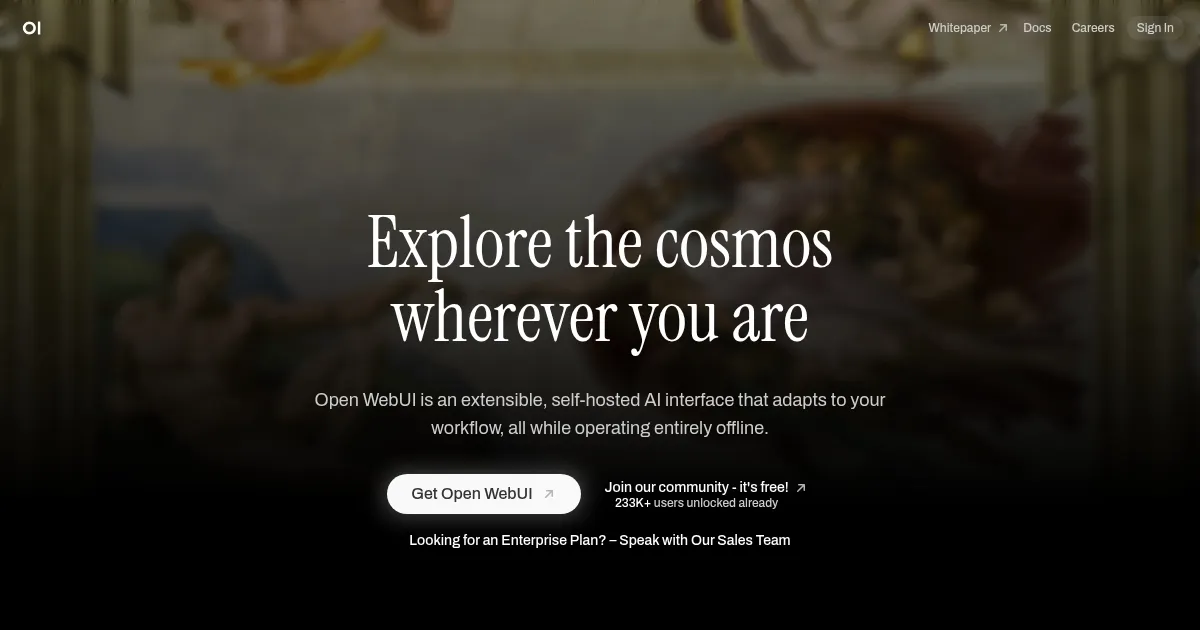
Homepage Screenshot 📸
What are the key features? ✨
- Document Integration: Upload and query documents directly in chats using the # command.
- Web Search for RAG: Integrate web search results from providers like Google or DuckDuckGo into conversations.
- Image Generation: voice mode that is currently only available on Grok iOS and Android apps.
- Pipelines Framework: Add custom logic or integrations via a modular plugin system.
- Model Builder: Create and customize models from Ollama bases within the platform.
Who is it for? 🤔
Examples of what you can use it for 💡
- Developer: Build custom AI models using the Model Builder for specific project needs.
- Researcher: Query uploaded academic papers with RAG to extract precise insights offline.
- Business Analyst: Integrate web search data into reports using Open WebUI’s search capabilities.
- Content Creator: Generate images for creative projects via AUTOMATIC1111 integration.
- IT Administrator: Deploy secure, branded AI interfaces with Enterprise Plan features.
Pros & Cons ⚖️
- Robust document integration
- Customizable via Pipelines
- Free open-source version
- Supports multiple LLMs
- Complex Docker setup
FAQs 💬
Ready to try Open WebUI?
Enables offline AI interactions with LLMs, integrating document and web content
Visit Open WebUI