Skip to content
logo-darklogo-darklogo-darklogo-dark
  • Tool Categories
    • 🎨Art & Creative Design505
    • 🏢Business Management644
    • 💻Coding & Development514
    • 👮Detection83
    • 🧠General Use728
    • 🏥Health & Wellness55
    • 📷Image & Photo Analysis100
    • 🖼️Image Generation & Editing618
    • 📐Interior & Architectural Design37
    • 🎓Learning & Education483
    • ⚖️Legal & Finance90
    • 🎭Lifestyle & Entertainment236
    • 📢Marketing & Advertising627
    • 🎧Music & Audio138
    • 👔Office & Workplace1,014
    • 🔬Research & Data Analysis373
    • 👥Social Media245
    • 🎥Video Generation & Editing426
    • 👧🏻Virtual Companion135
    • 🎤Voice Generation & Editing381
    • ✍️Writing & Editing808
    • All Categories
    • AI Use Cases
  • News
  • Events
    • Academic Conferences
    • Developer Conferences
    • Expos / Trade Shows
    • Industry Summits
    • Workshops / Training
    • All Events
    • Past Events
  • Saved Tools
  • Suggest a Tool
    ✕
    Home › General Use › Chatbot› ChatRTX
    ChatRTX

    ChatRTX by NVIDIA

    Allows users to create a personalized LLM chatbot by using their own data on their own computer

    ChatRTX is NVIDIA’s tool designed to transform how individuals and developers interact with generative AI on their local systems. Leveraging the power of NVIDIA RTX GPUs, ChatRTX allows users to create a personalized large language model (LLM) chatbot by using their own data — including documents, notes, images, and more.

    What makes ChatRTX special is its ability to process and respond to queries by accessing content stored locally on a user’s computer. This ensures that sensitive data remains private and secure, as no information needs to be uploaded to a third-party server.

    ChatRTX can handle multiple file types, including text, PDF, DOC/DOCX, and XML, among others. The application can quickly assimilate and organize files from specified folders, making them readily accessible for querying.

    ChatRTX also includes voice recognition and image search, enabling users to engage with the chatbot through spoken commands.

    For developers, it lets them create customized AI-driven applications. The technology is built on the TensorRT-LLM RAG developer reference project, which is available on GitHub. This further allows developers to not only utilize but also extend the capabilities of ChatRTX to create bespoke solutions that leverage RTX-accelerated AI performance.

    Visit ChatRTX ↗
    Categories
    🧠 General
    💬 Chatbot 🧠 Large Language Model 🤖 Assistant 🦙 Open Source Model
    👔 Work
    📤 Document Extraction
    🎓 Education
    📖 Knowledge Base

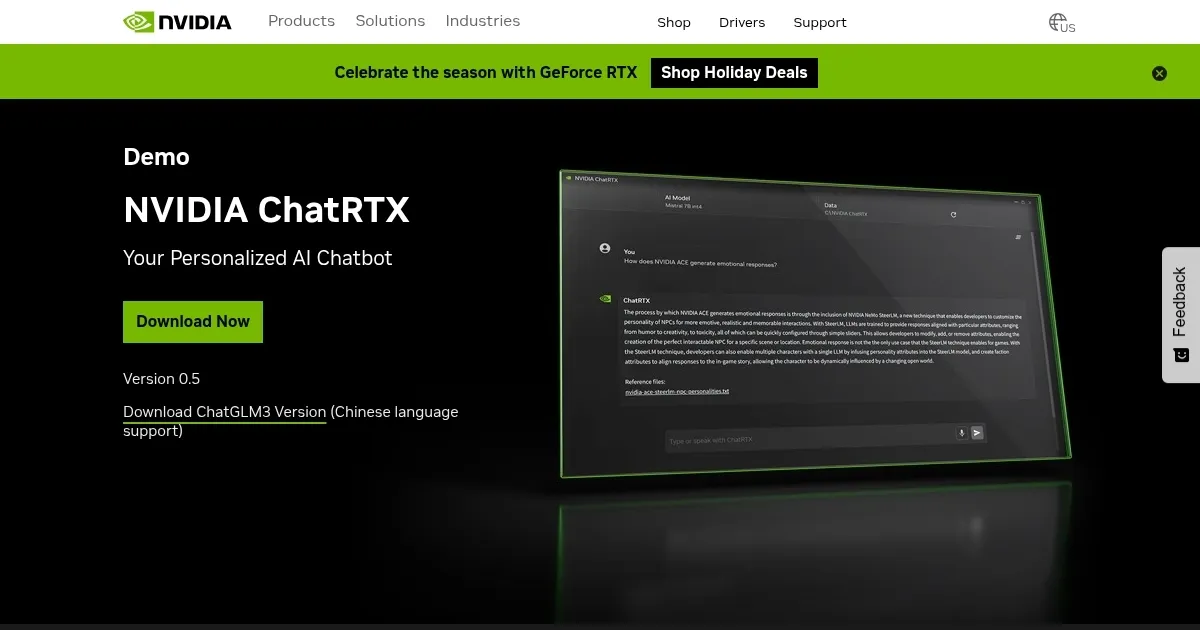
    Homepage Screenshot 📸

    ChatRTX screenshot

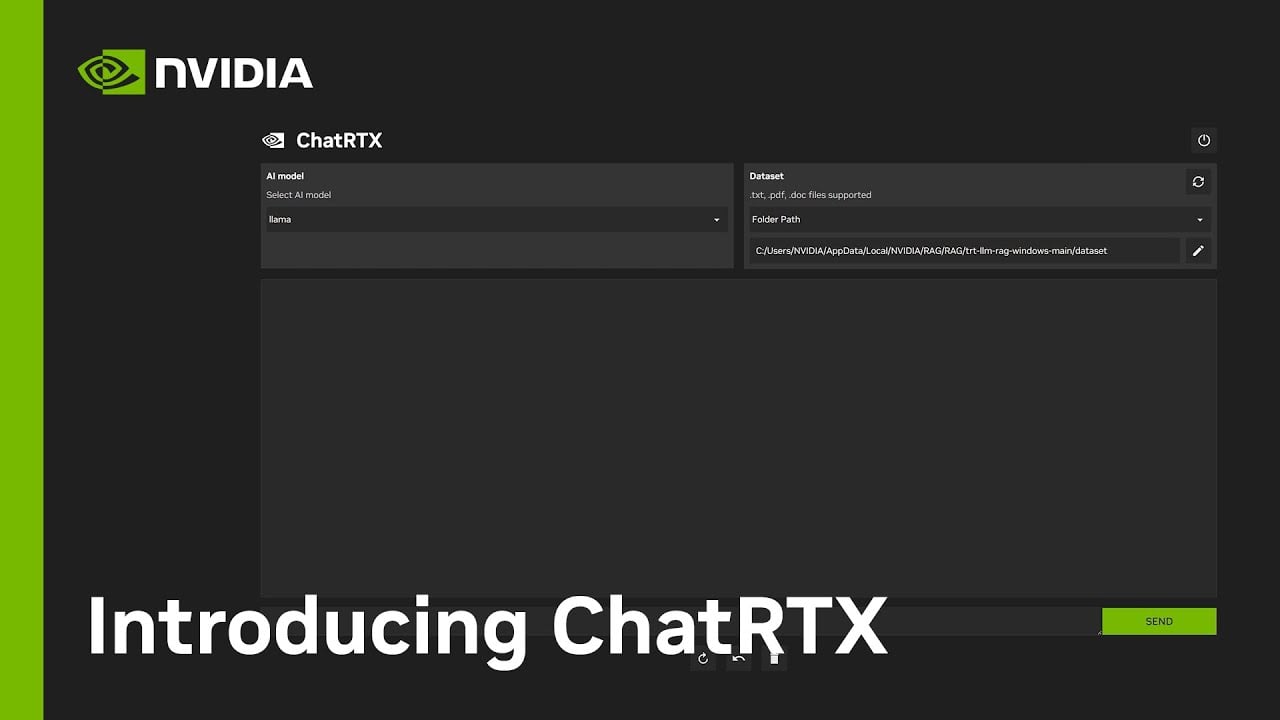
    Video Overview 🎬

    ChatRTX - Video Overview

    What are the key features? ✨

    • Personalized AI chatbot: ChatRTX allows users to create a custom chatbot that integrates their own documents, notes, and media files and later easily retrieves the information they need.
    • Local data processing: All interactions and data processing with ChatRTX take place locally on the user's computer, ensuring privacy and security for the user's data.
    • Support for different file formats: ChatRTX can handle different file formats, including TXT, PDF, DOC/DOCX, JPG, PNG, and XML.
    • Voice and image search: The tool includes voice recognition and image search functionalities, enabling users to interact with their AI chatbot using voice commands and conduct searches through their photo libraries.
    • Developer-friendly: ChatRTX is built on the TensorRT-LLM RAG developer reference project, which is available on GitHub and enables developers to create and deploy their own applications that utilize RTX-accelerated AI further.

    Who is it for? 🤔

    ChatRTX is made for tech enthusiasts and general consumers with NVIDIA RTX GPUs who are interested in enhancing their personal productivity and data management. It also appeals to developers looking to build and deploy custom AI-powered applications, as it provides a robust framework for developing generative AI tools. In addition, businesses and educational users can benefit from its capabilities for managing documents and multimedia content efficiently. All in all, anyone with a compatible NVIDIA setup seeking to leverage advanced AI locally on their Windows systems would find ChatRTX valuable.

    Examples of what you can use it for 💡

    • Manage and retrieve information from personal documents like notes, financial records, or research materials
    • Students and educators can use ChatRTX to organize and access educational materials
    • In a professional setting, teams can use ChatRTX to quickly access project-related documents and communications
    • Writers and researchers can enhance their creative processes by using ChatRTX to organize research and draft materials
    • For those with extensive collections of photos and videos, ChatRTX can be used to efficiently sort and search through these files

    Pros & Cons ⚖️

    • Allows anyone to create their own AI chatbot
    • Privacy friendly - everything happens on your local machine
    • Good for different use cases
    • Windows and (select) NVIDIA hardware, only

    FAQs 💬

    What hardware does ChatRTX require?
    It needs a Windows PC with an RTX 30 or 40 series GPU and at least 8GB VRAM, plus 16GB system RAM for smooth operation.
    Is ChatRTX completely free?
    Yes, the application and all core models download at no cost, with no subscription required.
    Can ChatRTX process videos?
    It supports basic video querying through transcripts but performs best with text and images; full analysis is limited.
    How does ChatRTX ensure data privacy?
    All processing happens locally on your GPU, so files and queries never leave your device.
    What file types does it support?
    It handles TXT, PDF, DOC/DOCX for text, and JPG, PNG, GIF for images; other formats may need conversion.
    Does it work on macOS or Linux?
    No, it's Windows-exclusive due to RTX optimizations; alternatives like Ollama suit other OS.
    How accurate are responses with personal data?
    Accuracy improves with more relevant files via RAG, but hallucinations can occur in complex queries.
    Can I use custom models?
    It supports NVIDIA-optimized NIMs; third-party models require conversion to compatible formats like INT4.
    What's the installation process?
    Download the EXE from NVIDIA, run it, and select models; expect 100GB download for full setup.
    How does it compare to cloud AIs like ChatGPT?
    It offers similar chat but offline with personal data integration, trading scale for privacy and speed on RTX.

    Ready to try ChatRTX?

    Allows users to create a personalized LLM chatbot by using their own data on their own computer

    Visit ChatRTX ↗

    ChatRTX alternatives 🔗

    1. ChatGPT ChatGPT All-round AI assistant generating human-like responses to user queries and tasks
    2. AnythingLLM AnythingLLM An open-source AI application that lets you interact with your documents using LLMs
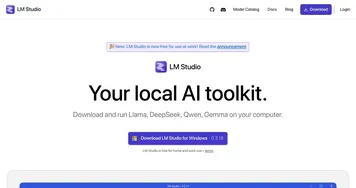
    3. LM Studio LM Studio An AI platform that helps users discover, download, and run local large language models
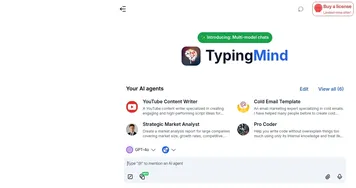
    4. TypingMind TypingMind A better UI for ChatGPT with folders, search, export, prompt library, and more
    5. Open WebUI Open WebUI Enables offline AI interactions with LLMs, integrating document and web content
    6. Jan AI Jan AI An open-source platform that transforms your computer into an AI powerhouse
    Share
    ChatRTX screenshot enlarged
    Best AI Tools

    Discover the best AI tools for any use case

    Explore
    • Tool Categories
    • AI Use Cases
    • AI Events
    • AI News
    • Saved Tools
    Company
    • About Us
    • Contact Us
    • Media & Partnerships
    • Suggest a Tool
    Legal
    • Privacy Policy
    • Terms of Service
    Copyright © 2026 Best AI Tools 415 Mission Street, 37th Floor, San Francisco, CA 94105