PDF to Brainrot
A cool AI tool that can flip dull PDFs into fun study clips
PDF to Brainrot is a cool AI tool that can flip dull PDFs into fun study clips. In that sense, it can grab any PDF — textbooks, papers, notes — and turn it into short, TikTok-style videos with voiceovers, music, and cool visuals in 2-3 minutes. PDF to Brainrot breaks chunks of info into bite-size clips that feel like they pop off the screen.
And the best part is that the tool is free and requires no sign-ups — as in, you can try it for free before spending a single cent of your hard-earned money. Moreover, it keeps your PDFs private — after transforming, your file vanishes. There’s no data hoarding and no shady storage.
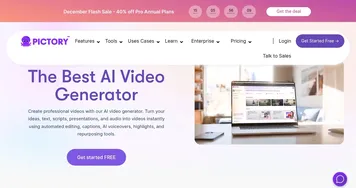
PDF to Brainrot sits in a league with tools like Vrew, Raw Shorts, and VidAI — but stands out for its zero-login ease and TikTok-style flair. It’s fun and focused on making content stick.
Alas, not everything is perfect here as you probably already know that short, TikTok-style videos are attention killers for adults, let alone children. So, PDF to Brainrot shouldn’t replace reading but supplement it.
Nevertheless, it could be used for creation of memorable clips to help users memorize important details. Again, PDF to Brainrot should not replace books, but should complement them.
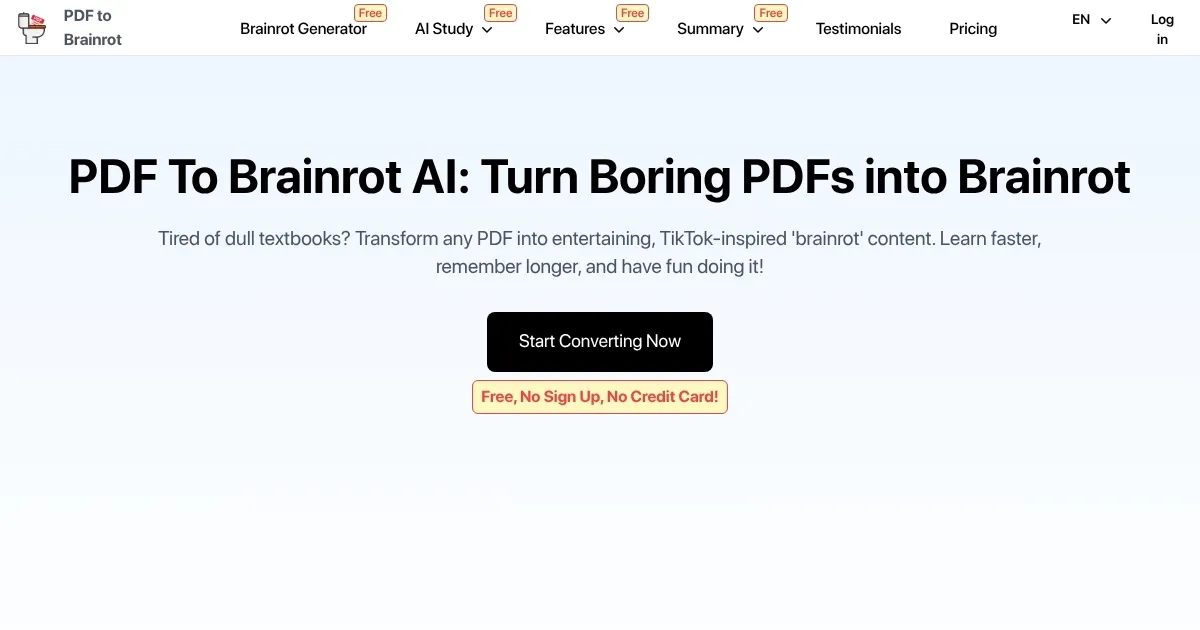
Homepage Screenshot 📸
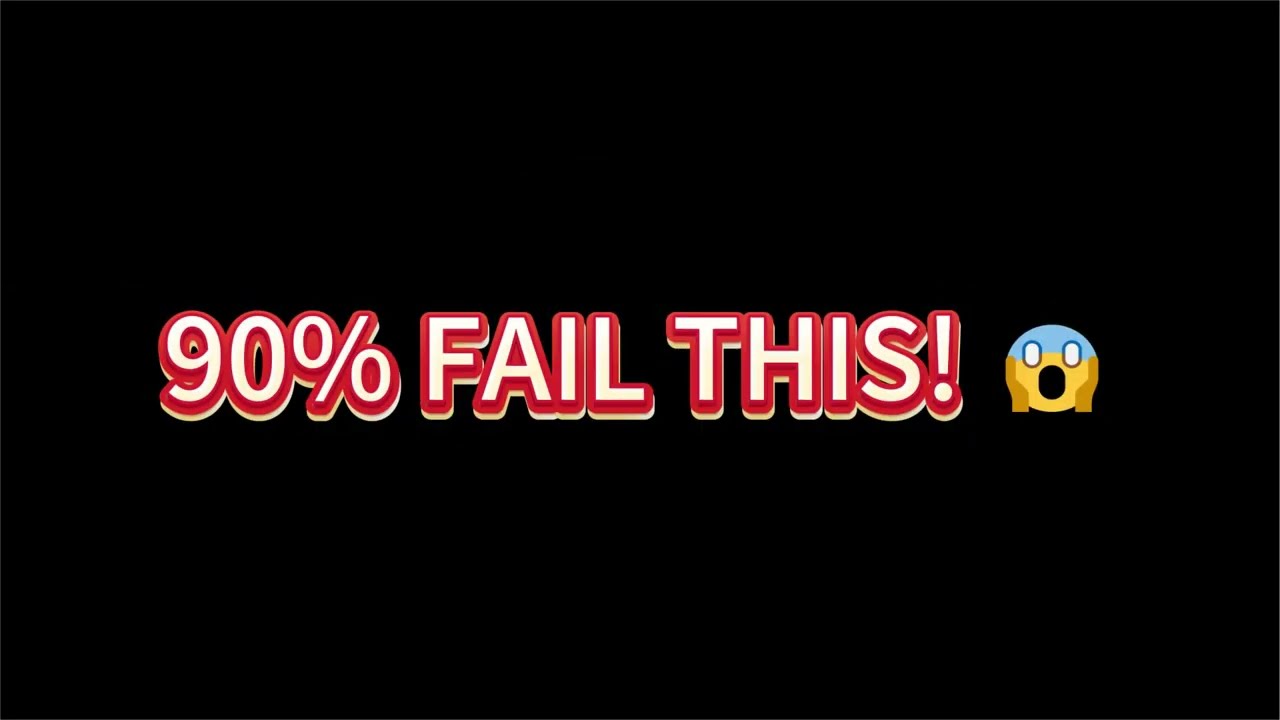
Video Overview 🎬
What are the key features? ✨
- Fast PDF-to-video conversion: PDF to Brainrot can turn any PDF into a short, engaging clip in just 2-3 minutes.
- No signup, no cost at first: It gives you three free clips daily with no registration, credit card, or hassle required.
- Owns privacy, deletes content: Your PDF uploads self-destruct after processing. No saved files.
- Customizable styles and voiceovers: Choose between Brainrot, Quiz, or Raw modes. Pick voices and background music to match your vibe.
- Multi-format support: Works with URLs, text, essays, even LaTeX. Converts almost anything into quick study clips.
Who is it for? 🤔
Examples of what you can use it for 💡
- Students can use it to create fast, memorable for content for on the go learning
- Lifelong learners can turn dense papers into fun study sessions
- Educators can make bite-sized review clips instead of long lectures
- Content creators can use it to create quick, scrollable videos from PDFs
- Professionals can use it to prepare training summaries in short, social-ready formats
Pros & Cons ⚖️
- Turns PDFs into fun video clips in minutes
- Free with no login required
- Offers multiple styles and voice choices
- Limited to three free clips per day
Ready to try PDF to Brainrot?
A cool AI tool that can flip dull PDFs into fun study clips
Visit PDF to BrainrotPDF to Brainrot alternatives 🔗