Peacasso
Generates digital art using AI diffusion models from text or image prompts
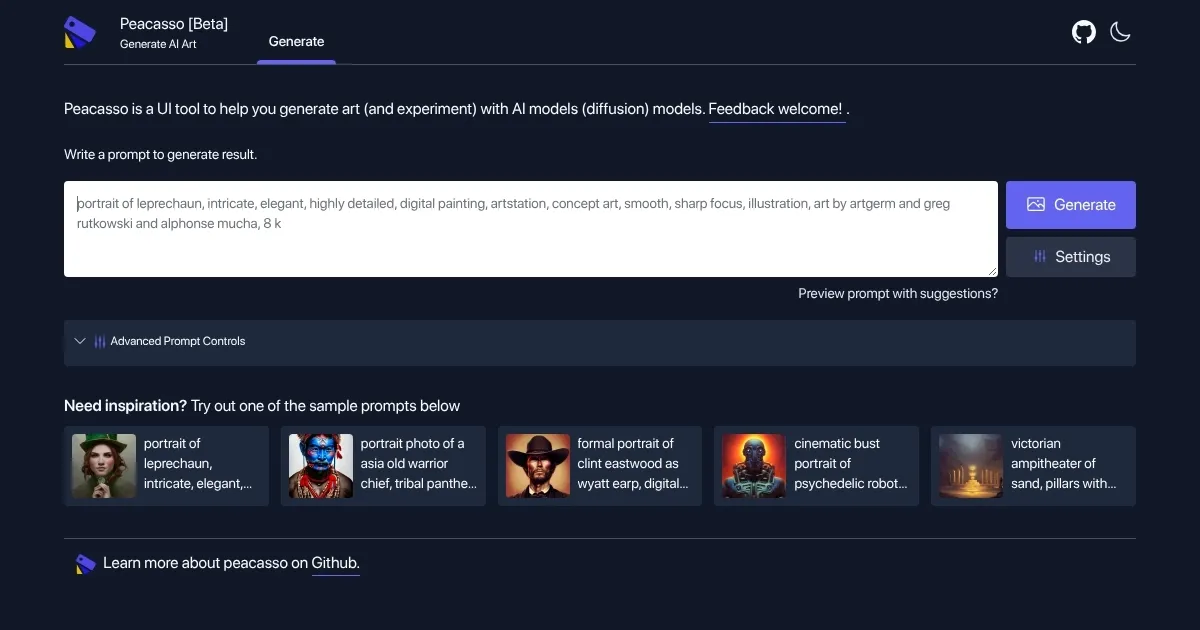
I had a chance to try out Peacasso, and my first impression is that it’s like opening a sketchbook where your wildest ideas come to life with a few keystrokes. This beta tool, crafted by Victor Dibia, turns text or images into digital art using stable diffusion models. I typed “steampunk airship over a desert, golden hour, ultra-detailed” and watched Peacasso conjure a scene that felt ripped from a sci-fi novel. The interface is intuitive, a sleek dashboard where you can tweak settings or upload images. It’s not perfect, but it’s got a certain charm that pulls you in.
The text-to-image feature is the heart of Peacasso. You type a prompt, adjust sliders for things like guidance scale or image resolution, and hit generate. My airship came out crisp, with gears and glowing lights, though it took a few tries to nail the details. The image-to-image option surprised me, I uploaded a doodle of a tree, and Peacasso turned it into a lush, fantasy forest scene. Inpainting saved the day when I wanted to tweak a patchy cloud without scrapping the whole image. The advanced prompt controls, like prompt weights, let you emphasize certain elements, which is great for fine-tuning.
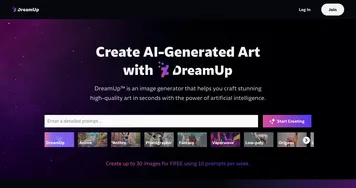
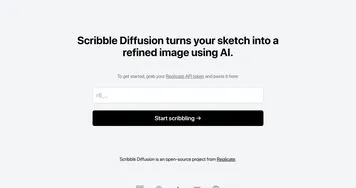
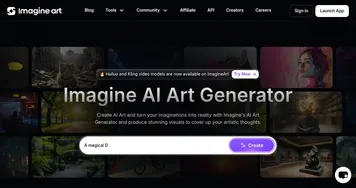
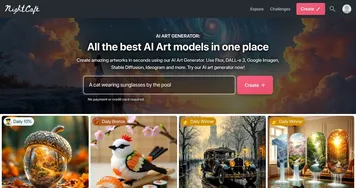
Still, it’s not all rosy. My laptop groaned under the GPU demands, and without a beefy setup, you’re stuck using Google Colab, which feels like a workaround. The beta version occasionally stumbles, my first attempt at a 4K image froze mid-generation. Compared to Stable Diffusion or Artbreeder, Peacasso’s output is impressive but can feel less refined on super complex prompts. The free price tag is a huge plus, especially against subscription-based tools, but you’ll need patience for local setup.
What caught me off guard was how fun it is to experiment. The sample prompts on the site, like “Victorian amphitheater of sand,” got my creative juices flowing. It’s like a brainstorming partner that never runs out of ideas. If you’re new to AI art, start simple, use the sample prompts, and don’t be afraid to tweak settings. Keep a notebook for your best prompts, they’re gold for iterating.
Homepage Screenshot 📸
What are the key features? ✨
- Text-to-Image: Generates artwork from text prompts using stable diffusion models.
- Image-to-Image: Transforms uploaded images into new art based on prompts.
- Inpainting: Edits specific areas of an image without altering the entire piece.
- Prompt Weights: Adjusts emphasis on prompt elements for customized results.
- Python API: Offers programmatic access for advanced experimentation.
Who is it for? 🤔
Examples of what you can use it for 💡
- Concept Artist: Creates detailed game or film art from text descriptions.
- Hobbyist Illustrator: Turns sketches into polished digital illustrations.
- AI Researcher: Experiments with diffusion model parameters via Python API.
- Graphic Designer: Refines designs using inpainting for precise edits.
- Creative Writer: Visualizes story settings with custom text prompts.
Pros & Cons ⚖️
- Free to use locally
- Supports high-resolution outputs
- Python API for advanced users
- Requires GPU for local use
- Less polished than competitors
FAQs 💬
Ready to try Peacasso?
Generates digital art using AI diffusion models from text or image prompts
Visit PeacassoPeacasso alternatives 🔗