Pin Generator
Automates Pinterest pin creation and scheduling for blogs and e-commerce
You’re a blogger, staring at a blank screen, trying to figure out how to turn your latest post into a Pinterest pin that doesn’t just sit there but actually drives clicks. Enter Pin Generator, a tool that feels like it was built by someone who gets the grind of content creation. This AI-powered platform takes the slog out of designing and scheduling Pinterest pins, automating everything from image selection to caption writing. It’s not just a time-saver. It’s a strategy booster, pulling in data from your website to craft pins that align with Pinterest’s algorithm. I think it’s the kind of tool that makes you wonder how you ever managed without it.
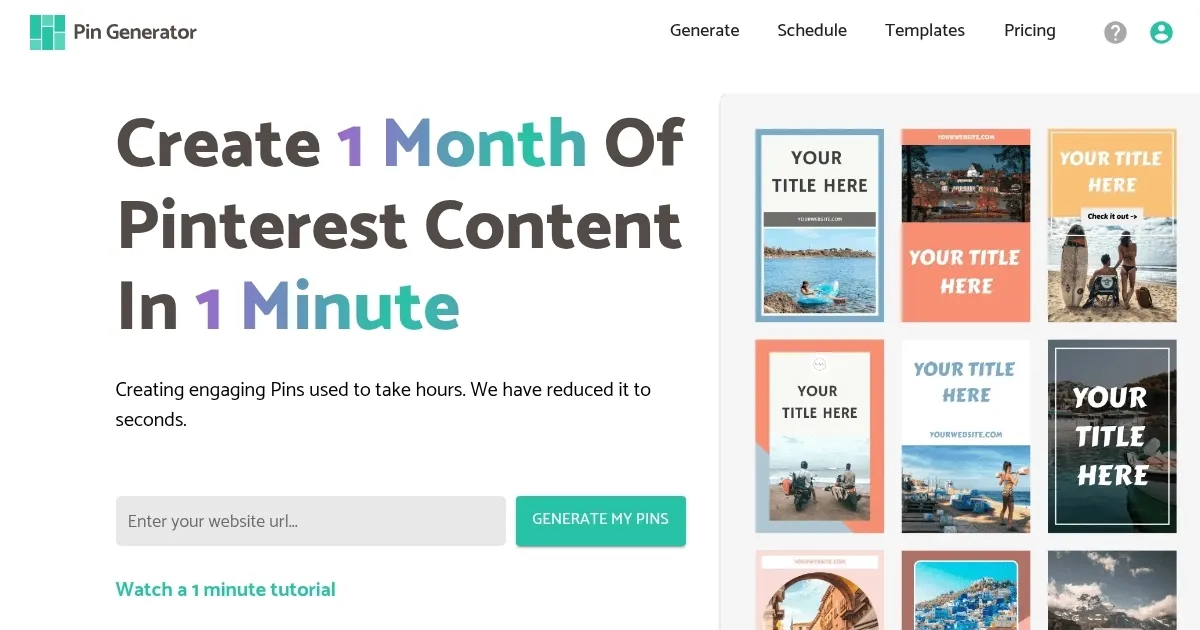
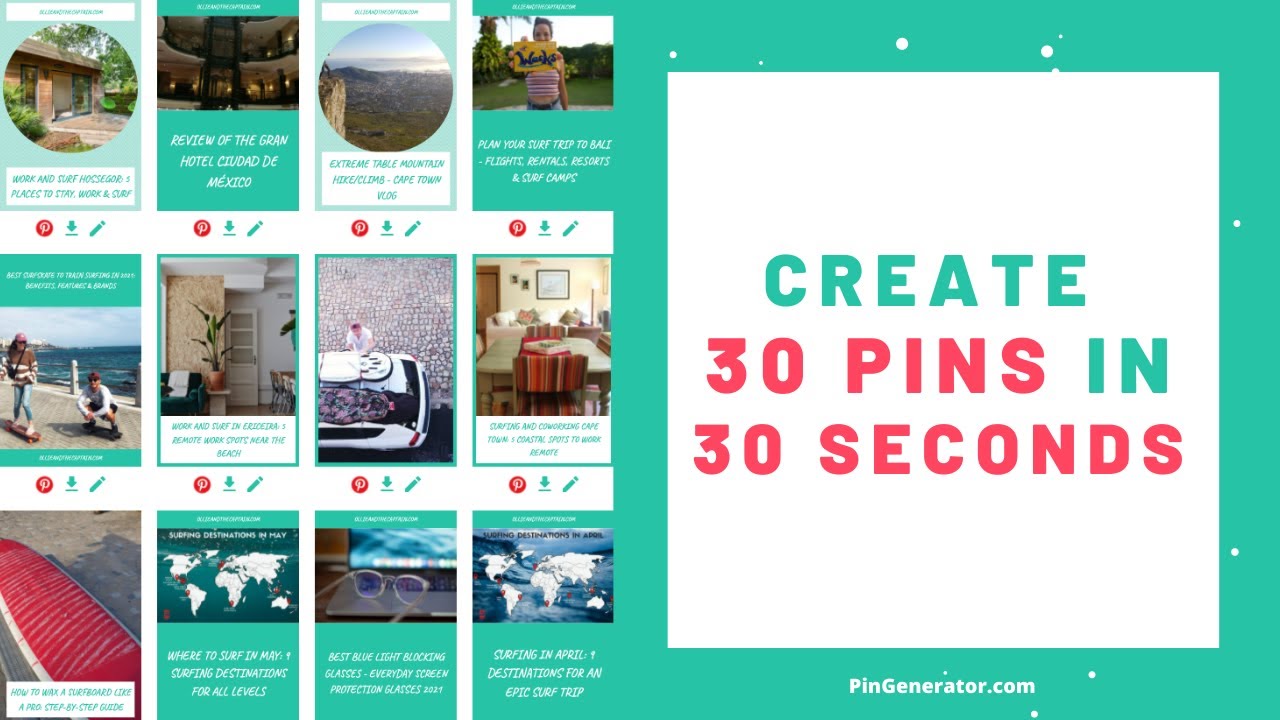
Pin Generator starts with a simple premise: enter your website URL, and it scrapes images and text to generate pins in seconds. The AI Text Writer churns out titles and descriptions optimized for Pinterest’s search engine, which is a big deal when you consider that Pinterest’s 450 million monthly users treat it like a visual Google. The Bulk Scheduler lets you queue up a month’s worth of pins in one go, and the Template Creator offers niche-specific designs, from food blogs to fashion e-commerce. You can even import products from Shopify or Etsy, making it a breeze for online stores to showcase their wares. It’s smooth, intuitive, and integrates directly with Pinterest, so you’re not jumping through hoops to post.
But it’s not perfect. The free plan feels a bit like a teaser, offering limited pin credits that might leave small bloggers wanting more. Some users on Reddit have noted occasional glitches when importing products from external platforms, which can disrupt the workflow if you’re on a tight schedule. And while the templates are extensive, they’re not always as customizable as, say, Canva, which offers more granular control over design elements. Still, Pin Generator’s focus on Pinterest-specific optimization gives it an edge over generalist tools like Canva or Tailwind, which, while robust, don’t zero in on Pinterest’s unique algorithm as effectively.
What might surprise you is the Pinterest Keyword Tool. It’s not just a throw-in feature. It analyzes trends and suggests high-performing keywords, helping your pins pop up in more searches. This kind of data-driven nudge is gold for anyone serious about traffic. The platform also supports unlimited Pinterest profiles, a boon for agencies or creators managing multiple accounts. Compared to competitors like Hootsuite, which spreads itself across social platforms, Pin Generator’s laser focus on Pinterest feels refreshing, almost obsessive in its precision.
The pricing? It’s competitive, with a free tier and paid plans that scale based on pin volume. It’s not the cheapest option — Tailwind might undercut it slightly — but the Pinterest-specific features justify the cost for dedicated users. I’d recommend starting with the free trial to see if it fits your workflow. Test it with a single blog post or product page, play with the templates, and check the analytics to see how your pins perform. If you’re serious about Pinterest, this tool could be your secret weapon. Just don’t expect it to design your entire brand aesthetic from scratch — that’s where you’ll need to bring your own flair.
Homepage Screenshot 📸
Video Overview 🎬
What are the key features? ✨
- AI Text Writer: Crafts SEO-optimized pin titles and descriptions from website data.
- Bulk Scheduler: Schedules multiple pins across boards for consistent posting.
- Template Creator: Offers niche-specific, customizable pin designs for brand consistency.
- Pinterest Keyword Tool: Identifies high-performing keywords to boost pin visibility.
- Multi-Board Pinning: Posts pins to multiple boards simultaneously for efficiency.
Who is it for? 🤔
Examples of what you can use it for 💡
- Blogger: Creates SEO-optimized pins to drive traffic to new blog posts.
- E-commerce Owner: Imports products from Shopify to generate pins for online stores.
- Affiliate Marketer: Schedules pins with affiliate links to promote products efficiently.
- Social Media Manager: Manages multiple Pinterest accounts with bulk scheduling.
- Content Creator: Uses keyword tools to target trending topics for higher visibility.
Pros & Cons ⚖️
- Unlimited profile support
- Keyword research tool
- Seamless Pinterest integration
- Limited free plan credits
- Basic analytics features
FAQs 💬
Ready to try Pin Generator?
Automates Pinterest pin creation and scheduling for blogs and e-commerce
Visit Pin GeneratorPin Generator alternatives 🔗