Plus AI
Make slides in seconds and edit them with AI, it's free for Google Slides
Formerly known as Plus Docs, Plus AI is an AI tool that lets anyone create stunning Google Sheets presentations.
In order to use it, you’ll have to install a Google Slides add-on and then access it whenever you need help crafting a presentation.
Instead of starting from scratch, Plus AI lets you write what kind of presentation you want to create, and it will come up with the first draft for you.
From that point on, you can easily add, remix, and rewrite slides to fine-tune your presentation.
Plus AI comes with a number of slide templates, allowing you to easily add slides such as metrics, charts, geo-related data, timelines, main/key points, and much more.
The tool can even rewrite your text by changing the tone, lengthening or summarizing it to fit your needs. Moreover, you can translate the text to another language.
Plus AI is being used to create all kinds of presentations, including (but not limited to) sales presentations, webinars, training decks, strategy and research reports, and more. And the best part is that you can try it for free. So check it out.
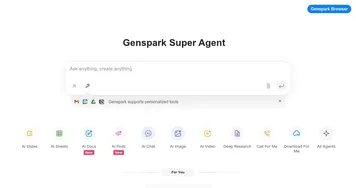
Homepage Screenshot 📸

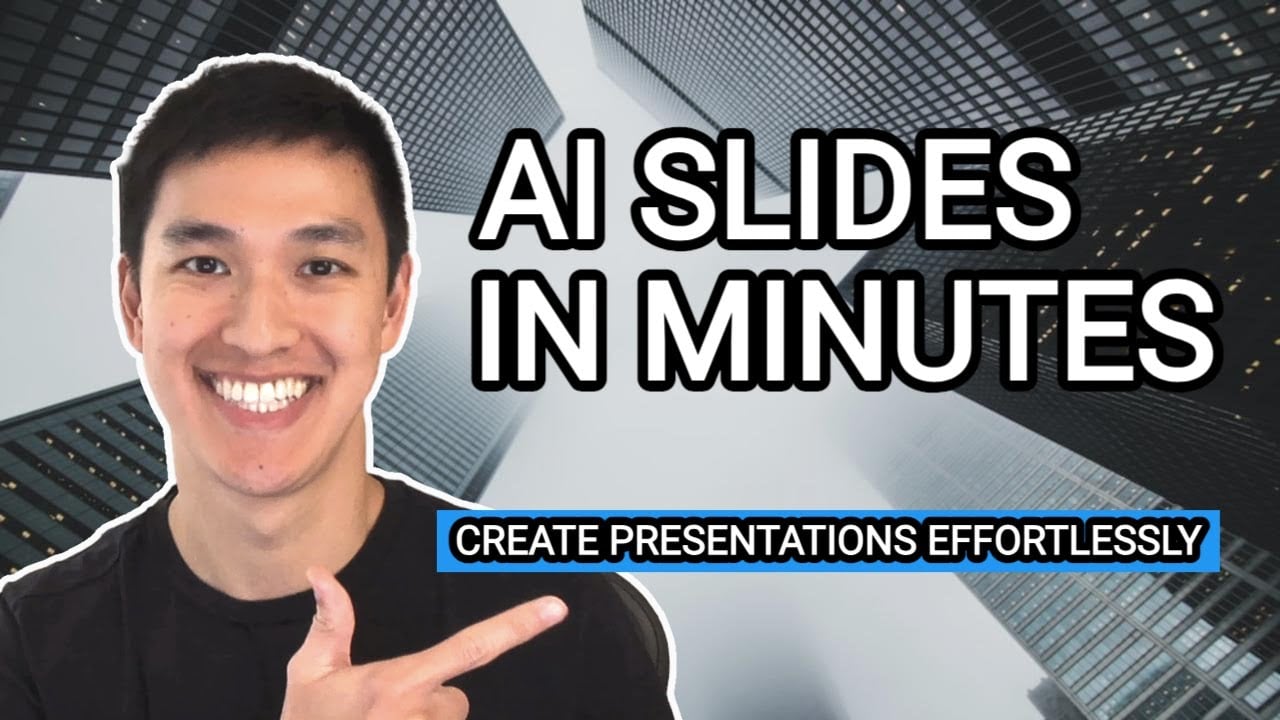
Video Overview 🎬
What are the key features? ✨
- Prompt to presentation: Create a Google Slides presentation in a couple of minutes. Start with any prompt and watch Plus AI bring your ideas to life.
- Convert text to slides: Have a prepared text you want to use for your presentation? "Give" it to Plus AI and see how it can transform it into a presentation. You may want to change a few details here and there, but the majority of the work is done for you.
- Transform your slides: Editing your presentation is easy with Plus AI. Pick a layout and let the AI intelligently remix your content to fit the slide design. It will be able to do it even if it's just a blob of raw text.
- 100+ slide layouts: Plus AI comes with an expansive library of slide layouts. You can use them to create a perfect presentation for anything. You don't want all your slides to be the same.
- Multi-language support: The tool can generate, edit, and translate Google Slides presentations in Spanish, French, German, Portuguese, Italian, and many other languages.
Who is it for? 🤔
Examples of what you can use it for 💡
- Create a professionally looking presentation with ease
- Make your presentation stand out
- Play with different slide styles to create a really amazing presentation
- Prepare sliding decks for webinars and educational sessions
- Translate your presentation to another language(s)
Pros & Cons ⚖️
- Allows anyone to create professional presentations
- Also helps with content generation
- You can translate your presentation to another language with ease
- PowerPoint add-on is still in development
FAQs 💬
Ready to try Plus AI?
Make slides in seconds and edit them with AI, it's free for Google Slides
Visit Plus AIPlus AI alternatives 🔗