Qodo
Automates context-aware code reviews and quality checks across the development lifecycle
Formerly known as CodiumAI, Qodo is an advanced AI tool designed to enhance the software development process by assisting developers in generating meaningful tests for their code directly within their Integrated Development Environment (IDE) or via Git platforms. Its primary objective is to provide non-trivial (as well as trivial) analysis and test suggestions to ensure that code operates as intended, bolstering developers’ confidence before they commit their code.
Qodo integrates with popular IDEs and Git platforms, offering features like analyzing code alongside docstrings and comments, interacting with developers to suggest appropriate tests on the fly, and full visibility into how changes affect overall code behavior. By automating the generation of test cases and pinpointing edge cases and potential coding behaviors that could lead to issues, Qodo streamlines the testing process — saving developers time and enhancing the quality and integrity of the code they produce.
The tool specializes in testing-domain prompting, employing a methodology that combines multiple prompts in parallel to create diverse and meaningful tests. It places a strong emphasis on security by analyzing only the necessary code under SSL encryption and maintains SOC2 certification to ensure the highest standards of data privacy and protection.
Available for free for individual developers, with plans to launch an enterprise version and open-source the technology – Qodo supports various programming languages and works across popular IDEs like Visual Studio Code and JetBrains.
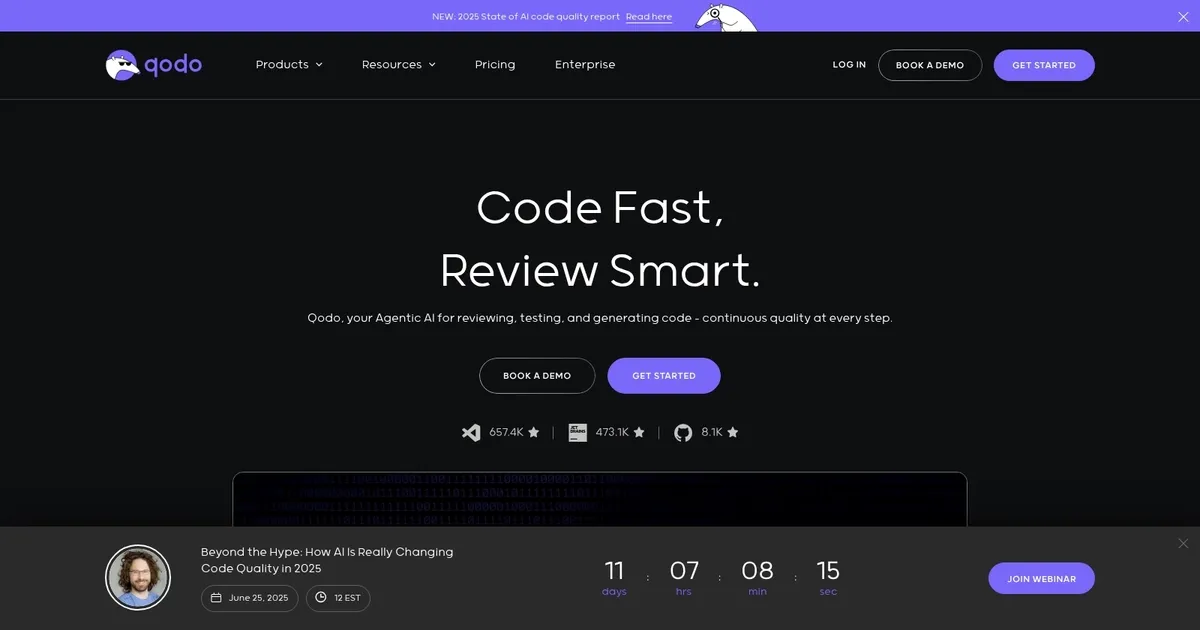
Homepage Screenshot 📸
Video Overview 🎬

What are the key features? ✨
- IDE Integration: Embeds review agents for real-time local code analysis and fixes.
- Pull Request Automation: Provides context-aware reviews and suggestions in GitHub/GitLab PRs.
- Test Generation: Automatically creates relevant tests for code changes and untested logic.
- Context Engine: Offers multi-repository awareness for detecting cross-repo issues.
- Custom Rule Enforcement: Applies organization-specific standards and compliance checks.
Who is it for? 🤔
Examples of what you can use it for 💡
- Engineering Teams: Automate PR reviews to reduce bottlenecks and enforce standards consistently.
- Individual Developers: Get real-time feedback and test generation in the IDE for higher quality personal projects.
- Enterprise Organizations: Scale quality governance across large codebases with multi-repo context and compliance tools.
- Open-Source Maintainers: Use free tools for bug detection and review assistance in public repositories.
- Security-Focused Teams: Validate changes against policies to catch vulnerabilities early.
Pros & Cons ⚖️
- Deep codebase context awareness
- Automated test generation
- Reduces review time significantly
- Strong enterprise privacy options
- Occasional false positives initially
- Setup effort for custom rules
FAQs 💬
Ready to try Qodo?
Automates context-aware code reviews and quality checks across the development lifecycle
Visit QodoQodo alternatives 🔗