logo-darklogo-darklogo-darklogo-dark
  • Tool Categories
    • 🎨Art & Creative Design505
    • 🏢Business Management644
    • 💻Coding & Development515
    • 👮Detection83
    • 🧠General Use727
    • 🏥Health & Wellness55
    • 📷Image & Photo Analysis100
    • 🖼️Image Generation & Editing618
    • 📐Interior & Architectural Design37
    • 🎓Learning & Education483
    • ⚖️Legal & Finance90
    • 🎭Lifestyle & Entertainment236
    • 📢Marketing & Advertising627
    • 🎧Music & Audio138
    • 👔Office & Workplace1,014
    • 🔬Research & Data Analysis372
    • 👥Social Media245
    • 🎥Video Generation & Editing426
    • 👧🏻Virtual Companion135
    • 🎤Voice Generation & Editing381
    • ✍️Writing & Editing808
    • All Categories
    • AI Use Cases
  • News
  • Events
    • Academic Conferences
    • Developer Conferences
    • Expos / Trade Shows
    • Industry Summits
    • Workshops / Training
    • All Events
    • Past Events
  • Saved Tools
  • Suggest a Tool
✕
Home › Voice Generation & Editing › Text-to-Speech› ReadSpeaker
ReadSpeaker

ReadSpeaker

Converts text into lifelike spoken audio using AI voices across many languages

ReadSpeaker is a text-to-speech (TTS) solution that can convert written content into lifelike audio across various applications and sectors. The company behind the product has over two decades of experience in pioneering voice technology and has recently expanded its offerings to support even more uses — including accessibility, education, entertainment, government, healthcare, and more.

This flexibility is achieved through an extensive portfolio of solutions, including webReader, docReader, TextAid, and specialized APIs for developers — ensuring that whether for individual or enterprise needs, ReadSpeaker can provide a tailored voice experience.

ReadSpeaker supports over 200 natural-sounding voices across more than 50 languages, enabling content creators to reach a global audience. This can be particularly beneficial for educational institutions, corporations, non-profits, and government bodies looking to improve their online user experience.

The inclusion of SSML (Speech Synthesis Markup Language) allows for precise control over voice output, making it possible to tailor the speech output to fit various contexts and content types. Also, there is batch processing and the ability to handle multiple languages within a single script.

In addition, ReadSpeaker’s offers various integration options that make it a versatile tool for creating engaging audio content. Whether through the use of speechCloud API for programmatic audio production or the ability to customize pronunciations with a phonetic dictionary, users have the flexibility to produce high-quality voice outputs that suit their specific needs.

All this positions ReadSpeaker as a great choice for those looking to enhance their digital content with lifelike speech technology.

Visit ReadSpeaker ↗
Categories
🎤 Voice
📢 Text-to-Speech 🗨️ Voice Generation 🔊 Speech Synthesis 📣 Voice Over 👯 Voice Cloning
🎓 Education
📚 Reading

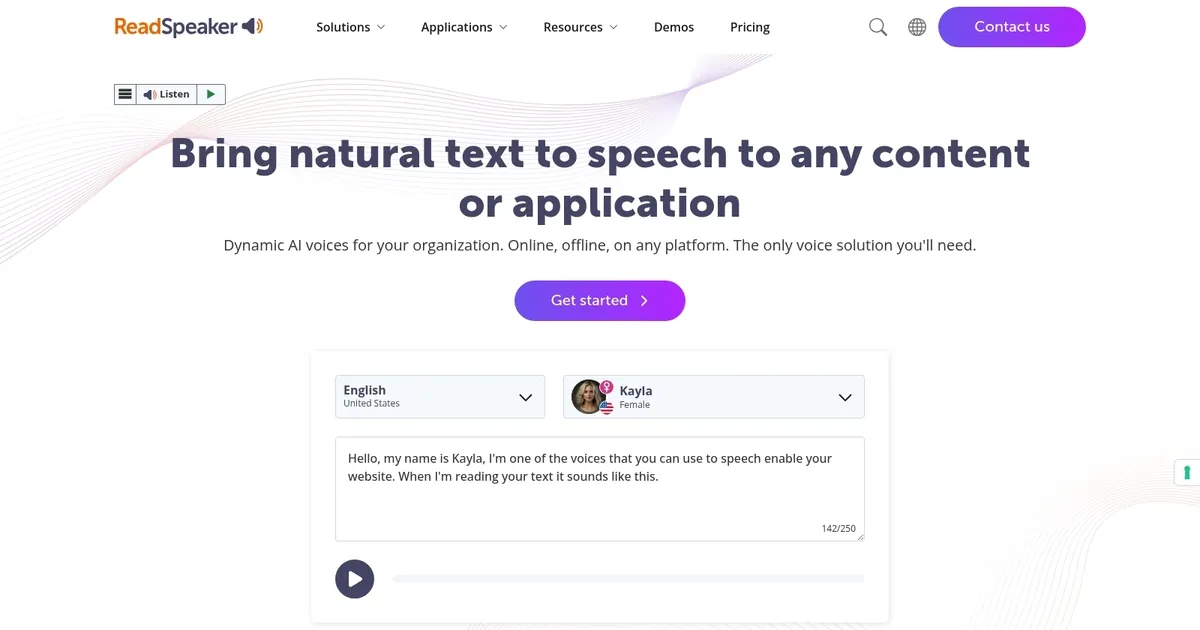
Homepage Screenshot 📸

ReadSpeaker screenshot

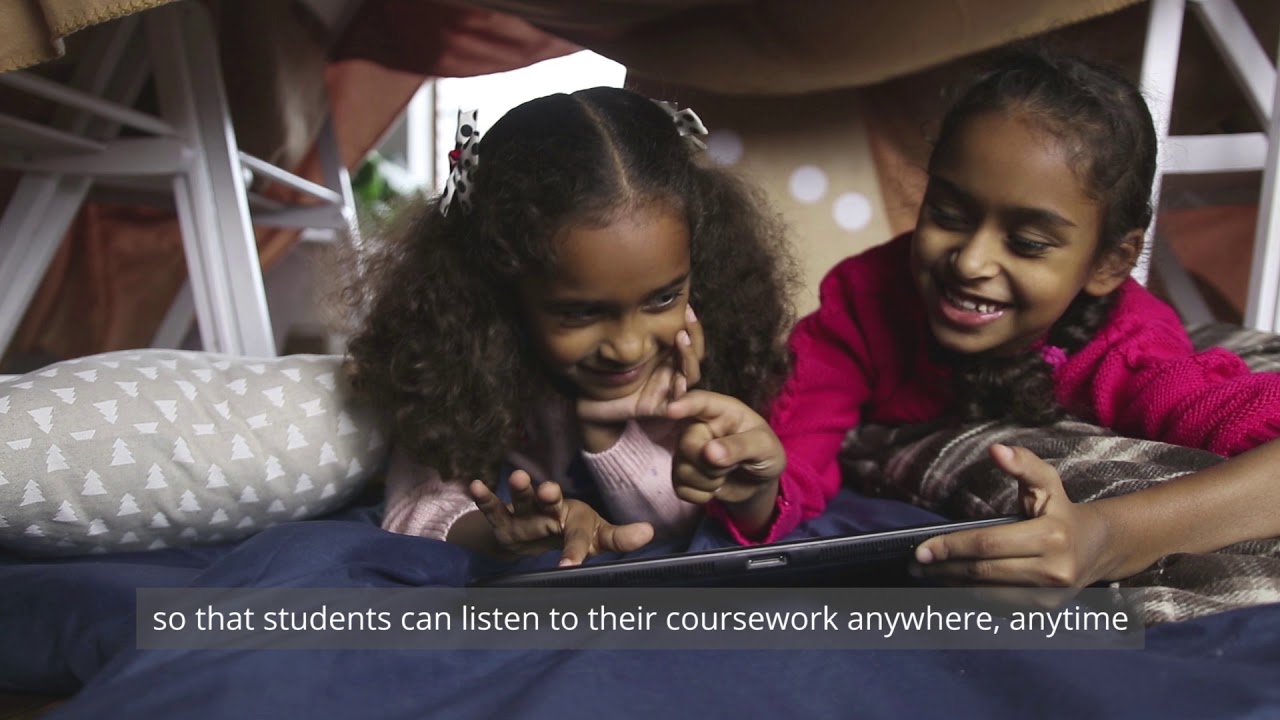
Video Overview 🎬

ReadSpeaker - Video Overview

What are the key features? ✨

  • AI-Powered Voices: Delivers over 200 realistic, expressive neural voices in 50+ languages and dialects for natural-sounding output.
  • Web & Document Reading: Includes webReader for websites and docReader for PDFs/Word files with synced text highlighting.
  • Custom Voice Creation: Builds exclusive branded voices through full-service development for unique identity.
  • Flexible Deployment: Supports cloud SaaS, on-premise servers, embedded SDKs, and offline capabilities.
  • Education Suite: Provides LMS integrations, TextAid literacy tools, and accessible assessment support.

Who is it for? 🤔

ReadSpeaker helps organizations and institutions that need reliable, high-quality text-to-speech for accessibility and engagement. Schools, universities, government agencies, publishers, and businesses focused on inclusivity find it valuable. Developers building voice features into apps or devices benefit from its APIs and SDKs. Anyone prioritizing compliance, multi-language support, and ethical voice tech in education, public services, or global content delivery will appreciate its strengths.

Examples of what you can use it for 💡

  • Education professional: Adds audio to textbooks, assessments, and online courses so students with reading challenges can follow along easily.
  • Web developer: Embeds webReader into sites to let visitors listen to articles or pages for better accessibility and longer engagement.
  • Government agency: Provides multi-language audio for public documents and services to meet inclusivity regulations.
  • Brand manager: Creates a custom branded voice for marketing, announcements, or customer experiences that stands out.
  • App integrator: Uses speechCloud API to add natural TTS to mobile or kiosk applications for hands-free interaction.

Pros & Cons ⚖️

  • Highly natural voices
  • Strong accessibility focus
  • Wide language support
  • Flexible deployment options
  • Setup can be complex
  • Premium enterprise pricing

FAQs 💬

What is ReadSpeaker mainly used for?
ReadSpeaker converts text to natural-sounding speech for websites, documents, apps, and education to improve accessibility and user engagement.
How many languages and voices does ReadSpeaker support?
It offers over 200 AI voices in more than 50 languages, including many dialects and less common ones like Welsh or Hindi.
Can ReadSpeaker create a custom voice for my brand?
Yes, the Custom Voice service develops exclusive, branded voices through a full in-house process.
Is ReadSpeaker suitable for education?
It excels in education with an Education Suite, LMS plugins, and tools like TextAid for literacy and inclusive learning.
Does it work offline or on-premise?
Yes, options include on-premise servers, embedded SDKs, and offline-capable deployments alongside cloud SaaS.
How does ReadSpeaker compare to Google Cloud Text-to-Speech?
ReadSpeaker focuses more on accessibility and education integrations, while Google offers broader developer tools and potentially lower high-volume costs.
Is there a free trial or demo?
Yes, you can try voices and basic features directly on their website demo page without signup.
Does it support secure or password-protected sites?
Yes, it works on HTTPS and password-protected content without requiring user downloads.

Ready to try ReadSpeaker?

Converts text into lifelike spoken audio using AI voices across many languages

Visit ReadSpeaker ↗

ReadSpeaker alternatives 🔗

  1. ElevenLabs ElevenLabs Generates lifelike, expressive AI voices for diverse applications
  2. CapCut Creative Suite CapCut Creative Suite Online creative suite for everyone to create stunning images and videos
  3. VEED VEED Creates pro-level videos with AI-powered editing and collaboration tools
  4. Clipchamp Clipchamp Edit videos effortlessly with AI-powered tools and templates
  5. HeyGen HeyGen Generative AI video creation platform
  6. Speechify Speechify Transforms text into natural-sounding speech for effortless listening
Share
ReadSpeaker screenshot enlarged
Promote ReadSpeaker
light badge
Copy Embed Code
dark badge
Copy Embed Code
neutral badge
Copy Embed Code
Best AI Tools

Discover the best AI tools for any use case

Explore
  • Tool Categories
  • AI Use Cases
  • AI Events
  • AI News
  • Saved Tools
Company
  • About Us
  • Contact Us
  • Media & Partnerships
  • Suggest a Tool
Legal
  • Privacy Policy
  • Terms of Service
Copyright © 2026 Best AI Tools 415 Mission Street, 37th Floor, San Francisco, CA 94105