Speaktor
Converts text to natural-sounding audio in multiple languages for diverse applications
Speaktor is a gem in the crowded text-to-speech market, I think, because it balances simplicity with surprising depth. You paste some text, pick a voice, and boom — natural-sounding audio pours out in seconds, ready for your podcast, video, or classroom. It’s not just a tool, it’s a time-saver that feels like having a voice actor on speed dial. The platform supports over 50 languages, from Spanish to Turkish, and offers a range of voices that sound, well, human. Not robotic, not stiff, but warm and engaging, like a friend reading your script aloud. The dashboard is clean, intuitive, no fuss, you’re in and out in minutes. I love how it handles batch processing, letting you upload Excel files for multiple scripts, which is a godsend for content creators churning out audio at scale.
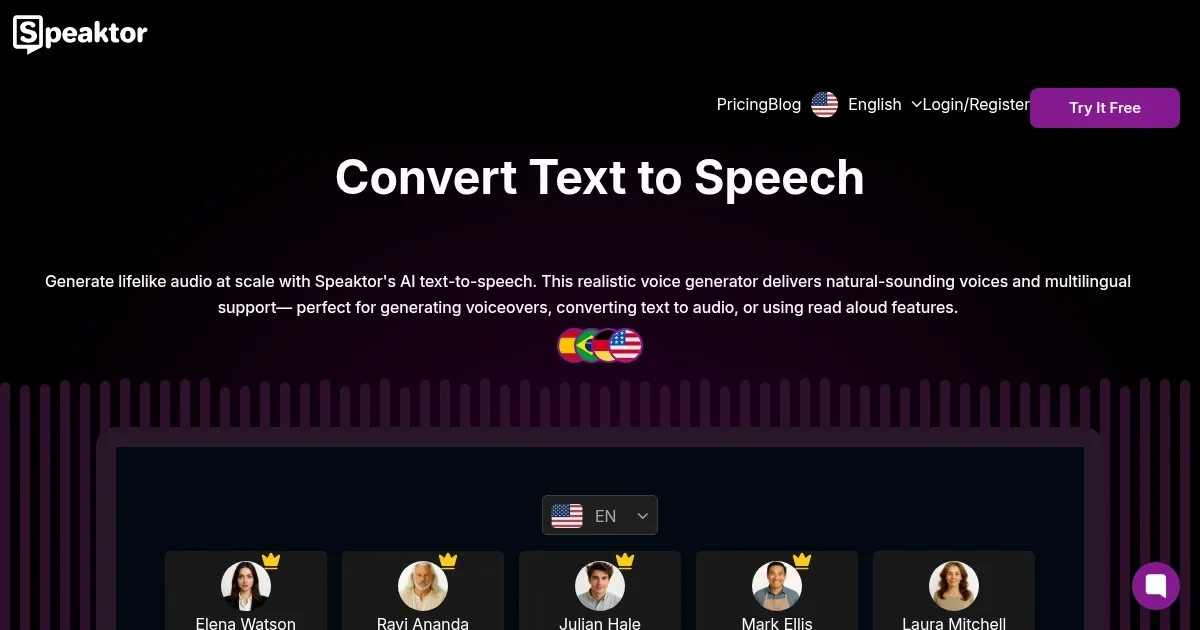
But let’s talk about what makes Speaktor stand out: its AI voice generator. It’s not just about reading text, it’s about crafting audio that fits your vibe, whether you’re narrating a YouTube tutorial or a corporate presentation. The voices, like Elena Watson or Ravi Ananda, carry distinct tones, so you can match the mood of your project. The multilingual support is a big win, especially for businesses like Siemens or Volkswagen, who use it for global training materials. Compared to competitors like Murf or Synthesia, Speaktor holds its own with a broader language selection and a focus on accessibility. Murf.ai excels in voice customization, but Speaktor’s pricing feels more approachable for small creators or educators.
That said, it’s not perfect. The voice variety, while decent, isn’t as expansive as some rivals. If you’re picky about accents or need hyper-specific tones, you might feel limited. Some users on Trustpilot mentioned occasional sync issues between the mobile and desktop apps, which can be a hiccup if you’re working across devices. Also, while the free trial is generous, the premium features, like unlimited downloads, come with a subscription, which might irk solo users on a tight budget. Still, the cost is competitive, especially when you consider the 90% production cost reduction Speaktor claims for voiceovers.
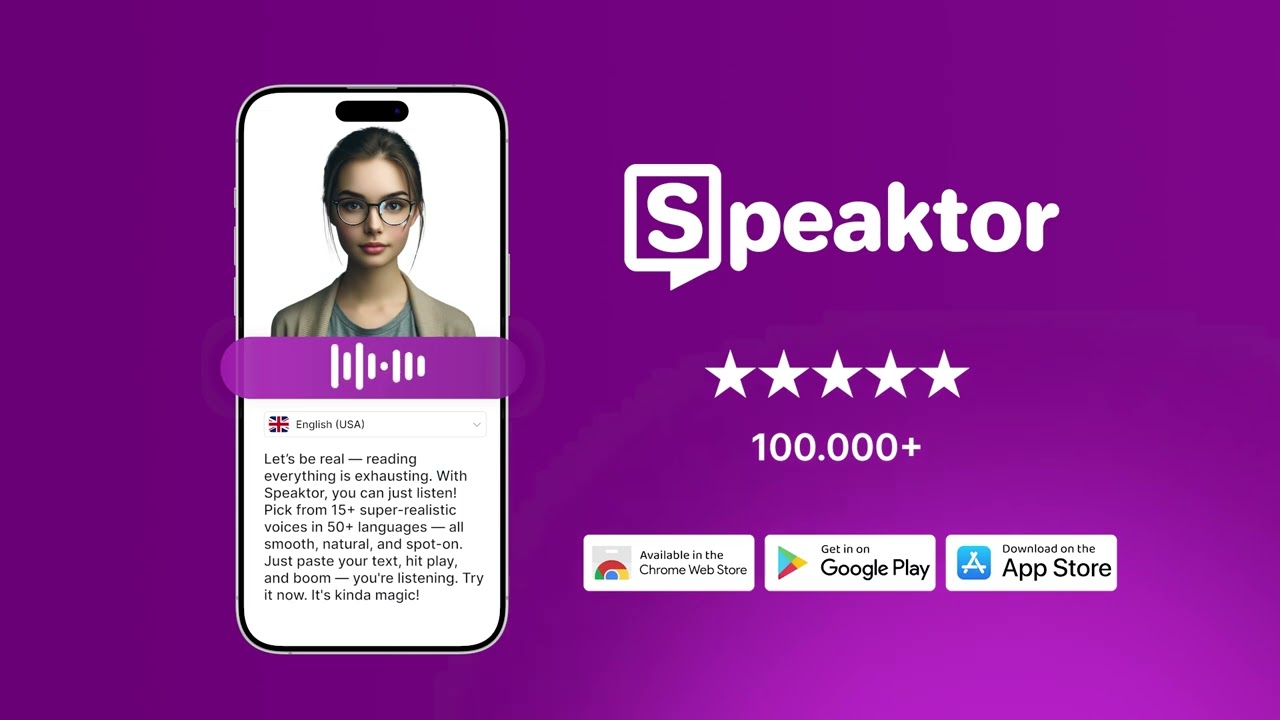
The surprise? Speaktor’s mobile app. It’s not an afterthought, it’s genuinely useful for on-the-go narration, letting you convert a blog post into audio while commuting. I didn’t expect such polish in a mobile experience. For educators, the ability to turn textbooks into audio is a game-changer, making learning accessible for auditory learners or visually impaired students.
If you’re diving into Speaktor, start with the free trial to test the voices, play with the language options, and see if the workflow clicks for you. Batch process a few scripts to save time, and don’t skip the mobile app, it’s a hidden strength. Keep an eye on sync issues, and you’ll find this tool is a reliable workhorse for audio creation.
Homepage Screenshot 📸
Video Overview 🎬
What are the key features? ✨
- Natural Language Processing: Uses advanced AI to produce lifelike, human-sounding voiceovers.
- Multi-Language Support: Supports over 50 languages for global accessibility and content creation.
- Customizable Voice Options: Offers various voice profiles to match content tone and style.
- Batch Processing: Converts multiple text files into audio simultaneously for efficiency.
- Mobile and Web Access: Available on web, iOS, and Android for flexible audio creation.
Who is it for? 🤔
Examples of what you can use it for 💡
- Content Creator: Generates professional voiceovers for YouTube tutorials or podcasts using realistic AI voices.
- Educator: Converts textbooks into audio for students to study on the go or support auditory learning.
- Marketer: Produces consistent voiceovers for social media ads and promotional videos across platforms.
- Business Professional: Creates audio versions of reports for internal knowledge sharing and accessibility.
- Accessibility Advocate: Transforms written content into audio to support visually impaired audiences.
Pros & Cons ⚖️
- Fast audio generation
- Supports 50+ languages
- Batch processing feature
- Limited voice variety
- Less robust editing tools
FAQs 💬
Ready to try Speaktor?
Converts text to natural-sounding audio in multiple languages for diverse applications
Visit SpeaktorSpeaktor alternatives 🔗