Room AI
Transforms rooms with AI-generated interior design visualizations in seconds
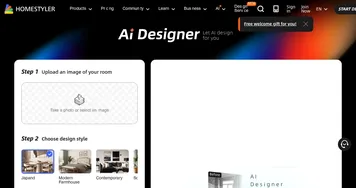
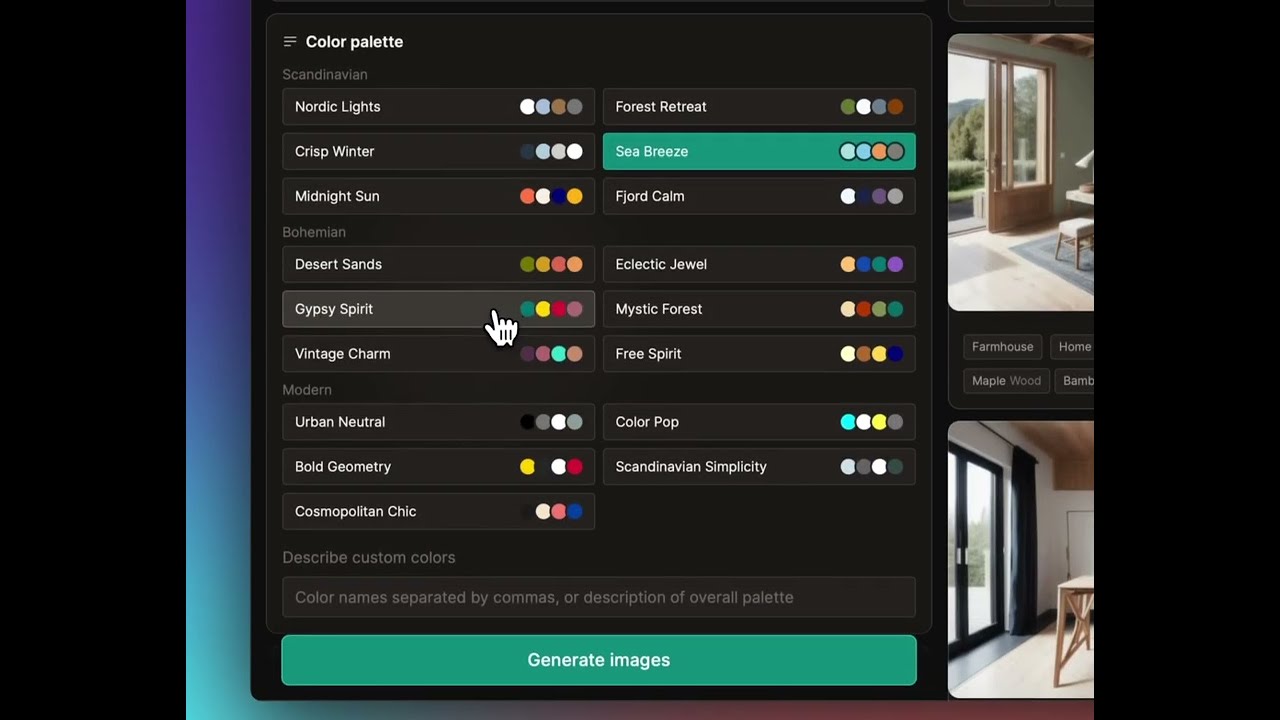
Using Room AI feels like stepping into a design studio without leaving your couch. You upload a photo of your room — mine was a cluttered living room with dated furniture — and the tool works its magic, spitting out a sleek, modern redesign in under a minute. The interface is clean, almost too simple, guiding you to pick from over 40 styles like mid-century modern or bohemian chic. I chose a Scandinavian look, and the result was a cozy, light-filled space I barely recognized as my own. The AI’s ability to preserve the room’s layout while swapping in new furniture and colors is impressive, thanks to its use of ControlNet and Stable Diffusion tech. It’s not just throwing in random decor — it respects the room’s bones.
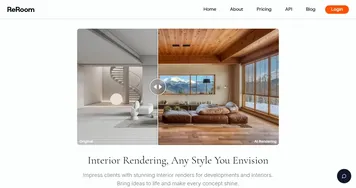
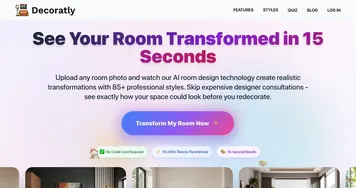
What I liked most was the flexibility. You can tweak the output with custom prompts, like asking for “more wooden textures” or “less clutter.” I tried this, and the AI adjusted my render to include a rustic coffee table that fit perfectly. The variety of styles is a standout. Whether you’re into bold art deco or understated minimalism, there’s something to play with. Compared to AI Room Planner, which feels more rigid with its five preset themes, Room AI’s range gives you room to experiment. Another competitor, RoomsGPT, is free and fast but lacks the depth of customization Room AI offers. The free version of Room AI is generous, letting you test multiple designs, though I hit a limit after a few renders, nudging me toward a paid plan. Pricing seems reasonable, but heavy users might want to compare with Interior AI’s yearly discounts.
The downside? My first upload was a dimly lit photo, and the AI struggled, producing a render with slightly wonky furniture proportions. A clearer photo fixed it, but it’s a reminder that quality matters. Some X users echoed this, noting that complex rooms with lots of reflective surfaces can trip up the AI. Still, the speed and ease are hard to beat. I was surprised by how fun it was to cycle through styles, almost like flipping through a design magazine. The privacy angle is reassuring — Room AI promises not to share your images, and Stripe handles payments securely.
For new users, I’d suggest starting with a well-lit photo and experimenting with the custom prompt feature to dial in your vision. If you’re a renter or homeowner on a budget, this tool can help you visualize changes before spending a dime. Professionals might find it a quick way to mock up ideas for clients. Just be patient with the learning curve on photo quality, and you’ll get renders that spark inspiration.
Homepage Screenshot 📸

Video Overview 🎬
What are the key features? ✨
- Style Variety: Offers over 40 design styles, from modern to art deco, for diverse room transformations.
- Custom Prompts: Allows users to refine designs with specific keywords for tailored results.
- Photorealistic Renders: Uses ControlNet and Stable Diffusion for accurate, high-quality visualizations.
- No Installation: Web-based platform with iOS and Android apps, requiring no downloads.
- Privacy Focus: Ensures secure image processing and data protection via Stripe.
Who is it for? 🤔
Examples of what you can use it for 💡
- Homeowner: Uploads a living room photo to visualize a modern redesign before renovating.
- Renter: Tests a bohemian style for a temporary apartment setup without buying furniture.
- Real Estate Agent: Stages an empty property with minimalist decor to attract buyers.
- Interior Designer: Generates quick mock-ups in art deco style for client presentations.
- DIY Enthusiast: Experiments with color palettes and materials for a bedroom refresh.
Pros & Cons ⚖️
- Over 40 design styles available.
- Fast, photorealistic renders.
- Custom prompts for tailored designs.
- Free version has render limits.
- Complex rooms may have errors.
FAQs 💬
Ready to try Room AI?
Transforms rooms with AI-generated interior design visualizations in seconds
Visit Room AIRoom AI alternatives 🔗