TestSprite
Automates software testing with AI-driven test plans, execution, and bug fixes
TestSprite is an AI-powered tool that automates software testing by generating test plans, writing test scripts, executing tests in the cloud, and providing bug-fix suggestions with minimal user input. It offers two primary interfaces: the Web Portal for visual test management and the MCP Server for IDE integration. The tool targets developers and small teams, completing testing cycles in 10-20 minutes. It supports frameworks like Playwright and Cypress, ensuring compatibility with modern development stacks.
The Web Portal provides a Testing Dashboard to monitor projects, view results, and manage test configurations. The MCP Server integrates with IDEs like Cursor, allowing developers to initiate tests with a single command. TestSprite’s AI analyzes code, creates tailored test plans, and executes them in secure cloud environments. It also offers a free community version, with paid plans for higher usage, competitive with tools like Katalon but simpler to use. The tool excels in generating edge-case tests, such as validating API inputs or bucket creation for AWS S3.
Limitations exist. The MCP Server requires compatible IDEs, which may exclude some users. Cloud-only execution limits on-premise use. Some users report sparse test result details, requiring manual tweaks for clarity. Compared to TestRail, TestSprite lacks advanced reporting for enterprise needs but prioritizes speed and automation.
The tool’s strength is its no-code approach, ideal for those without QA expertise. It reduces testing time significantly, though setup can take effort for complex projects. Recent X feedback highlights its ease for small teams but notes occasional reporting gaps.
To use TestSprite effectively, start with the free version to test compatibility. For IDE users, ensure your setup supports MCP Server integration. For teams, use the Web Portal for centralized management. Review documentation thoroughly to streamline setup and maximize results.
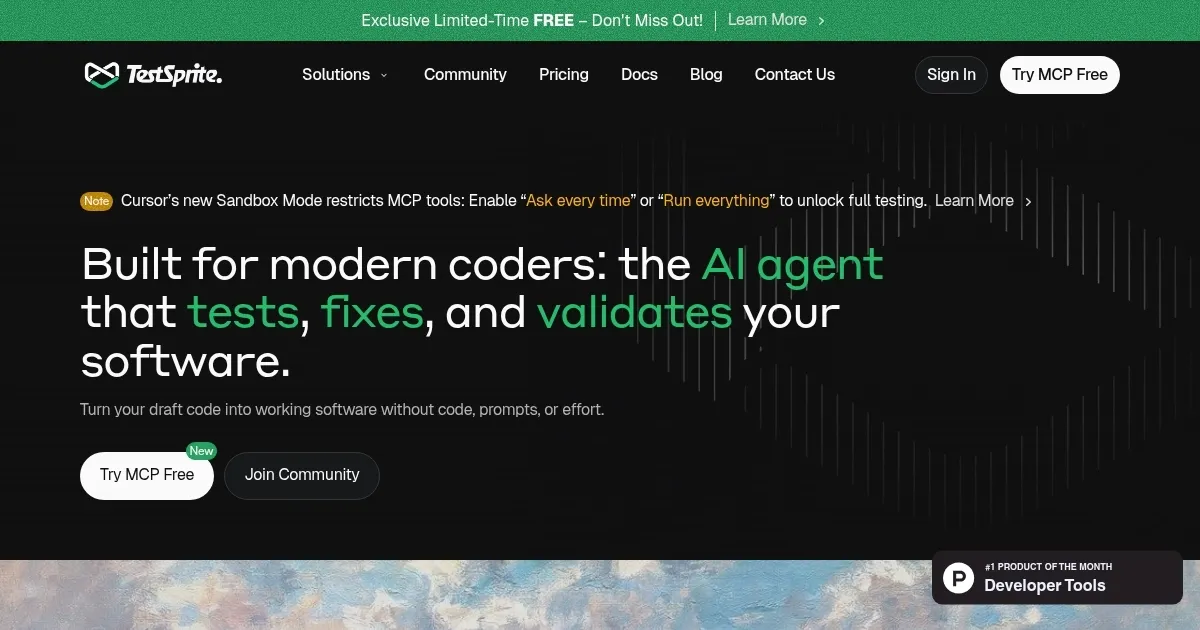
Homepage Screenshot 📸
Video Overview 🎬

What are the key features? ✨
- Web Portal: Manages testing projects via a visual dashboard for team collaboration.
- MCP Server: Integrates AI testing into IDEs for seamless developer workflows.
- Automated Test Plans: Generates tailored test cases based on code analysis.
- Cloud Execution: Runs tests in secure cloud environments for fast results.
- Auto-Fix Suggestions: Provides code patches for identified bugs directly in IDEs.
Who is it for? 🤔
Examples of what you can use it for 💡
- Solo Developer: Runs automated tests on a personal project to ensure code reliability.
- Startup Team: Uses Web Portal to manage testing across multiple microservices.
- Freelancer: Tests client APIs quickly with minimal setup for faster delivery.
- Small Dev Team: Integrates MCP Server into IDEs for seamless QA workflows.
- Project Manager: Monitors test results via dashboard to track project quality.
Pros & Cons ⚖️
- No-code AI simplifies QA process.
- Integrates with popular IDEs.
- Free community version available.
- Limited IDE compatibility for MCP.
- Cloud-only test execution.
FAQs 💬
Ready to try TestSprite?
Automates software testing with AI-driven test plans, execution, and bug fixes
Visit TestSpriteTestSprite alternatives 🔗