Wave
Records, transcribes, and summarizes audio for efficient note-taking
Wave isn’t just another app cluttering your phone — it’s a clever, AI-driven assistant that feels like it’s been eavesdropping on your busiest days, ready to tidy up the chaos of meetings and conversations. Built for iOS, iPad, Mac (with Apple Silicon), and Android, this tool records audio, churns out accurate transcriptions, and whips up concise summaries faster than you can say “action items.” It’s like having a personal stenographer who’s also a master at CliffsNotes. The app leverages OpenAI’s Whisper v3 model for transcription, which means it handles multiple languages with impressive precision, even if your meeting sounds like a UN session gone rogue. You tap a big red button to start recording, and Wave does the heavy lifting, processing audio in the background, even if you’re juggling apps or your phone’s locked.
What’s delightful about Wave is its sheer simplicity. The interface is clean, almost playful, with a one-tap recording feature that feels intuitive whether you’re a tech newbie or a gadget fiend. You can capture phone calls, import podcasts, or even pull in YouTube videos for transcription and summarization. Need a summary in bullet points or a paragraph? Wave’s got you. Want to share it as a PDF or a URL? Done. Users on forums like Reddit rave about its ability to handle long meetings — some claim it’s processed over 94 million minutes of audio — without breaking a sweat. For freelancers or small teams, this is a godsend, turning hours of rambling discussions into digestible insights.
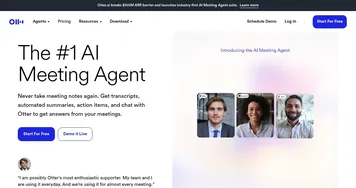
But it’s not all sunshine. The free plan caps you at 30 minutes of recording per month, which feels stingy if you’re a heavy user. Upgrading to the Standard (5 hours) or Pro (unlimited) plans unlocks more, but the pricing, while flexible, might nudge budget-conscious users toward competitors like Otter or Notion AI. Some X posts mention occasional transcription hiccups with heavy accents or noisy environments, which can trip up even Whisper v3’s robust engine. And while Wave’s privacy policy is reassuring, promising secure storage, the idea of your sensitive meeting audio floating in the cloud might make you pause.
The surprise here? Wave’s Chat AI feature. It’s not just a note-taker; it’s a conversational partner that keeps the flow going, letting you collaborate on ideas in real time. Imagine riffing on a meeting summary with a virtual buddy who’s always on the same page. It’s a small but clever touch that sets Wave apart from the pack.
For those diving into Wave, start with the free plan to test its transcription chops. Record a short meeting, play with the summary formats, and see if it fits your workflow. If you’re hooked, the Pro plan’s unlimited recording is worth the splurge for power users. Just make sure your recordings are clear — Wave’s good, but it’s not a miracle worker in a windstorm.
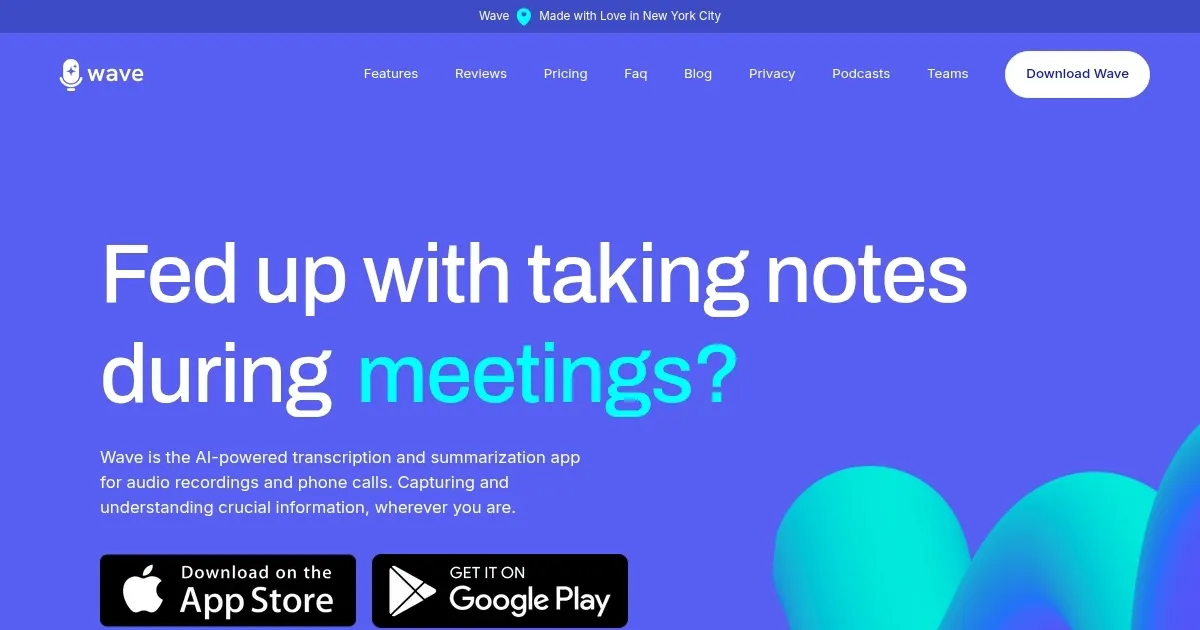
Homepage Screenshot 📸
What are the key features? ✨
- One-Tap Recording: Start audio capture instantly with a single button.
- Whisper v3 Transcription: Uses OpenAI’s model for fast, multilingual transcription.
- Customizable Summaries: Generates summaries in bullet points or paragraphs.
- Chat AI Collaboration: Enables real-time interaction with summaries for teamwork.
- Multi-Platform Sharing: Exports transcripts and summaries as PDFs or URLs.
Who is it for? 🤔
Examples of what you can use it for 💡
- Freelancer: Records client meetings to create actionable summaries for project planning.
- Student: Transcribes lectures for concise study notes in multiple formats.
- Podcaster: Imports podcast audio to generate summaries for episode descriptions.
- Team Lead: Uses Chat AI to collaborate on meeting summaries with team members.
- Researcher: Transcribes interviews for quick analysis and sharing with colleagues.
Pros & Cons ⚖️
- Intuitive one-tap recording.
- Accurate multilingual transcription.
- Flexible summary formats.
- Limited 30-minute free plan.
- Noise affects transcription accuracy.
FAQs 💬
Wave alternatives 🔗