TalkNotes
Transcribes voice notes into structured text like tasks or blog posts in seconds
TalkNotes is a nifty piece of tech that turns your rambling voice memos into something useful, fast. Imagine you’re in a meeting, ideas flying, and you hit record. Minutes later, you’ve got a tidy transcript, a to-do list, or even a blog post draft, all without typing a single word. This AI-powered tool, built by Nico Jeannen, promises to cut hours of note-taking down to seconds, and it largely delivers. Available on web, iOS, and Android, it supports over 50 languages, which means it’s got global appeal. I spent some time poking around its features, and I think it’s a solid pick for anyone drowning in audio notes or brainstorming sessions.
The core magic happens in three steps: record your voice, pick a style (like a task list or journal entry), and tweak the output. The AI doesn’t just transcribe; it organizes your thoughts into formats like meeting summaries or flashcards, which is a lifesaver for students or professionals juggling multiple projects. I was impressed by its 99% transcription accuracy claim, though background noise can throw it off a bit. You can upload audio files (MP3, WAV, etc.) or record directly, with a free plan offering unlimited notes up to 20 minutes each. The Pro plan bumps that to two hours and adds shareable recorder links for collaboration, which is great for teams. Integration with Zapier is a standout, letting you send notes to apps like Notion or Slack automatically.
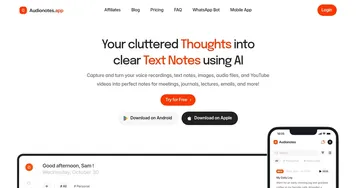
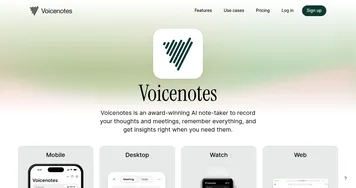
Compared to competitors like VoiceNotes or Otter, TalkNotes holds its own with a cleaner interface and more style options. VoiceNotes, for instance, uses GPT-4 for longer recordings but lacks the same level of customizable outputs. Otter’s great for real-time meeting transcription but feels pricier for solo users. TalkNotes’ pricing is competitive, with a freemium model and affordable paid tiers, though exact costs aren’t public. The downside? The mobile app, while new, has had some bugs, like crashes during long recordings. Users on Trustpilot also mentioned occasional upload failures on the web version, though Nico’s team is quick to respond.
What might surprise you is how intuitive the interface feels. It’s clean, almost playful, which makes it approachable even if you’re not a tech wizard. I also like how it handles accents — users with British-Texan or Spanish speech patterns raved about its accuracy. But it’s not perfect. If you’re recording in a noisy café, you’ll need to edit the transcript manually. And while the Zapier integration is slick, it’s not fully seamless for non-techies. Still, for anyone who thinks faster than they type, this tool’s a game-changer.
My advice: start with the free 7-day trial to test it during a busy week. Record a meeting or brainstorming session, play with the style options, and see how much time you save. If you’re a student or freelancer, try the flashcard or task list features to stay organized. Just keep an eye on background noise to get the best results.
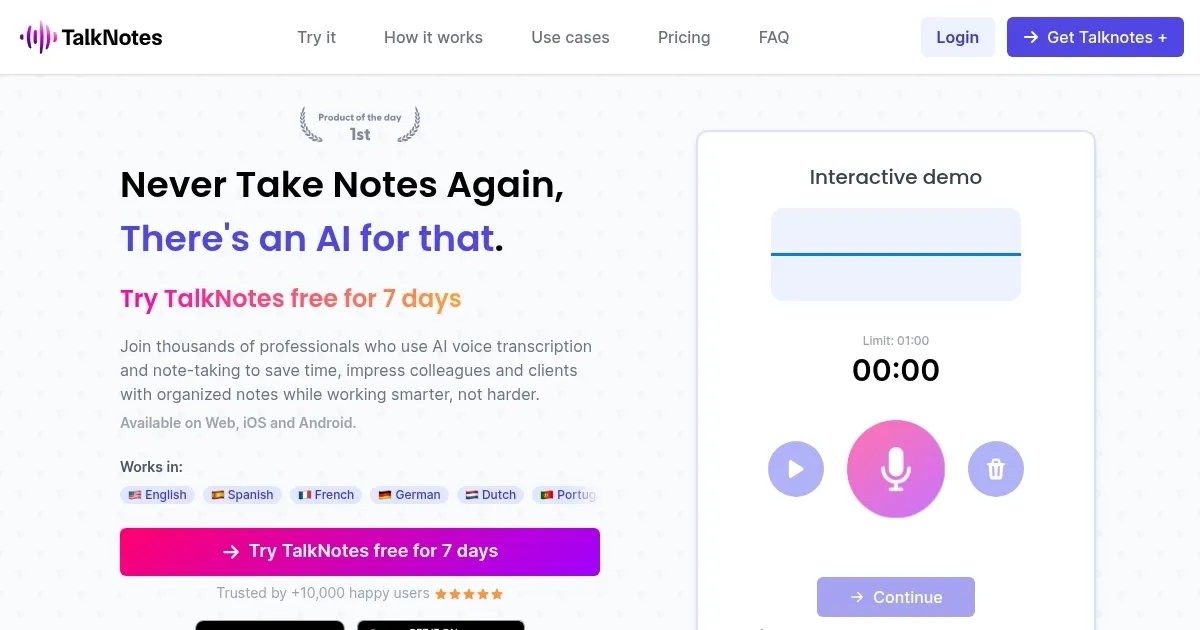
Homepage Screenshot 📸
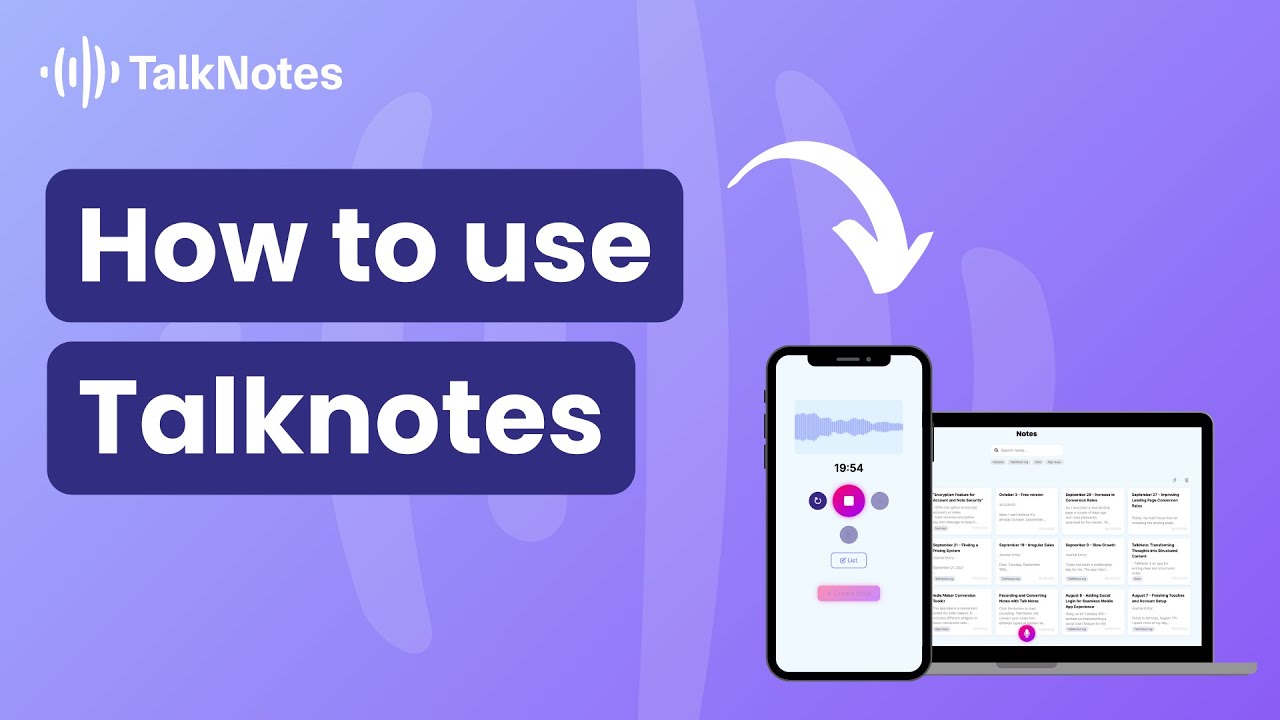
Video Overview 🎬
What are the key features? ✨
- AI Transcription: Converts voice to text with 99% accuracy, supporting over 50 languages.
- Custom Styles: Formats notes into task lists, journal entries, or blog posts based on user preferences.
- Zapier Integration: Connects notes to over 2,000 apps for automated workflows.
- Audio File Upload: Supports MP3, WAV, M4A, and other formats for transcription.
- Collaboration Tools: Shareable recorder links allow guests to contribute notes on the Pro plan.
Who is it for? 🤔
Examples of what you can use it for 💡
- Professional: Records team meetings and converts them into actionable task lists.
- Freelancer: Transcribes client calls into structured project briefs.
- Student: Turns lecture recordings into flashcards for efficient studying.
- Content Creator: Dictates blog post ideas and formats them into drafts.
- Researcher: Transcribes interviews into organized notes for analysis.
Pros & Cons ⚖️
- Supports 50+ languages
- Customizable note styles
- Zapier integration
- Credits needed for long notes
FAQs 💬
Ready to try TalkNotes?
Transcribes voice notes into structured text like tasks or blog posts in seconds
Visit TalkNotesTalkNotes alternatives 🔗