Coconote
Transforms audio, video, and PDFs into notes and study aids
Coconote is an AI-powered note-taking app that records audio, video, PDFs, websites, and YouTube links to generate transcripts, organized notes, flashcards, quizzes, podcasts, and study games. It supports over 100 languages for transcription and translation, syncs across iOS, Android, web, and desktop platforms, and includes an AI chat for querying notes.
The core workflow involves three steps: record or upload content, receive instant notes and transcripts, and access study tools like auto-generated flashcards with active recall prompts and quizzes that track progress via topic mastery scores. The AI podcast feature converts notes into narrated audio by host Coco, while study games provide short interactive sessions for retention. Technical aspects include speech-to-text processing likely based on models similar to Whisper for accuracy, with editable outputs and folder organization for sharing.
Competitors include Otter.ai, which offers real-time collaboration and integrations but fewer academic-specific tools like quizzes, and Notion AI, focused on customizable workspaces yet requiring more manual setup for transcriptions. Coconote’s free plan limits notes per month, with unlimited upgrades providing priority support; this compares favorably to Otter’s higher tiers for teams, though individual users note Coconote’s pro as more affordable for study-focused needs.
Users appreciate the time savings and grade improvements from automated aids, as seen in testimonials of 90+ scores on exams after using flashcards. Drawbacks involve occasional transcription errors in noisy environments and limited free exports, with some reporting sync delays across devices.
For implementation, test with sample audio to verify accuracy, integrate quizzes into daily reviews, and use the chat for clarifications on complex topics.
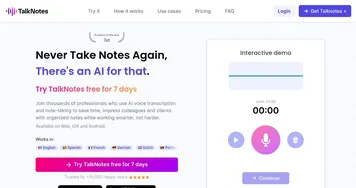
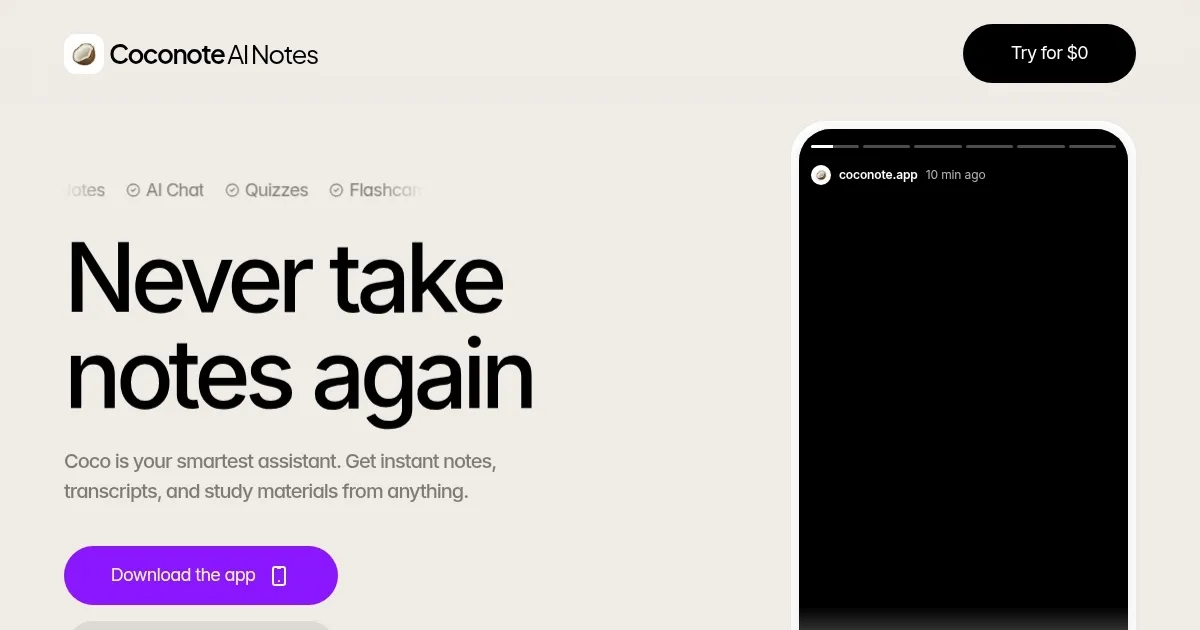
Homepage Screenshot 📸
What are the key features? ✨
- Record Lectures: Captures audio or video with one tap for instant processing into notes.
- Auto-Generate Notes: Produces organized transcripts and summaries from uploads like PDFs or websites.
- Auto-Create Flashcards: Generates review cards with terms and definitions for active recall.
- Auto-Create Quizzes: Builds tests with progress tracking to assess understanding.
- AI Chat: Allows querying notes for explanations or deeper insights.
Who is it for? 🤔
Examples of what you can use it for 💡
- College Student: Records lectures to get notes, flashcards, and quizzes for exam prep without handwriting everything.
- High School Learner: Uploads PDF homework to generate summaries and practice tests for better retention.
- Language Student: Translates audio from foreign videos into native-language notes and podcasts for easier review.
- Professional Attendee: Captures meeting audio for organized transcripts and AI chat queries on key points.
- ADHD User: Uses short study games and narrated podcasts to maintain focus during review sessions.
Pros & Cons ⚖️
- Supports 100+ languages
- Syncs across devices
- Ethical AI focus
- Free tier limits notes
- Transcription errors in noise
FAQs 💬
Coconote alternatives 🔗