logo-darklogo-darklogo-darklogo-dark
  • Tool Categories
    • ๐ŸŽจArt & Creative Design505
    • ๐ŸขBusiness Management644
    • ๐Ÿ’ปCoding & Development515
    • ๐Ÿ‘ฎDetection83
    • ๐Ÿง General Use727
    • ๐ŸฅHealth & Wellness55
    • ๐Ÿ“ทImage & Photo Analysis100
    • ๐Ÿ–ผ๏ธImage Generation & Editing618
    • ๐Ÿ“Interior & Architectural Design37
    • ๐ŸŽ“Learning & Education483
    • โš–๏ธLegal & Finance90
    • ๐ŸŽญLifestyle & Entertainment236
    • ๐Ÿ“ขMarketing & Advertising627
    • ๐ŸŽงMusic & Audio138
    • ๐Ÿ‘”Office & Workplace1,014
    • ๐Ÿ”ฌResearch & Data Analysis372
    • ๐Ÿ‘ฅSocial Media245
    • ๐ŸŽฅVideo Generation & Editing426
    • ๐Ÿ‘ง๐ŸปVirtual Companion135
    • ๐ŸŽคVoice Generation & Editing381
    • โœ๏ธWriting & Editing808
    • All Categories
    • AI Use Cases
  • News
  • Events
    • Academic Conferences
    • Developer Conferences
    • Expos / Trade Shows
    • Industry Summits
    • Workshops / Training
    • All Events
    • Past Events
  • Saved Tools
  • Suggest a Tool
โœ•
Home › Image Generation & Editing › Image Generation› AI Gallery
AI Gallery

AI Gallery

Generate stunning AI art from text or images in seconds

AI Gallery is a cloud-based platform that generates high-quality AI art from text or image inputs in 10-30 seconds, using Stable Diffusion technology. It requires no signup or GPU, making it accessible to users of all skill levels. The platform supports over 100 AI models, offering styles like photorealistic, anime, and artistic illustrations. Users input a text prompt, select a model, and download 4K images with a commercial license. The process is streamlined, with privacy-focused local storage and no data tracking.

Key features include lightning-fast generation, typically 10-30 seconds, and a user-friendly interface that simplifies art creation. The platform’s community showcase displays over 125,000 artworks, providing inspiration and ideas. Tutorials, ranging from beginner to intermediate, help users learn the tool quickly. A free tier is available, with premium options for higher usage quotas. The platform guarantees 99.9% uptime, ensuring reliability for frequent use.

Compared to Midjourney and DALLยทE, AI Gallery excels in accessibility and speed. However, it lacks advanced editing tools like in-painting, available in Midjourney, or detailed customization options found in DALLยทE 3. The free tier’s usage limits may restrict heavy users, and vague prompts can lead to inconsistent outputs. The platform’s strength lies in its simplicity and no-hardware requirement.

The community showcase is a highlight, with 8,500 active artists contributing diverse creations. Tutorials, available in multiple languages, cater to global users. The commercial license supports professional use, making it suitable for designers and marketers. However, users must craft precise prompts to achieve desired results, which may require trial and error.

For best results, use specific prompts with clear details. Explore the community showcase to understand model capabilities. Test different AI models to match your style needs. If you plan to use images commercially, verify the license terms. Watch beginner tutorials to grasp the basics quickly.

Visit AI Gallery ↗
Categories
๐Ÿ–ผ๏ธ Image
๐Ÿ–ผ๏ธ Image Generation ๐Ÿช„ Text to Image
๐ŸŽจ Art
๐ŸŽจ Art Generation
โœ๏ธ Writing
๐Ÿ’ก Prompt Generation ๐Ÿ› ๏ธ Prompt Engineering

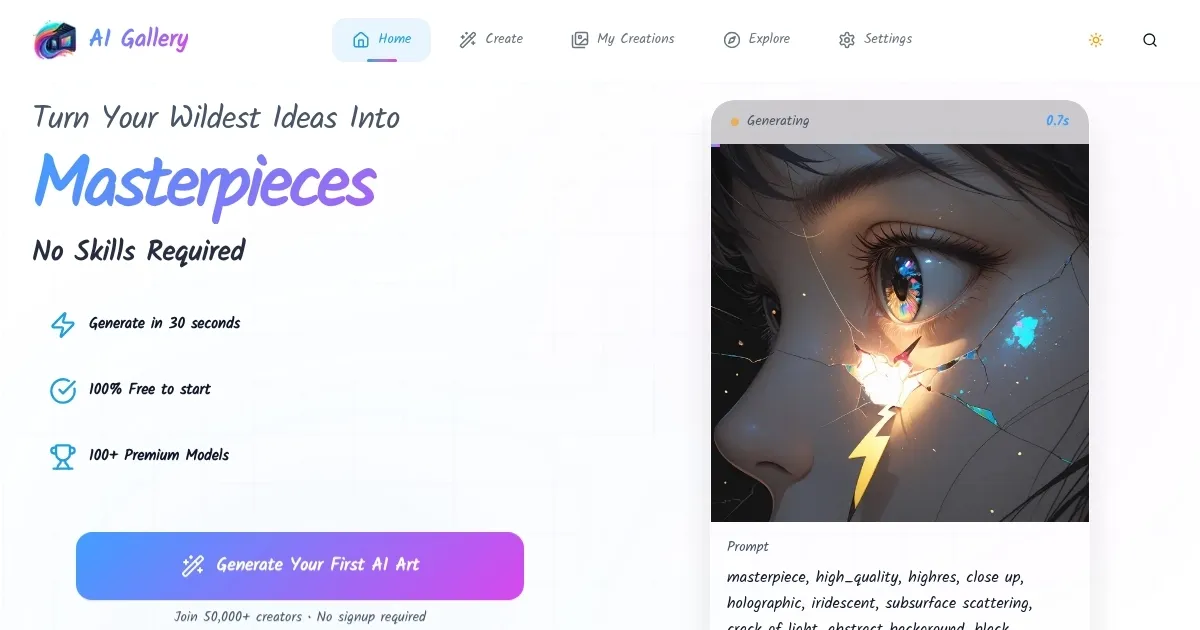
Homepage Screenshot 📸

AI Gallery screenshot

Video Overview 🎬

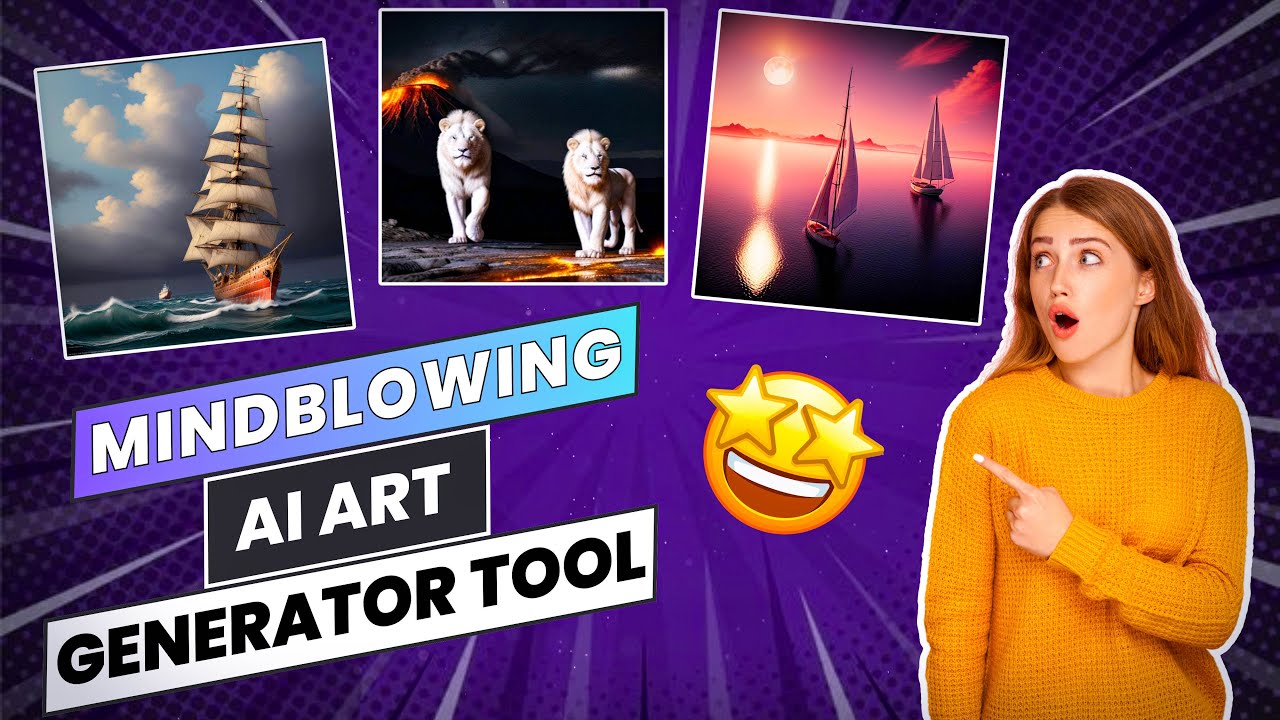
AI Gallery - Video Overview

What are the key features? ✨

  • Lightning Fast Generation: Creates high-quality images in 10-30 seconds.
  • Privacy First: Stores creations locally with no data collection.
  • No GPU Required: Runs entirely in the cloud, no hardware needed.
  • 4K Downloads: Provides ultra-high-resolution images for versatile use.
  • Commercial License: Allows use of generated images for commercial projects.

Who is it for? 🤔

AI Gallery is designed (literally) for artists, designers, marketers, and hobbyists who want to create high-quality AI-generated art without technical expertise or expensive hardware. It suits beginners exploring creative expression and professionals needing quick, commercial-ready visuals for projects like branding, social media, or product design. Its no-signup, cloud-based approach makes it perfect for those prioritizing ease and privacy.

Examples of what you can use it for 💡

  • Graphic Designer: Creates unique visuals for client branding projects.
  • Social Media Manager: Generates eye-catching posts for campaigns.
  • Hobbyist Artist: Experiments with anime-style art for personal projects.
  • Small Business Owner: Produces high-res images for marketing materials.
  • Content Creator: Crafts custom thumbnails for YouTube videos.

Pros & Cons ⚖️

  • Fast art generation in 10-30 seconds.
  • No signup or GPU required.
  • High-res 4K downloads available.
  • Free tier has usage limits.
  • Vague prompts yield mixed results.

FAQs 💬

What is AI Gallery?
AI Gallery is a cloud-based platform for generating AI art from text or images in seconds.
Do I need to sign up to use it?
No, AI Gallery requires no signup to start creating art.
What kind of art can I create?
You can create photorealistic, anime, or artistic images using over 100 AI models.
Is it free to use?
Yes, it offers a free tier, with premium options for more usage.
Do I need a powerful computer?
No, itโ€™s cloud-based and requires no GPU or installation.
Can I use the images commercially?
Yes, a commercial license is included for all generated images.
How fast is the art generation?
Images are generated in 10-30 seconds, depending on complexity.
Is my data safe?
Yes, creations are stored locally with no data tracking.
What if my prompt doesnโ€™t work well?
Use specific, detailed prompts for better results; trial and error helps.
Are there tutorials available?
Yes, beginner and intermediate tutorials are offered in multiple languages.

Ready to try AI Gallery?

Generate stunning AI art from text or images in seconds

Visit AI Gallery ↗

AI Gallery alternatives 🔗

  1. ChatGPT ChatGPT All-round AI assistant generating human-like responses to user queries and tasks
  2. Grok Grok Delivers witty, real-time AI responses with advanced reasoning and image generation
  3. Imagen Imagen Generates photorealistic images from detailed text prompts
  4. Black Forest Labs Black Forest Labs Generates high-quality images from text prompts with precision and speed
  5. Kling AI Kling AI Generates cinematic videos from text or images with realistic motion
  6. Runway Runway Generates and edits AI-powered videos from text prompts
Share
AI Gallery screenshot enlarged
Promote AI Gallery
light badge
Copy Embed Code
dark badge
Copy Embed Code
neutral badge
Copy Embed Code
Best AI Tools

Discover the best AI tools for any use case

Explore
  • Tool Categories
  • AI Use Cases
  • AI Events
  • AI News
  • Saved Tools
Company
  • About Us
  • Contact Us
  • Media & Partnerships
  • Suggest a Tool
Legal
  • Privacy Policy
  • Terms of Service
Copyright © 2026 Best AI Tools 415 Mission Street, 37th Floor, San Francisco, CA 94105