AIEasyPic
An AI tool that makes image creation and editing straightforward
AIEasyPic is an AI tool that makes image creation and editing straightforward. In that sense, it allows users to quickly generate images from text descriptions.
The platform boasts a variety of community-trained models that can recreate specific styles or characters — and you can even train custom models with your own pictures. The AI image editor is easy to grasp, allowing you to modify images by simply painting over them and adding text to introduce new objects or alter existing ones.
In addition, the tool offers inpainting to remove unwanted elements from images.
What makes AIEasyPic stand out is its ability to generate images in real time as you type. This, in turn, makes the creative process both fast and interactive — while making the tool particularly useful for artists, designers, and content creators.
Also provided is a face swap tool, allowing users to interchange faces in images seamlessly, which can be a fun and useful feature for certain projects.
Lastly, we’ll mention the background removal tool, which enables users to effortlessly isolate subjects from their backgrounds. This can be especially beneficial for creating clean, professional images for marketing materials, social media, or personal projects.
Overall, AIEasyPic’s combination of speed, versatility, and user-friendly features makes it a valuable asset for anyone looking to enhance their creative projects with AI-driven technology.
Homepage Screenshot 📸
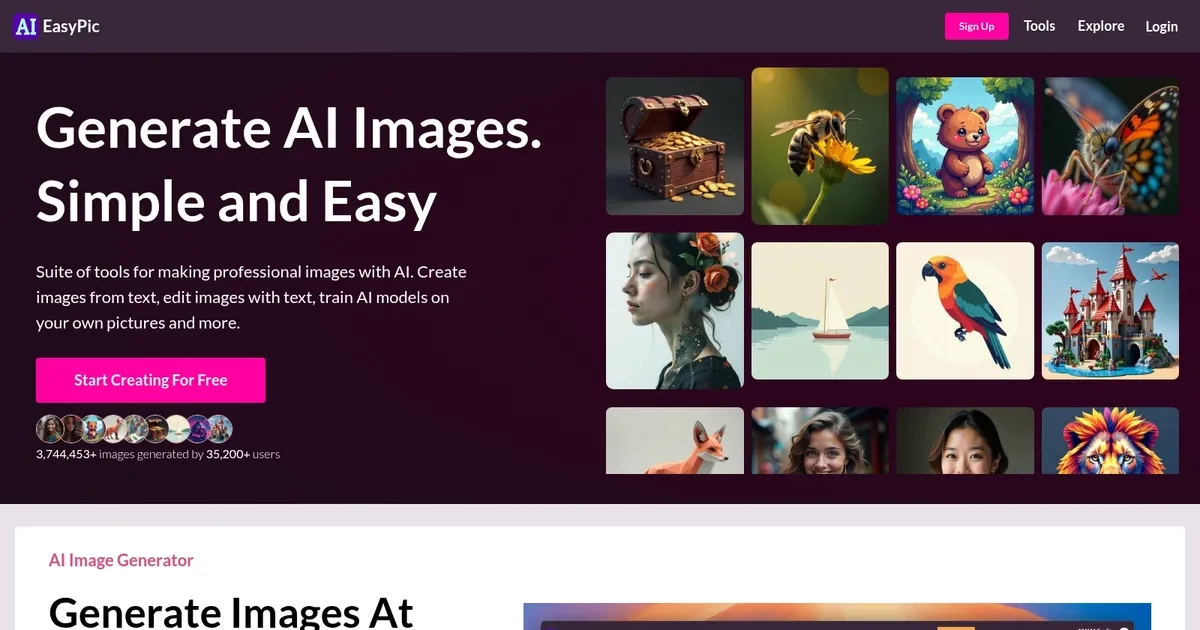
What are the key features? ✨
- Text-to-image generation: AIEasyPic lets you create images by simply typing a description, making the process quick and interactive.
- Face swap: It lets you seamlessly interchange faces in images for creative or fun projects.
- Background removal: You can also use AIEasyPic to easily isolate subjects from their backgrounds.
- High-resolution upscaling: AIEasyPic lets you enhance image quality without losing details.
- Custom model training: You can train custom models using your own pictures for personalized image generation.
Who is it for? 🤔
Examples of what you can use it for 💡
- Generate unique art pieces by describing your ideas in text
- Use tools like inpainting and background removal to effortlessly enhance and modify your photos
- Create realistic composites by swapping faces in different images
- Quickly create professional-looking images for your social media, advertisements, or presentations
- Design custom images for gifts like posters, cards, or merchandise
Pros & Cons ⚖️
- One tool with multiple image-making/editing features
- Great for creating social media graphics
- And for creating custom art and designs for different purposes
- The face swap feature could lead to its misuse
Ready to try AIEasyPic?
An AI tool that makes image creation and editing straightforward
Visit AIEasyPicAIEasyPic alternatives 🔗