Blend
Creates stunning product photos and descriptions using AI-powered editing tools
Blend is an AI-powered tool that feel like a mini design studio in your pocket. In that sense, it delivers a slick, AI-powered photo editor that transforms so-so product shots into polished visuals faster than you can say “Instagram aesthetic.” As someone who’s dabbled in content creation, I was curious but skeptical — could a mobile app really compete with desktop giants? Spoiler: it holds its own, with a few caveats that keep it human.
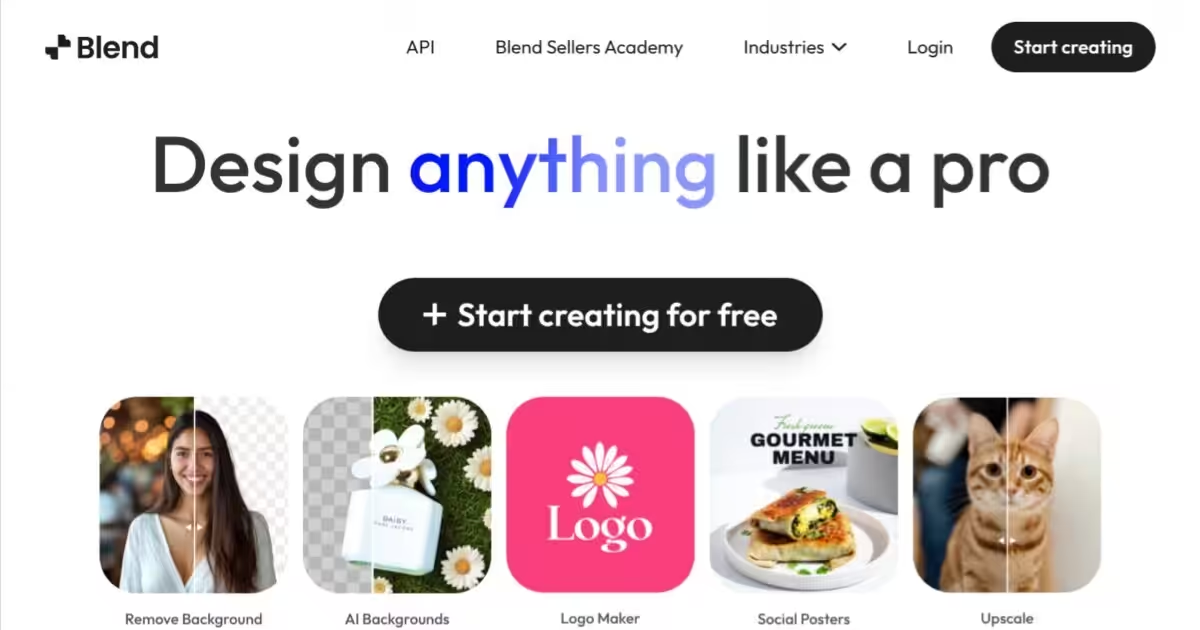
The AI Background Removal tool blew me away. I uploaded a photo of a coffee mug against a messy kitchen counter, and Blend’s AI erased the clutter in seconds, leaving a clean cutout. The Background Swap feature let me plop the mug into a cozy café scene, and the result looked shockingly natural. I also played with the Relight tool, which tweaked the lighting to give the mug a warm, professional glow. The Social Graphic Creator was a fun surprise, letting me whip up a promotional post with a template that screamed “buy me.” The drag-and-drop interface felt intuitive, even on my phone’s small screen, and the HD Download ensured my edits didn’t lose quality.
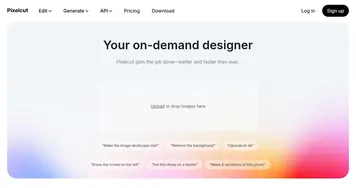
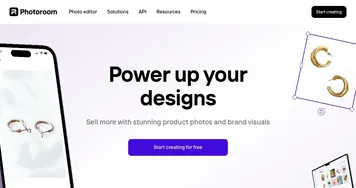
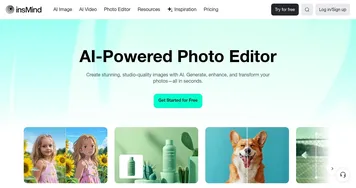
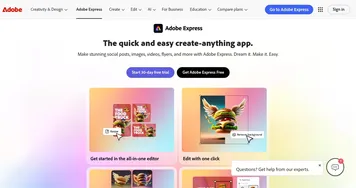
Compared to Canva, which I’ve used for broader design tasks, Blend feels laser-focused on product photography. Canva’s templates are great but bloated for quick edits, while Adobe Express demands more design know-how. Blend’s mobile apps (iOS and Android) and web version sync seamlessly, so I could start editing on my phone and finish on my laptop. The Product Description Generator was a quirky bonus — it churned out a decent blurb for my mug, though I had to tweak it for personality. It’s not Shakespeare, but it’s a solid starting point.
Now, the downsides. The free plan is generous but locks advanced features like upscaling behind a paywall. I hit that wall quickly, which was annoying. Also, when I tested a photo with a busy floral background, the AI left some fuzzy edges, forcing me to use the manual touch-up tool. It wasn’t hard, but it broke the “effortless” vibe. The template library, while decent, felt limited for non-standard products — I wanted more options for quirky items. A pleasant surprise? The batch-editing feature. I processed five photos at once, and it saved me serious time.
Blend’s a gem for anyone juggling e-commerce or social media on a tight schedule. If you’re new to this, stick to simple backgrounds for best results. Experiment with the free tools first, then consider the paid plan if you’re churning out content regularly. It’s not flawless, but it’s darn close to making photo editing feel like a breeze.
Homepage Screenshot 📸
What are the key features? ✨
- AI Background Removal: Isolates subjects from backgrounds with high precision in seconds.
- Background Swap: Offers a library of AI-generated scenes for professional or creative product placement.
- Relight: Adjusts lighting to enhance image quality and visual appeal.
- Social Graphic Creator: Provides customizable templates for creating social media posts.
- Product Description Generator: Generates SEO-friendly product descriptions based on images.
Who is it for? 🤔
Examples of what you can use it for 💡
- E-commerce Seller: Uses Blend to remove backgrounds and create polished product photos for online listings.
- Social Media Marketer: Crafts eye-catching Instagram posts with customizable social graphic templates.
- Small Business Owner: Generates SEO-friendly product descriptions to enhance online store visibility.
- Freelance Photographer: Enhances client images with AI-generated backgrounds and lighting adjustments.
- Content Creator: Batch-edits multiple images for consistent branding across platforms.
Pros & Cons ⚖️
- Fast AI background removal
- Customizable social templates
- SEO-friendly descriptions
- Limited free plan features
- Template variety lacks for niches
FAQs 💬
Ready to try Blend?
Creates stunning product photos and descriptions using AI-powered editing tools
Visit Blend