Capsule
Empowers teams to create branded videos 10x faster with AI assistance
The cursor blinked accusingly on my screen that Tuesday afternoon, mocking me as another half-baked video draft sat unfinished. I’d promised the team a quick sales enablement clip, but there I was, knee-deep in audio glitches and mismatched fonts, wondering if I’d ever escape the edit bay. Then, on a whim, I fired up Capsule. Not expecting miracles, just a fresh start. What unfolded was less a tool demo and more a quiet revolution in my workflow.
From the get-go, the browser-based setup felt liberating, no downloads dragging my laptop into submission. I uploaded raw footage from our latest product demo, and bam, AI CoProducer lit up like it had been waiting for me. It transcribed everything flawlessly, then whispered suggestions for jump cuts that nixed those awkward pauses where I ummed my way through explanations. VoiceMagic swooped in next, turning my tinny mic recording into something velvety smooth, like I’d borrowed a studio for the day. I chuckled at how it nailed the inflection on ‘revolutionary features’ without me lifting a finger.
Diving deeper, the motion design systems hooked me hard. Our creative lead had these gorgeous After Effects templates gathering dust; Capsule ate them up, spitting out responsive versions that adapted to Instagram squares or LinkedIn landscapes via Auto Frame. One click, and my video was branded to the hilt, colors popping just right. The B-roll generator? That’s where the wit kicked in. I typed ‘energetic team brainstorming in modern office,’ and it conjured clips that felt custom-tailored, not the generic stock parade I usually dodge. Paired with Soundtrack’s mood-matching tunes, it was like the AI read my mind, or at least my mood board.
But let’s not sugarcoat; my brief tango with Capsule wasn’t all smooth jazz. The interface, while intuitive, threw a curveball when layering multiple elements—dragging graphics felt a smidge clunky on my older trackpad, and I wished for more granular control over caption animations right out of the gate. Compared to Descript‘s text-based ease or VEED‘s snappy exports, Capsule’s enterprise focus means it’s geared more for team handoffs than lone wolf sprints, and that upcoming real-time co-edit could bridge the gap nicely. Pricing? Free tier’s generous for testing waters, business plans hit a sweet spot below Adobe’s heft without skimping on power, though enterprise custom might require a coffee chat.
The real kicker came exporting: a polished 90-second clip ready for every channel, complete with AI-suggested titles that actually stopped the scroll. Stakeholders loved it, and I? I reclaimed my evening. If you’re dipping toes into AI-assisted editing like I did, start small—grab a case study script, let Captions handle the subtitles, tweak with a dash of wit in the voiceover, and iterate. It’s not about replacing your eye; it’s about freeing it for the stories that matter. Who knows, your next video might just tell one about you.
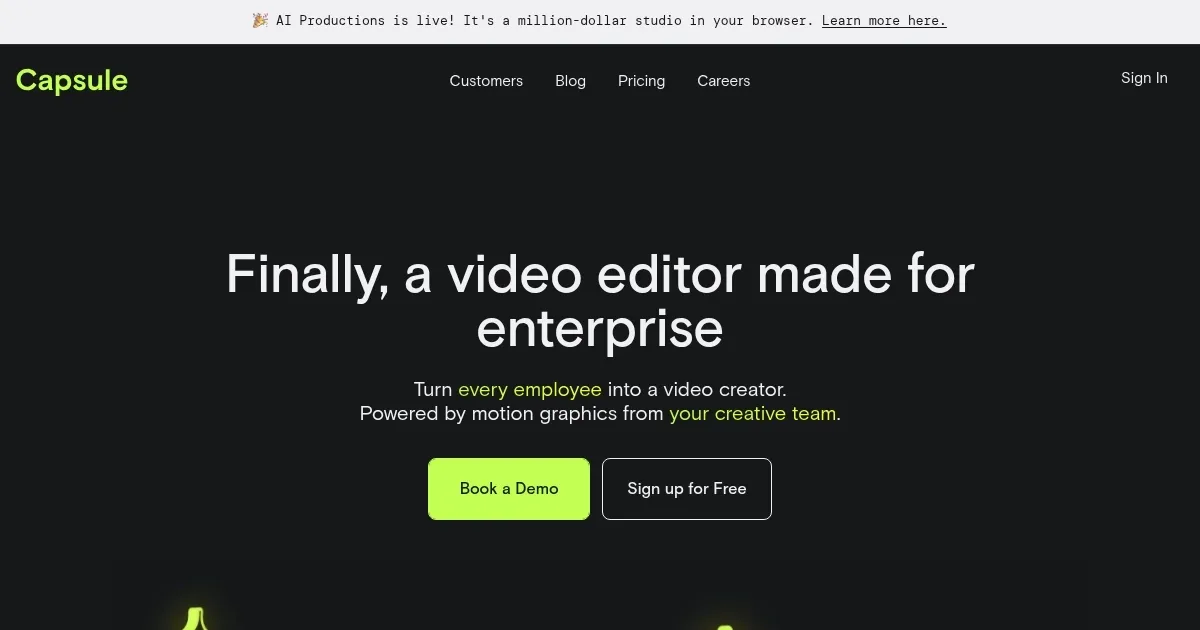
Homepage Screenshot 📸
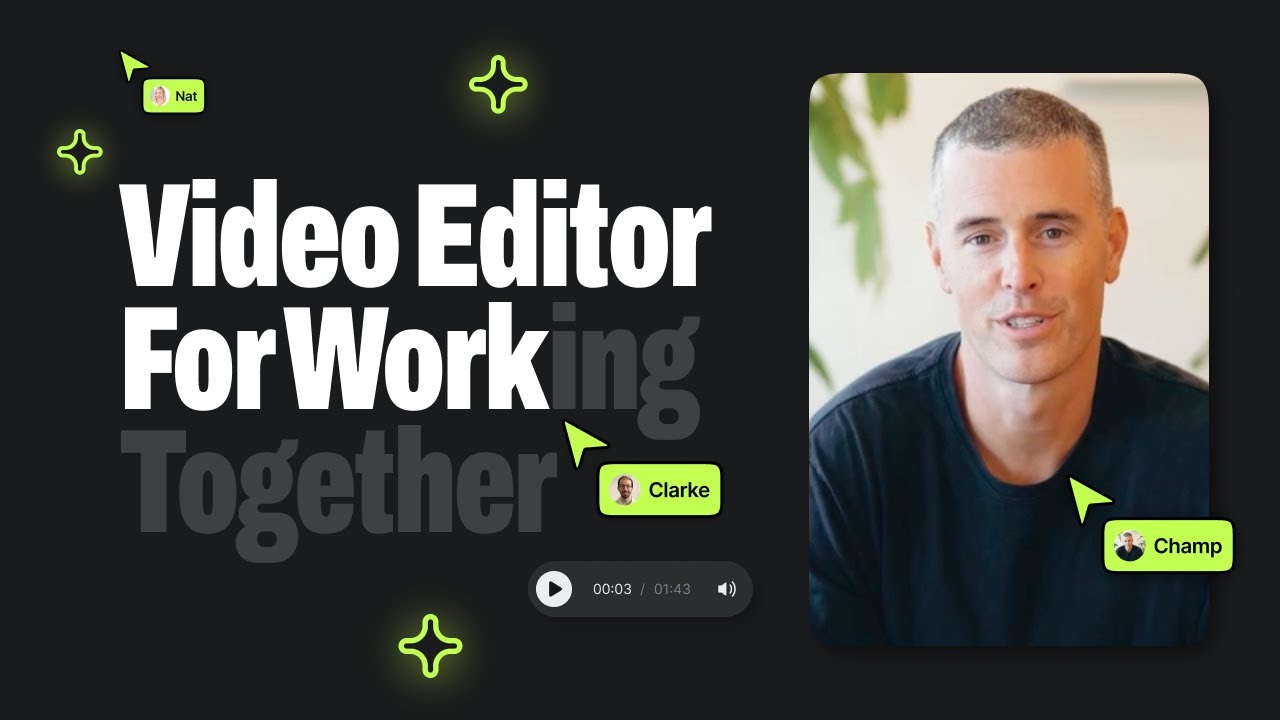
Video Overview 🎬
What are the key features? ✨
- Motion Design Systems: Converts After Effects files into responsive, one-click templates for consistent branding across videos.
- AI CoProducer: Automates editing tasks like jump cuts, captions, and titles to produce professional results quickly.
- VoiceMagic: Enhances recorded speech to studio-quality audio with a single click, removing noise and improving clarity.
- Auto Frame: Adapts graphics and layouts automatically for different platforms during editing and export.
- B-roll Generator: Creates original, on-brand video clips instantly from text prompts to avoid stock footage overuse.
Who is it for? 🤔
Examples of what you can use it for 💡
- Marketing Manager: Generates social posts and paid media ads using AI titles and captions for quick channel optimization.
- Sales Enablement Specialist: Edits product demos with motion graphics and voice enhancements to align with brand templates.
- Internal Trainer: Builds animated slides and knowledge base videos incorporating B-roll and soundtrack suggestions.
- Content Creator: Produces case studies and event recaps through collaborative sharing and real-time comments.
- Creative Lead: Transforms After Effects assets into team-accessible systems for consistent video production.
Pros & Cons ⚖️
- 10x faster editing
- Strong brand tools
- AI automation aids
- Team collaboration
- Upcoming features
- Glitches on files
FAQs 💬
Ready to try Capsule?
Empowers teams to create branded videos 10x faster with AI assistance
Visit Capsule