Chatwoot
Manages customer conversations across multiple channels from one platform
Chatwoot has been launched as a one platform to rule them all. It’s an open-source gem, blending live chat, email, and social media channels like WhatsApp, Instagram, and Telegram into a single dashboard. Think of it as a digital switchboard for your customer conversations, whether they’re pinging you from a website widget or sliding into your DMs. I think what makes Chatwoot stand out is its flexibility, you can host it yourself, keeping your data close, or opt for their cloud service. It’s a bold move in a world dominated by giants like Intercom (and its Fin assistant) and Zendesk.
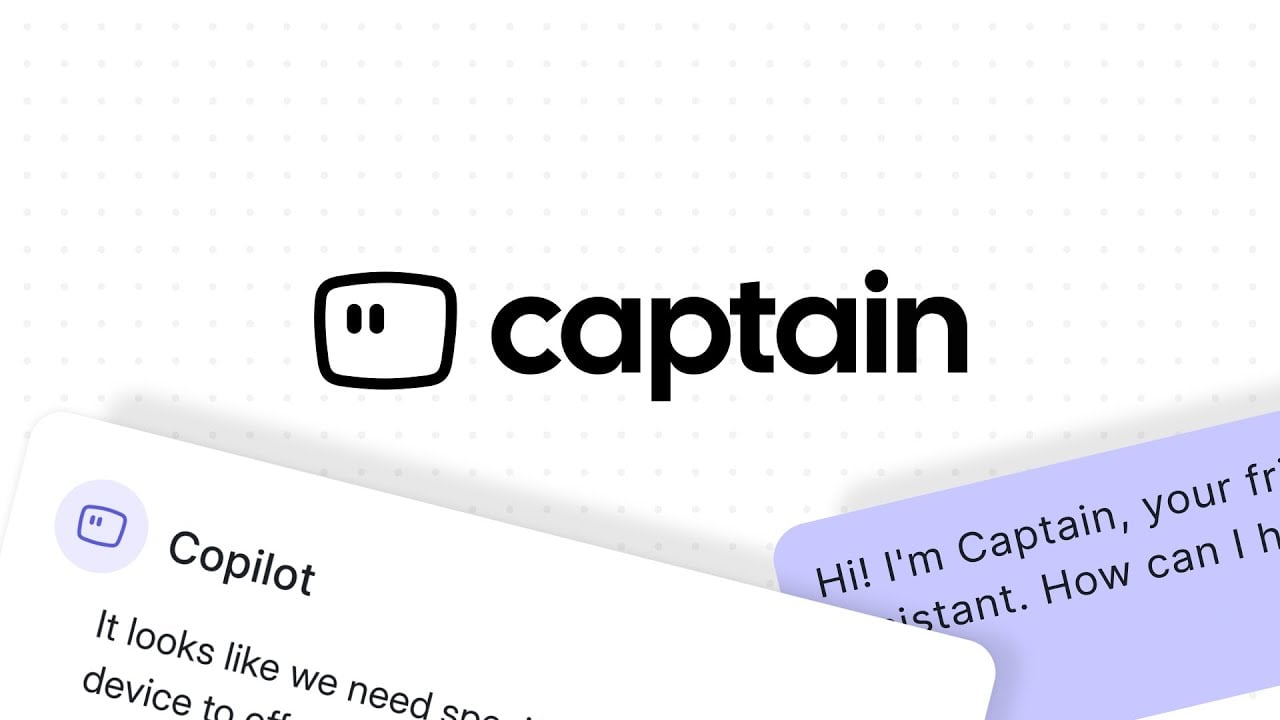
The star of the show is Captain, Chatwoot’s AI assistant. It learns from your help center and FAQs, answering common questions faster than you can say “ticket closed.” Captain Copilot, another nifty feature, suggests smart replies and pulls up past conversations, making your agents feel like they’ve got a superpower. The omnichannel inbox is a dream for businesses juggling multiple platforms, it pulls in messages from Facebook, Twitter, even SMS, and keeps everything tidy. Plus, the live chat widget is customizable, letting you match it to your brand’s vibe, colors, fonts, the works. And with 24,000 GitHub stars, the open-source community clearly loves it.
But it’s not all smooth sailing. Setting up a self-hosted instance can feel like assembling a spaceship, especially if your tech skills are more “enthusiast” than “engineer.” The documentation is thorough, but it assumes you’re comfortable with server configs and Docker. Cloud users have it easier, but some report occasional lag in the dashboard, especially during high-traffic moments. Compared to Intercom’s polished interface or Zendesk’s enterprise-grade reporting, Chatwoot’s analytics, while solid, can feel a bit basic for data nerds craving granular insights.
Pricing is a high point. The free plan supports up to two agents, perfect for small teams, while paid plans scale reasonably for growing businesses. It’s generally more affordable than Intercom or Zendesk, especially for self-hosted users dodging subscription fees. The knowledge base feature, which lets you build a self-service help center, is a nice touch, though it lacks the depth of dedicated solutions like Freshdesk.
What might surprise you? The mobile apps. They’re slick, letting agents respond on the go, which is a lifesaver for startups with lean teams. Another unexpected perk is the API flexibility, you can build custom integrations to fit niche needs, something not all competitors offer without a premium price tag.
If you’re diving into Chatwoot, start with the cloud version to avoid setup headaches. Experiment with Captain’s AI to automate repetitive queries, and lean on the community forums for tips, they’re buzzing with helpful devs. For small businesses or open-source fans, this tool is a no-brainer, just be ready to tinker if you go self-hosted
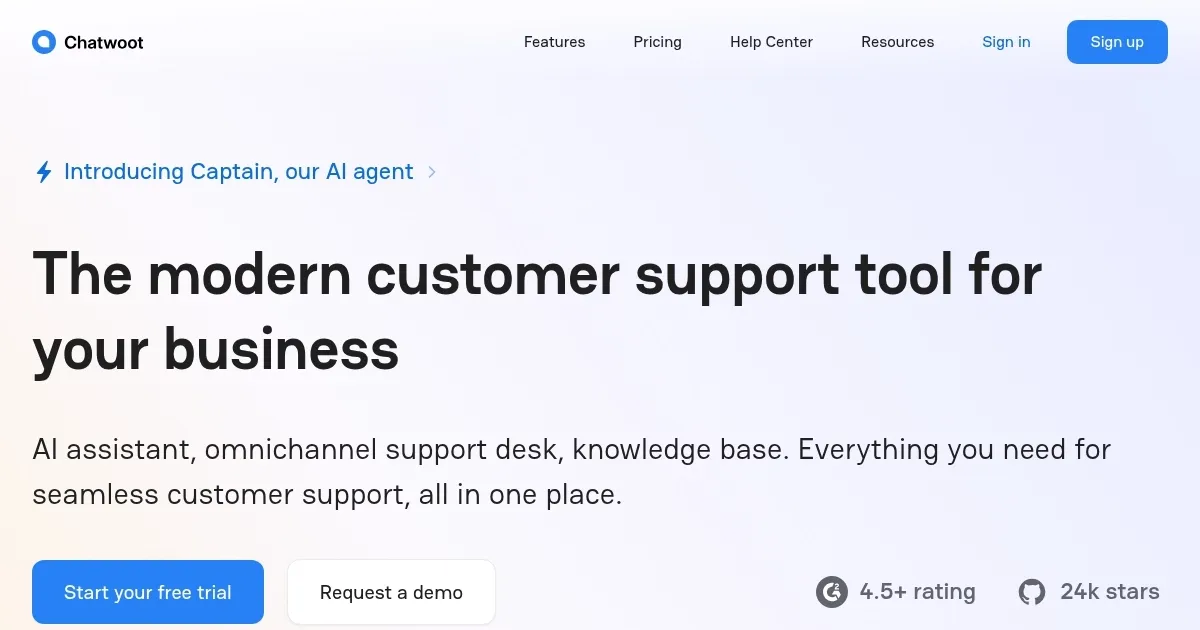
Homepage Screenshot 📸
Video Overview 🎬
What are the key features? ✨
- Captain AI: Automates responses using help center and FAQ data.
- Omnichannel Inbox: Unifies messages from live chat, email, and social media.
- Live Chat Widget: Customizable widget with multilingual support and emojis.
- Help Center: Builds branded, self-service knowledge bases for customers.
- API Integrations: Extends functionality with custom integrations like Slack.
Who is it for? 🤔
Examples of what you can use it for 💡
- Small Business Owner: Uses Chatwoot’s free plan to manage live chat and email for a small e-commerce site.
- Marketing Team: Integrates Instagram and WhatsApp to engage customers directly from one dashboard.
- Tech Startup: Self-hosts Chatwoot to maintain data privacy while using API for custom integrations.
- Customer Support Lead: Sets up Captain AI to automate repetitive queries, freeing agents for complex tasks.
- E-learning Platform: Builds a branded Help Center for students to access self-service resources.
Pros & Cons ⚖️
- Affordable pricing, free plan available.
- Open-source with self-hosting option.
- Unified omnichannel inbox.
- Complex self-hosted setup.
- Basic reporting tools.
FAQs 💬
Ready to try Chatwoot?
Manages customer conversations across multiple channels from one platform
Visit ChatwootChatwoot alternatives 🔗