CodeGuide
Generates detailed project documentation for AI coding projects, streamlining development
CodeGuide is an AI-driven platform that automates the creation of project documentation for AI coding projects, including PRDs, development flows, and optimized prompts. It integrates with tools like Claude, Cursor, and GitHub Copilot, streamlining the planning process for developers. The platform offers over 40 templates and Starter Kits, such as the Next.js 15-based Starter Kit Lite, which includes authentication and database integration. Codie, an AI assistant powered by Google’s Gemini API, guides users through project setup and documentation. The tool aims to reduce AI coding errors by providing clear, structured plans, saving developers time and improving project clarity.
The free plan allows users to test basic features, but a paid plan is required for full access, using a credit-based system. Compared to Traycer, which focuses on detailed implementation plans, or Gemini Code Assist, which emphasizes in-IDE code completion, CodeGuide prioritizes comprehensive documentation. It supports a range of project types, from web apps to plugins, and offers community support and priority help for yearly subscribers. The template library is extensive, covering frameworks like React and Supabase, making it versatile for various development needs.
Some users may find the credit system limiting, particularly on the free plan, which restricts access to advanced features. Integration with less common AI tools is limited, which could be a drawback for developers using niche platforms. The platform’s focus on documentation rather than direct code generation may not suit those seeking hands-on coding assistance. Additionally, while the Starter Kits are pre-configured, they require some technical knowledge to customize effectively.
CodeGuide’s strength lies in its ability to save time on documentation, with reports suggesting up to 8 hours saved per project. The tool’s clear prompts also reduce AI errors, with some sources claiming an 87% reduction in coding mistakes. The platform’s clean interface and guided setup make it accessible for both beginners and experienced developers, though the learning curve for maximizing its features can be steep for novices.
To get started, sign up with a Google account and explore the free tier to generate a sample PRD or test a Starter Kit. For team projects or frequent use, evaluate the paid plans based on your credit needs. Monitor credit usage to avoid running out mid-project, and leverage the community support if you opt for a yearly plan.
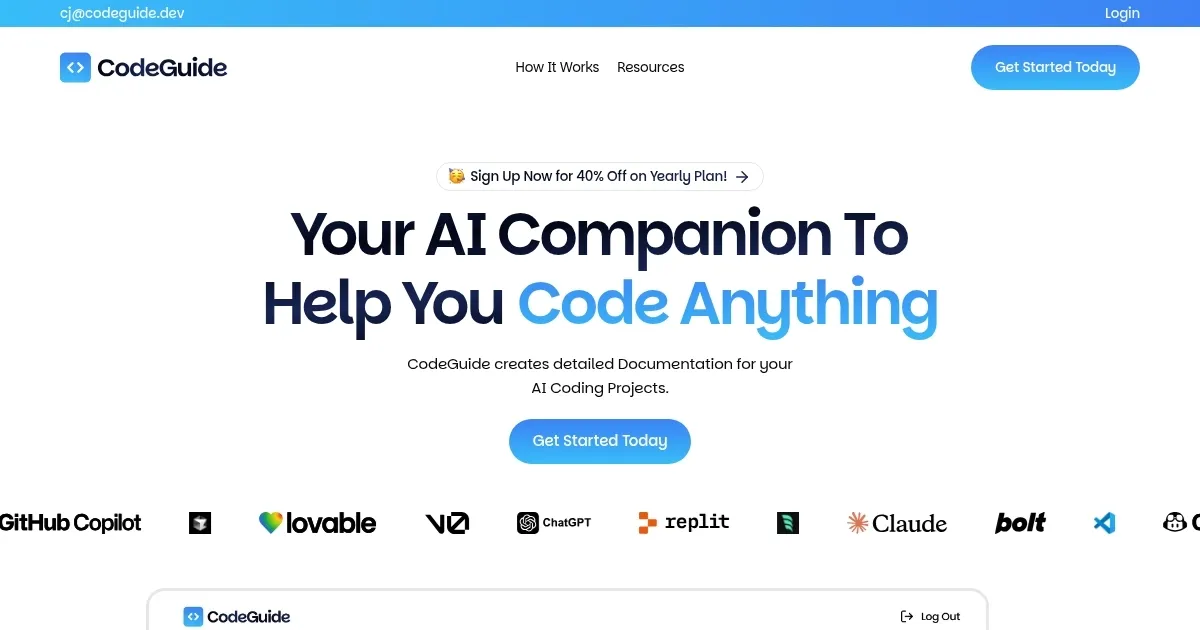
Homepage Screenshot 📸
Video Overview 🎬
What are the key features? ✨
- AI-Powered Documentation: Generates detailed PRDs, flows, and prompts automatically.
- Codie AI Assistant: Guides users through documentation using Google’s Gemini API.
- Starter Kits: Offers pre-configured templates for Next.js, React, and Supabase projects.
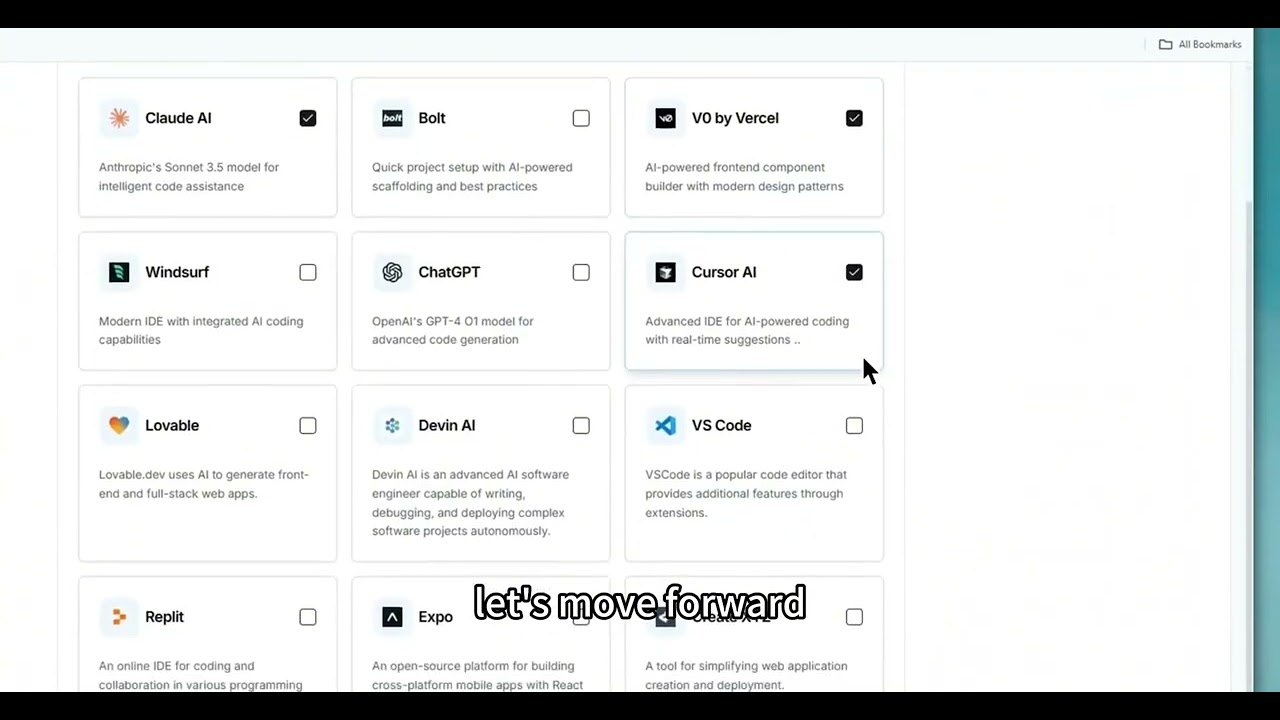
- Tool Integration: Connects with AI coding tools like Claude, Cursor, and GitHub Copilot.
- Template Library: Provides over 40 templates for various project types.
Who is it for? 🤔
Examples of what you can use it for 💡
- Web Developer: Uses CodeGuide to generate PRDs and flow diagrams for a Next.js web app.
- Mobile App Developer: Creates user stories and technical specs for a Flutter-based app.
- Project Manager: Standardizes documentation for team alignment on AI-driven projects.
- Technical Writer: Drafts clear prompts for AI coding tools to reduce errors.
- Freelancer: Leverages Starter Kits to quickly set up client projects with minimal configuration.
Pros & Cons ⚖️
- Saves time on documentation.
- Reduces AI coding errors.
- Integrates with major AI tools.
- Limited niche tool integration.
- Focuses on planning, not coding.
FAQs 💬
Ready to try CodeGuide?
Generates detailed project documentation for AI coding projects, streamlining development
Visit CodeGuideCodeGuide alternatives 🔗