Traycer
Simplifies complex code changes with AI-driven planning and real-time feedback
Traycer is an AI-powered coding assistant that streamlines complex code changes by generating detailed plans, providing real-time code reviews, and integrating with IDEs like Visual Studio Code. It targets developers working on large codebases, offering tools to plan, implement, and review code efficiently. Task Planning creates actionable, step-by-step guides for tasks like adding features or refactoring, analyzing the codebase to suggest file changes and logic adjustments. The Review feature scans code in real-time, catching bugs and suggesting improvements for readability and security. Parallel Agents allow multiple planners to run simultaneously, boosting productivity for teams.
Integration with tools like Claude Code, Cursor, and GitHub Copilot lets users hand off plans for code generation. Ticket Assist automates plan creation from GitHub issues, preserving context across tasks via Task Chaining. Traycer’s free tier includes unlimited open-source task executions and a 5,000-line-per-hour limit, while paid plans offer higher limits and automatic analysis. The tool primarily supports VS Code, with potential future expansion to other IDEs.
Users praise Traycer’s planning depth and context retention, especially for complex projects. However, some report excessive lint errors, requiring additional tools for cleanup. The free tier’s line limit may restrict large-scale use, and competitors like GitHub Copilot offer broader language support. Windsurf Editor provides faster code generation, but Traycer excels in structured planning. A 14-day Pro trial is available.
Traycer’s strength is its ability to break down high-level goals into manageable steps, making it ideal for teams. Its real-time feedback reduces errors early. The tool’s focus on planning can feel slow for rapid prototyping compared to Cursor. Ticket Assist is a standout, automating workflows for GitHub users. Pricing aligns with competitors, with a free tier for hobbyists and scalable paid options.
To get started, try the 14-day Pro trial to explore Task Planning and Review. Use Ticket Assist for GitHub-heavy workflows. Pair Traycer with a linter to handle lint errors. Assess your codebase size against the free tier’s limits before committing to a paid plan.
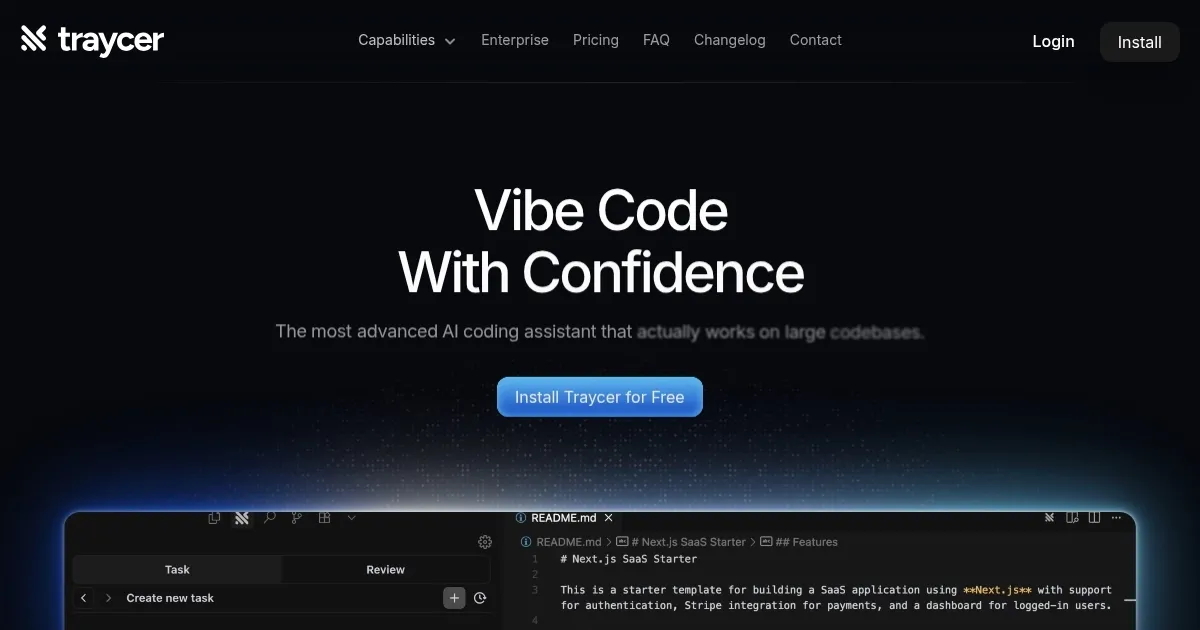
Homepage Screenshot 📸
Video Overview 🎬
What are the key features? ✨
- Task Planning: Generates detailed, actionable plans for coding tasks based on codebase analysis.
- Review: Provides real-time code analysis to catch bugs and suggest improvements.
- Parallel Agents: Runs multiple planners simultaneously to boost productivity.
- Ticket Assist: Creates plans from GitHub issues, automating task setup.
- Task Chaining: Retains context across tasks for seamless project continuity.
Who is it for? 🤔
Examples of what you can use it for 💡
- Solo Developer: Uses Task Planning to map out a new feature implementation in a personal project.
- Engineering Team Lead: Leverages Parallel Agents to manage multiple feature rollouts simultaneously.
- Open-Source Contributor: Employs Ticket Assist to generate plans from GitHub issues for community projects.
- Freelance Coder: Relies on Review to catch bugs in real-time while coding for clients.
- Startup CTO: Utilizes Task Chaining to maintain context across iterative sprints in a fast-paced environment.
Pros & Cons ⚖️
- Detailed task planning saves time.
- Real-time bug detection improves code.
- GitHub integration streamlines workflows.
- Free tier supports open-source projects.
- VS Code-only integration.
- Slower for rapid prototyping.
FAQs 💬
Ready to try Traycer?
Simplifies complex code changes with AI-driven planning and real-time feedback
Visit TraycerTraycer alternatives 🔗