Curiosity
Connects apps and data for fast, AI-powered searches
Curiosity, at its core, is a search tool with a brain. It’s the kind of app that makes you wonder how you ever got by without it, pulling together files, emails, and apps into one tidy, AI-powered hub. Imagine a digital librarian who not only finds what you need but also opens apps and schedules meetings with a flick of the wrist. That’s Curiosity, and it’s here to make your workday less of a scavenger hunt.
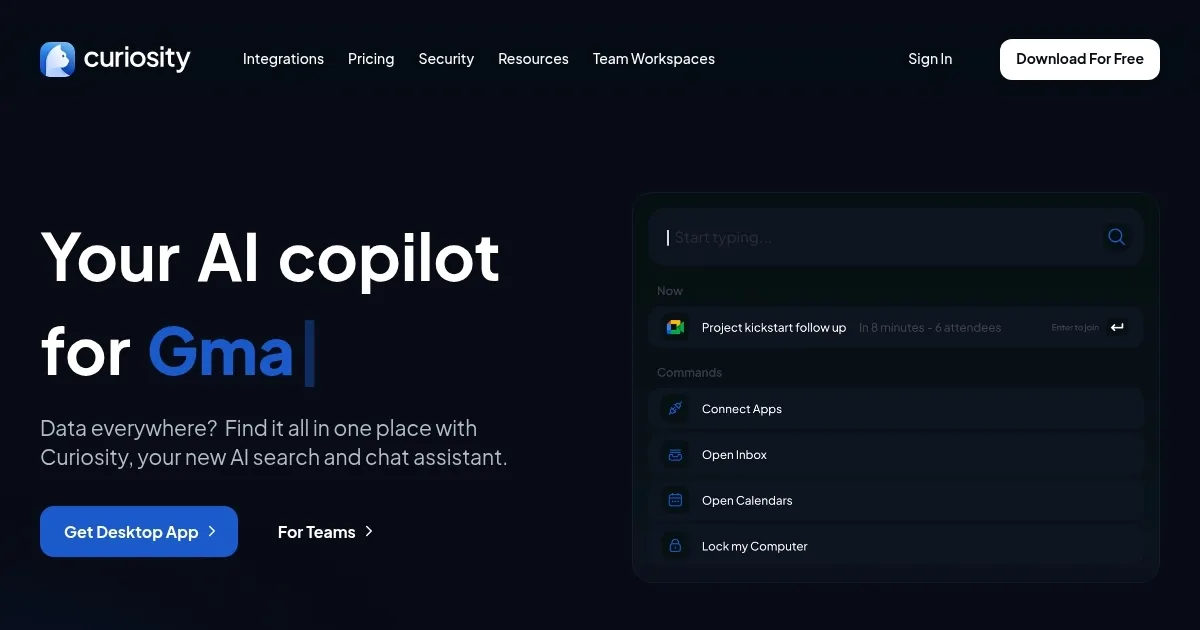
The tool’s strength lies in its ability to connect with multiple platforms — think email clients, cloud storage, and calendars — and search them all at once. The Command Bar, activated with a quick Alt+Space, is your gateway. Type a query, and Curiosity scours your connected apps, delivering results faster than you can say “where’s that file?” The AI Assistant, powered by OpenAI, adds a layer of smarts, answering questions and performing tasks like launching a Zoom meeting or drafting a quick email. It’s not just search; it’s action. For teams, the Workspace feature allows shared searches and user management, which is a godsend for collaborative projects.
But it’s not all smooth sailing. The absence of a mobile app feels like a glaring oversight in 2025, when most of us live half our lives on our phones. You’re tethered to your desktop, which can feel restrictive if you’re on the move. Also, while the free plan is generous — offering up to five app integrations and basic AI features — some of the juiciest functionalities, like advanced search filters, are locked behind a paywall. Compared to competitors like Alfred and Raycast, Curiosity’s pricing feels reasonable for teams but might sting for solo users wanting the full suite.
What might surprise you is how intuitive it feels. The interface is clean, almost minimalist, yet packed with power under the hood. You can customize search parameters to zero in on exactly what you need, and the tool’s data security measures are robust, ensuring your info stays private. Still, I wish the onboarding process was a tad more hand-holding for newbies. It’s not hard to learn, but a guided tour would make the first dive less intimidating.
For anyone juggling multiple apps daily, Curiosity is a game-changer. Start by connecting your most-used apps — email and cloud storage are good bets. Experiment with the AI Assistant for quick tasks, and if you’re on a team, set up a Workspace to streamline group searches. It’s not perfect, but it’s close enough to make you rethink how you organize your digital life.
Homepage Screenshot 📸
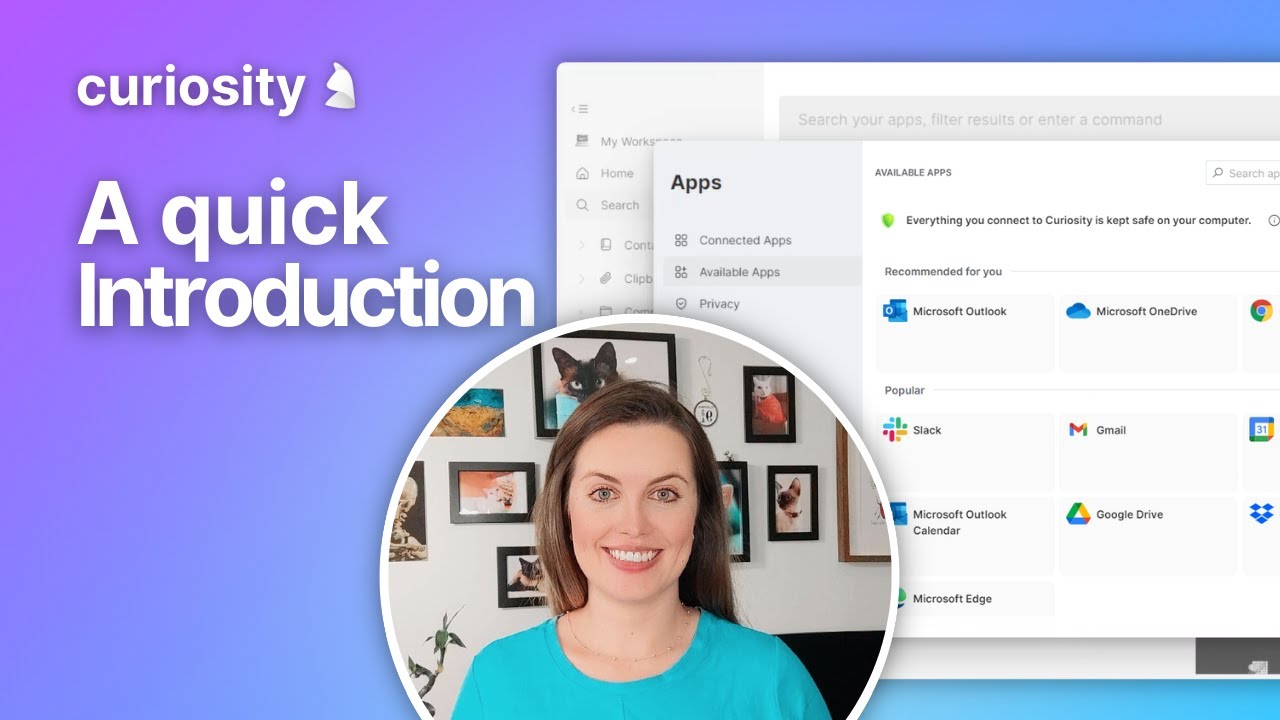
Video Overview 🎬
What are the key features? ✨
- Command Bar: Accesses fast searches across apps with Alt+Space.
- AI Assistant: Answers queries and performs tasks using OpenAI.
- Multi-App Integration: Connects up to five apps on the free plan.
- Launcher: Opens apps and meetings directly from search results.
- Team Workspaces: Enables shared searches and user management.
Who is it for? 🤔
Examples of what you can use it for 💡
- Project Manager: Searches project files across apps to track progress.
- Freelancer: Finds client emails and documents in one search.
- Team Lead: Uses Workspaces to share search results with team.
- Student: Locates study materials across cloud storage quickly.
- Executive: Launches meetings directly from search results.
Pros & Cons ⚖️
- Fast search across multiple apps.
- AI Assistant boosts productivity.
- Team Workspaces aid collaboration.
- Advanced features need paid plan.
- Setup can be tricky for newbies.
FAQs 💬
Curiosity alternatives 🔗