Diffusion Studio
Edits videos with AI automation in a browser-based platform
Diffusion Studio is an AI-powered, browser-based video editing platform designed for creators to automate and streamline content creation. Built on WebCodecs and WebGPU, it processes videos client-side, eliminating the need for server uploads. The tool targets social media creators, offering features like Magic Video Trimmer, which removes filler words and pauses, and Auto Captioning for quick subtitle generation. Its lightweight 75 KB library ensures fast performance, and the interface supports both timeline and transcript-based editing.
Key features include the Magic Video Trimmer, which automatically edits out unwanted segments, and Auto Captioning, which generates subtitles with decent accuracy. The Playground allows developers to code custom effects using TypeScript, while WebCodecs enables hardware-accelerated rendering. Compared to Adobe Premiere Pro, it lacks advanced tools like multi-track audio mixing. CapCut offers similar automation but has a stronger mobile presence. Diffusion Studio’s free tier suits personal use, with Teams and Enterprise plans for professional needs, aligning with competitors’ pricing.
The tool excels for short-form content but struggles with long-form videos, which can tax system resources. Older devices may experience slowdowns, and some features, like caption editing, require manual tweaks for precision. The browser-based approach ensures accessibility but limits complex workflows. Community support via Discord and X is active, providing resources for new users.
Diffusion Studio’s strengths lie in its speed and simplicity. The Playground is a unique offering for developers, and the lack of server dependency is a major plus. However, it’s not ideal for intricate projects requiring robust editing suites. Pricing is competitive, with a free plan and scalable options.
To use it effectively, focus on short social media clips, test the free tier first, and leverage the Playground for custom effects. Check system requirements to ensure smooth performance, and engage with the community for scripting ideas.
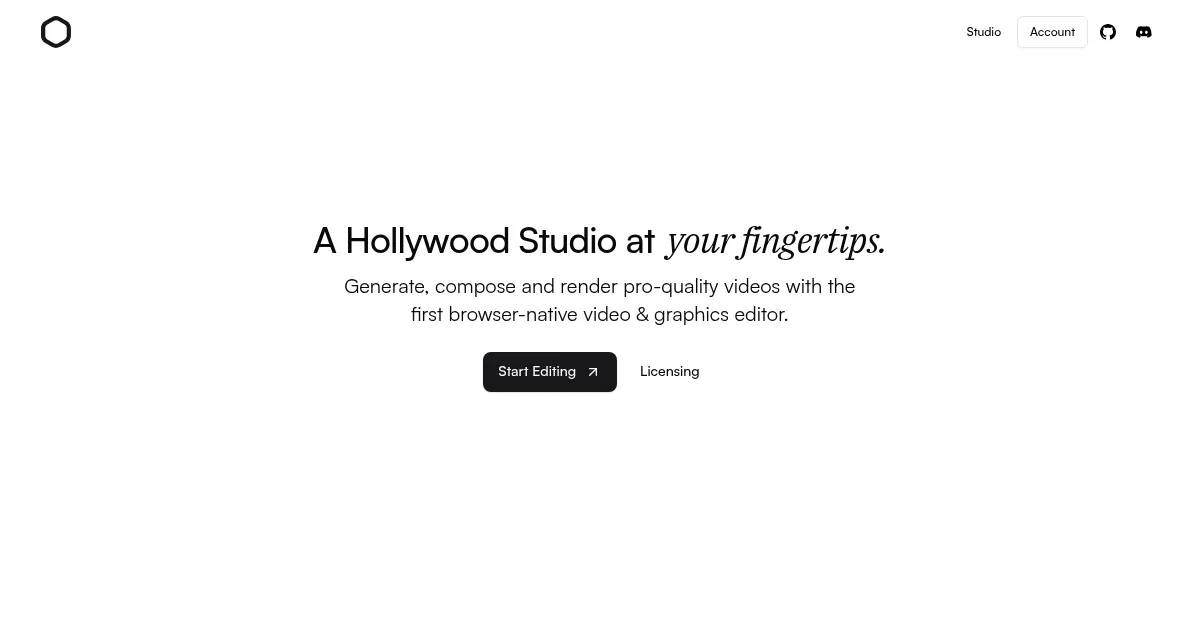
Homepage Screenshot 📸
What are the key features? ✨
- Magic Video Trimmer: Automatically removes filler words and pauses from videos.
- Auto Captioning: Generates subtitles quickly for enhanced accessibility.
- Playground: Allows developers to create custom effects using TypeScript.
- WebCodecs Renderer: Enables fast, hardware-accelerated video processing.
- Transcript-Based Editing: Simplifies edits using video transcripts.
Who is it for? 🤔
Examples of what you can use it for 💡
- Content Creator: Uses Magic Video Trimmer to polish vlogs for YouTube.
- Small Business Owner: Adds Auto Captioning to promo videos for Instagram.
- Developer: Builds custom effects in Playground for unique video projects.
- Podcaster: Edits audio-visual clips using transcript-based editing.
- Marketer: Creates quick social media ads with hardware-accelerated rendering.
Pros & Cons ⚖️
- Fast browser-based editing
- Intuitive transcript editing
- Free tier for personal use
- Fewer advanced features
FAQs 💬
Ready to try Diffusion Studio?
Edits videos with AI automation in a browser-based platform
Visit Diffusion Studio