Eddie AI
Generates rough cuts from interview footage via text prompts in seconds
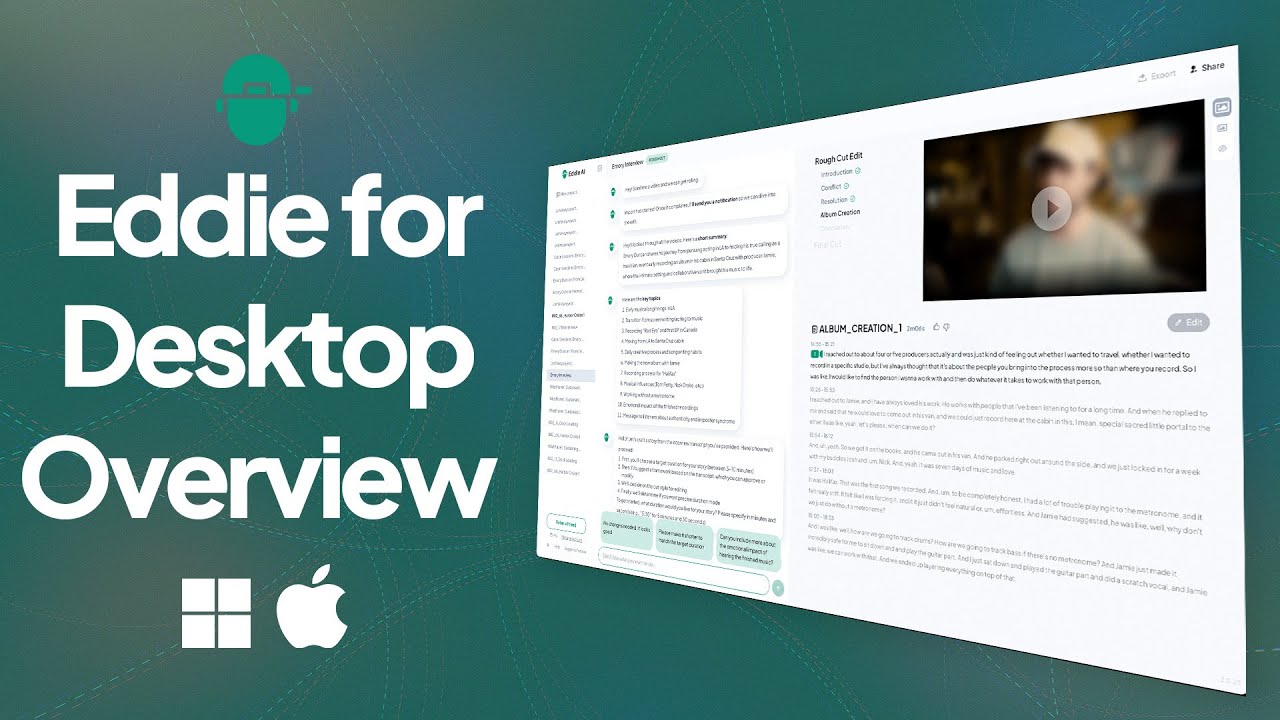
Ever notice how video editing starts with promise but ends in a tangle of timelines and misplaced clips? Eddie AI steps in like that reliable sidekick who knows exactly where you left your keys. This tool, built by folks who get the grind of post-production, turns raw interview footage into structured rough cuts faster than you can say “transcribe this mess.” I spent some time poking around its interface, and right away, the chat-like prompt system grabs you. Type in something straightforward like “pull the best three soundbites on leadership,” and Eddie scans your upload, pulling clips with timestamps and even suggesting B-roll spots. It’s not magic, but it feels close, especially when you’re knee-deep in a 20-hour shoot you didn’t film yourself.
What sets Eddie apart in this crowded field is its focus on pros who already use heavy hitters like Descript or Runway. Descript shines at audio tweaks and overdub, but Eddie goes further with multi-cam sync, automatically switching angles based on speaker detection, which saves you from manual scrubbing. Runway, great for generative effects, lacks Eddie’s export pipeline to Premiere or Final Cut Pro, where you can drag clips right back in for polish. I think Eddie’s strength lies in that round-trip workflow; it analyzes dialogue with speech-to-text accuracy around 95 percent on clear audio, then organizes everything into a timeline you can iterate on. Upload A-roll interviews, add B-roll folders, and prompt for “a punchy two-minute hook.” Boom, you get a draft with transitions that actually flow, not jar. Users on forums rave about this for corporate gigs, where repetitive talking heads eat hours, but Eddie condenses them into engaging segments.
Of course, no tool nails everything. Eddie thrives on high-quality audio, so if your footage has heavy accents or background hum, the transcription might falter, leaving you to clean up manually, which kinda defeats the speed boost. And while the Rough Cut Mode is a standout, spitting out editable timelines in under a minute, it can overdo cuts on emotional beats, making things feel rushed. Compared to Descript’s more forgiving filler-word removal, Eddie’s prompts need tweaking to avoid that. Pricing wise, it offers a free tier for basics, then scales to pro plans that feel fair next to Runway’s credit-based system, which burns through quotas on longer clips. One surprise? The B-Roll Finder feature, which not only suggests stock matches but pulls from your own library with semantic search, like tagging “office chaos” to grab relevant shots. It’s those little efficiencies that keep you editing, not fighting the software.
Then there’s the integration game. Eddie plugs into DaVinci Resolve via extension, letting you prompt cuts without leaving your NLE, and the same for Premiere. I tested a multi-cam podcast edit, and it handled four angles flawlessly, syncing based on audio peaks. But here’s a quirk: exports include XML metadata, which is gold for team handoffs, yet occasional sync glitches pop up on Windows apps, though Mac holds steady. Reddit threads from editors switching from Descript highlight this as a win for complex projects, but some gripe about learning the prompt lingo, which takes a session or two. Still, once you click, it’s addictive, turning grunt work into quick wins.
Look, Eddie isn’t out to replace your artistry; it’s the accelerator that lets you focus there. For anyone juggling client deadlines, start small: upload a short interview, prompt a summary, and export to your usual editor. Tweak from there, and you’ll see hours reclaimed. If multi-cam or logging trips you up often, give its free trial a spin, and build prompts that match your style, like adding “keep natural pauses” for authenticity. That way, you stay in control, just with less hassle.
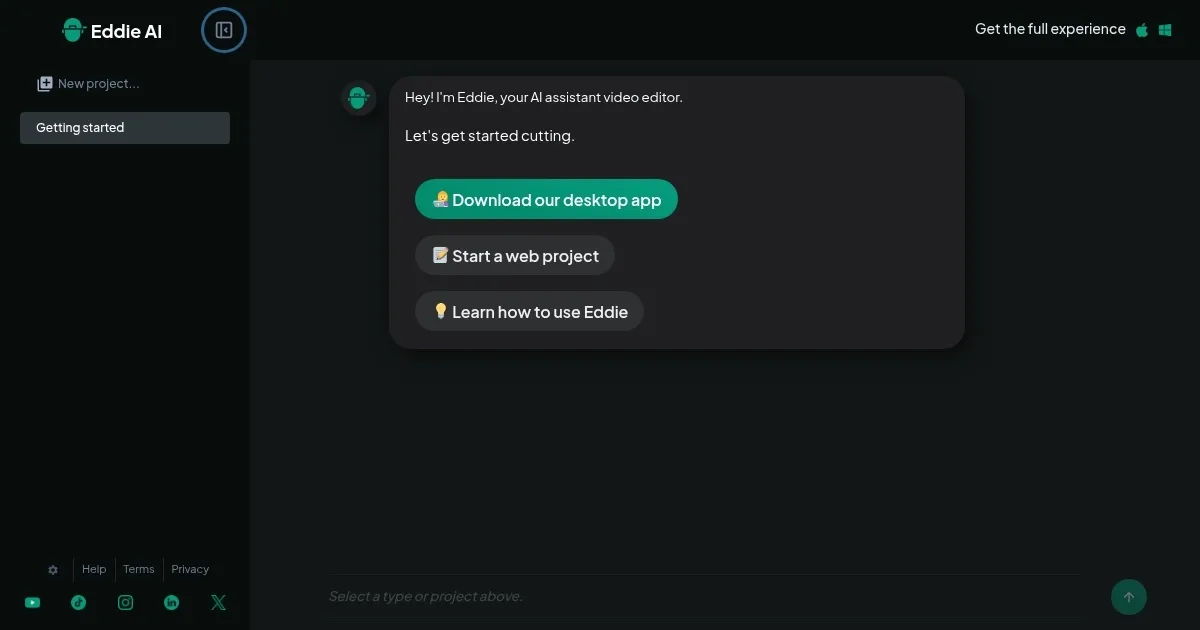
Homepage Screenshot 📸
Video Overview 🎬
What are the key features? ✨
- Prompt-Based Editing: Enables users to generate and refine video cuts using natural language commands for quick assembly of interview highlights.
- Multi-Cam Sync: Automatically switches camera angles in multi-camera footage based on detected speakers to streamline podcast and interview edits.
- Rough Cut Mode: Assembles initial timelines from uploaded clips with suggested transitions and hooks in under a minute for rapid drafting.
- B-Roll Finder: Scans and suggests relevant supplementary footage from libraries to enhance main interview sequences organically.
- NLE Export: Outputs edited projects in XML format compatible with Adobe Premiere, DaVinci Resolve, and Final Cut Pro for seamless further refinement.
Who is it for? 🤔
Examples of what you can use it for 💡
- Podcast Producer: Uploads multi-cam interview recordings and prompts Eddie to sync angles and extract key segments, creating a polished episode draft ready for audio tweaks.
- Corporate Videographer: Logs 20 hours of conference talks with topic tags, then generates short promotional clips focused on client highlights for quick social media shares.
- Documentary Filmmaker: Organizes B-roll alongside A-roll interviews via semantic search, assembling a narrative timeline that maintains emotional pacing through iterative prompts.
- YouTube Content Creator: Turns vlog footage into engaging hooks and summaries, using Rough Cut Mode to produce multiple short-form variants for platform testing.
- Freelance Editor: Handles client revisions by re-prompting existing cuts for length or tone adjustments, exporting XML directly to Premiere for final color grading.
Pros & Cons ⚖️
- Strong multi-cam
- Accurate transcription
- Free tier available
- Audio quality sensitive
- Occasional sync glitches
FAQs 💬
Ready to try Eddie AI?
Generates rough cuts from interview footage via text prompts in seconds
Visit Eddie AI