Skip to content
logo-darklogo-darklogo-darklogo-dark
  • Tool Categories
    • 🎨Art & Creative Design505
    • 🏢Business Management644
    • 💻Coding & Development514
    • 👮Detection83
    • 🧠General Use728
    • 🏥Health & Wellness55
    • 📷Image & Photo Analysis100
    • 🖼️Image Generation & Editing618
    • 📐Interior & Architectural Design37
    • 🎓Learning & Education483
    • ⚖️Legal & Finance90
    • 🎭Lifestyle & Entertainment236
    • 📢Marketing & Advertising627
    • 🎧Music & Audio138
    • 👔Office & Workplace1,014
    • 🔬Research & Data Analysis373
    • 👥Social Media245
    • 🎥Video Generation & Editing426
    • 👧🏻Virtual Companion135
    • 🎤Voice Generation & Editing381
    • ✍️Writing & Editing808
    • All Categories
    • AI Use Cases
  • News
  • Events
    • Academic Conferences
    • Developer Conferences
    • Expos / Trade Shows
    • Industry Summits
    • Workshops / Training
    • All Events
    • Past Events
  • Saved Tools
  • Suggest a Tool
    ✕
    Home › Coding & Development › Code Review› Graphite
    Graphite

    Graphite

    An AI-powered developer platform that enhances code review processes for teams using GitHub

    Graphite is an AI-powered developer platform that enhances code review processes for teams using GitHub. It introduces a stacked pull request (PR) workflow to enable developers to create and manage dependent code change sequences, streamlining reviews and accelerating software delivery.

    Arguably Graphite’s coolest feature, called AI Reviewer, automatically examines opened PRs for bugs, logical errors, and other technical issues. By employing Retrieval-Augmented Generation (RAG) on a team’s past pull requests, the AI provides contextually relevant feedback — allowing human reviewers to concentrate on broader aspects of the code.

    Graphite also offers a command-line interface (CLI) and a Visual Studio Code extension, facilitating seamless integration into existing development workflows. These tools assist in visualizing, creating, updating, sharing, and submitting stacks directly from the development environment — thus simplifying branch management and enhancing productivity.

    Users have reported significant improvements in their development processes after adopting Graphite. For example, engineers at Asana saved approximately seven hours per week by utilizing stacked pull requests, and Ramp experienced a threefold increase in shipping speed. These testimonials say a lot about Graphite’s effectiveness in optimizing code review workflows and boosting overall team efficiency. Check it out.

    Visit Graphite ↗
    Categories
    💻 Coding
    🔍 Code Review 🐙 Github 👨‍💻 Development 🤖 Code Assistant ✅ Testing
    👔 Work
    ⚡ Work Productivity

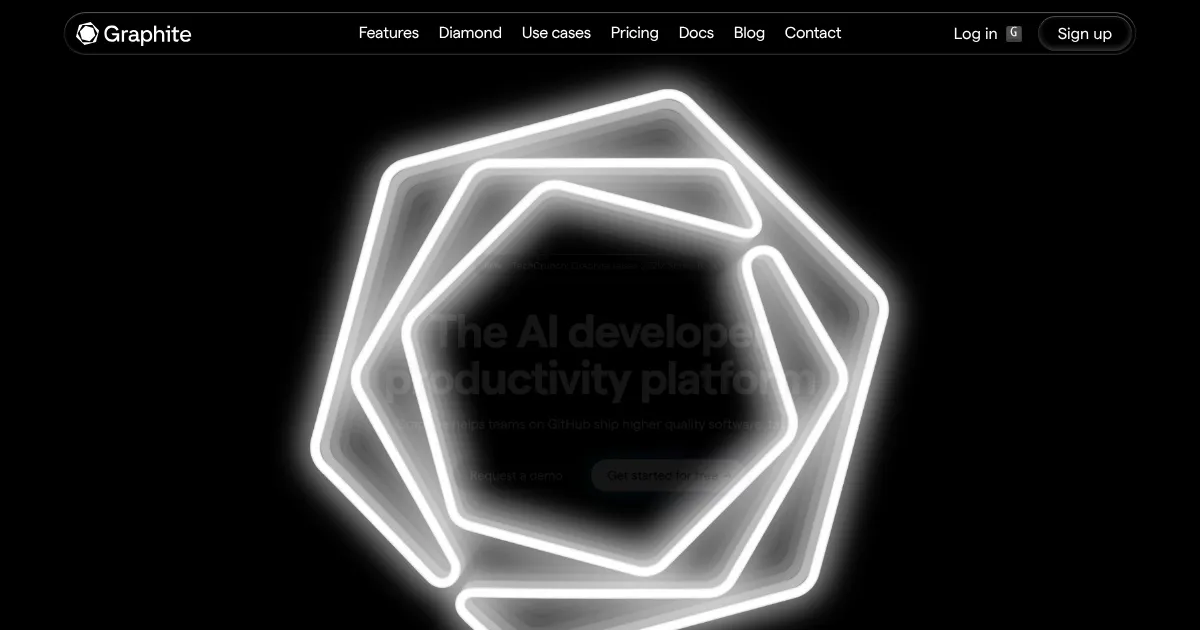
    Homepage Screenshot 📸

    Graphite screenshot

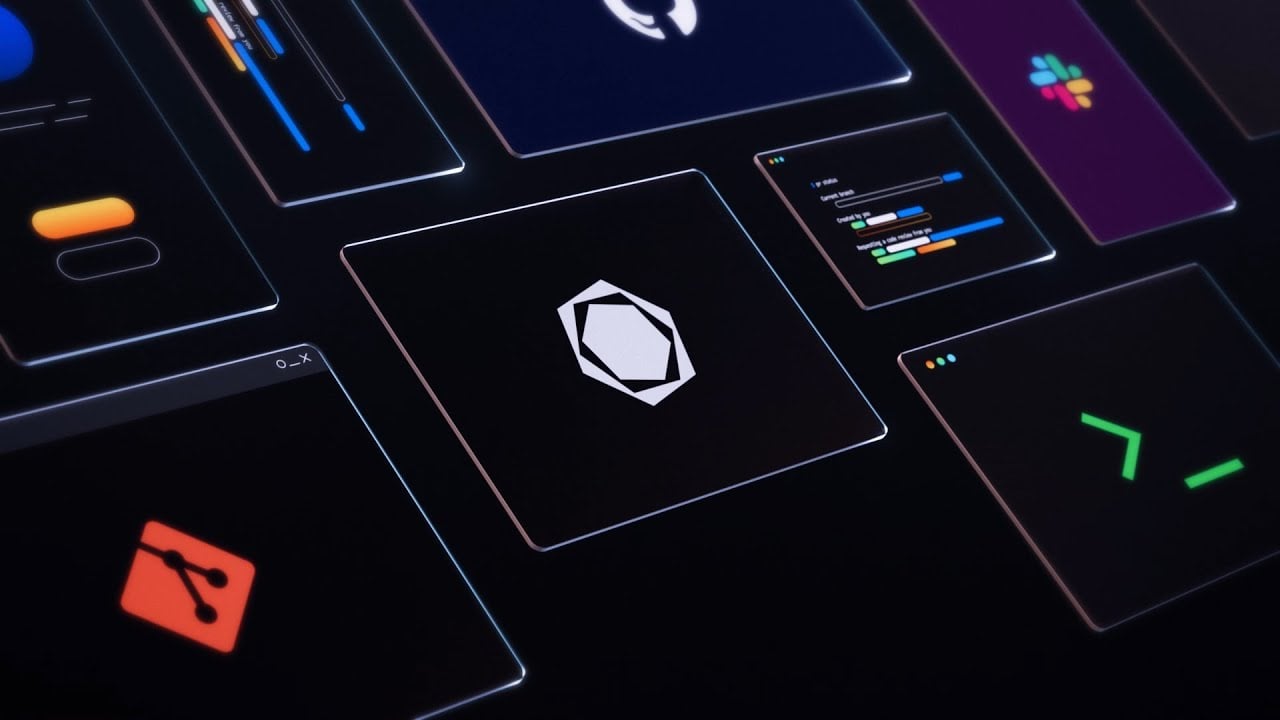
    Video Overview 🎬

    Graphite - Video Overview

    What are the key features? ✨

    • Stacked pull requests: Graphite enables developers to create and manage stacked pull requests, allowing them to build upon open PRs without waiting for previous ones to merge.
    • AI-powered code review: The platform offers immediate, actionable feedback on pull requests using AI that is aware of the specific codebase. This helps identify bugs and logical errors early in the development process.
    • Command Line Interface (CLI) & VS Code extension: Graphite provides a CLI and a Visual Studio Code extension to streamline Git commands and facilitate creating and managing stacked PRs directly from the terminal or IDE.
    • Customizable pull request inbox: Users can stay on top of every PR and review request in one unified inbox, with customizable sections to match their workflow.
    • Merge queue: Graphite's merge queue automates the merging process, eliminating merge conflicts and keeping the main branch stable, which benefits teams of all sizes.

    Who is it for? 🤔

    Graphite targets development teams using GitHub who seek to enhance their code review processes and overall productivity. It can be particularly beneficial for organizations aiming to implement stacked pull requests and integrate AI-driven code review into their workflows. Companies of various sizes, from startups to large enterprises, can leverage Graphite to ship higher-quality software faster.

    Examples of what you can use it for 💡

    • Receive instant feedback, reducing the time spent on manual reviews and accelerating the development cycle
    • Handle complex code changes in a structured manner, making it easier to manage dependencies and streamline the integration process
    • Ensure only necessary tests run, saving time and resources in the CI/CD process
    • Keep team members informed and engaged, enhancing collaboration and communication within development teams
    • Enforce coding standards and maintain high code quality across the codebase

    Pros & Cons ⚖️

    • Streamlines code reviews
    • Simplifies Git workflow
    • Integrates with GitHub
    • There is a learning curve, but it's manageable

    FAQs 💬

    What does Graphite primarily help with in development workflows?
    Graphite accelerates code review and delivery by combining AI-powered feedback with stacked pull requests, so teams ship smaller, higher-quality changes faster without blocking progress.
    How does Graphite Agent improve on typical AI code review tools?
    Graphite Agent delivers high-signal, context-aware feedback with very low false positives, catches real bugs and issues, suggests fixes, and lets you chat to apply changes directly in the PR.
    Who is Graphite best suited for?
    Graphite works best for engineering teams using GitHub who struggle with slow reviews, large PRs, or merge conflicts and want to maintain velocity as AI helps generate code quicker.
    Can Graphite handle large codebases effectively?
    Yes, its AI uses retrieval-augmented generation on your repo's history, so feedback stays relevant and accurate even in complex, evolving projects.
    Does Graphite replace human code reviewers?
    No, Graphite positions AI as a collaborator that handles routine checks and fixes so humans focus on higher-level design, security, and domain-specific concerns.
    How does stacked PRs work in Graphite?
    You create dependent, incremental PRs instead of one massive change; the platform manages sequencing, rebasing, and conflict-free merging automatically.
    What integrations does Graphite support out of the box?
    Graphite syncs deeply with GitHub for repo state and PRs, offers Slack notifications, CI optimizations, and a VS Code extension plus CLI for stacking.
    Is Graphite easy to set up for a new team?
    Yes, connecting GitHub takes minutes, and the CLI plus extension let you start stacking and using AI reviews quickly without heavy configuration.
    How does Graphite reduce noise in code reviews?
    It prioritizes meaningful issues over trivial comments, uses low false-positive tuning, and provides actionable suggestions tied to your actual codebase context.
    Can individual developers benefit from Graphite?
    While strongest for teams, solo devs gain from faster self-review via Agent, cleaner PRs, and easier branch management through stacking tools.

    Ready to try Graphite?

    An AI-powered developer platform that enhances code review processes for teams using GitHub

    Visit Graphite ↗

    Graphite alternatives 🔗

    1. GitHub Copilot GitHub Copilot Enhances coding with AI-driven completions and chat assistance
    2. Cursor Cursor Supercharges coding with AI agents that build, edit, and review code autonomously.
    3. Windsurf Windsurf Empowers developers with AI-driven code generation and real-time collaboration.
    4. CodeRabbit CodeRabbit An AI-driven platform designed to drastically improve the code review process
    5. Greptile Greptile An AI code review tool that helps developers merge pull requests faster and catch more bugs
    6. Replit AI Replit AI Transforms natural language prompts into fully deployable apps using AI agents
    Share
    Graphite screenshot enlarged
    Best AI Tools

    Discover the best AI tools for any use case

    Explore
    • Tool Categories
    • AI Use Cases
    • AI Events
    • AI News
    • Saved Tools
    Company
    • About Us
    • Contact Us
    • Media & Partnerships
    • Suggest a Tool
    Legal
    • Privacy Policy
    • Terms of Service
    Copyright © 2026 Best AI Tools 415 Mission Street, 37th Floor, San Francisco, CA 94105