Hama
Removes unwanted objects, people, text from images quickly using AI brush tool
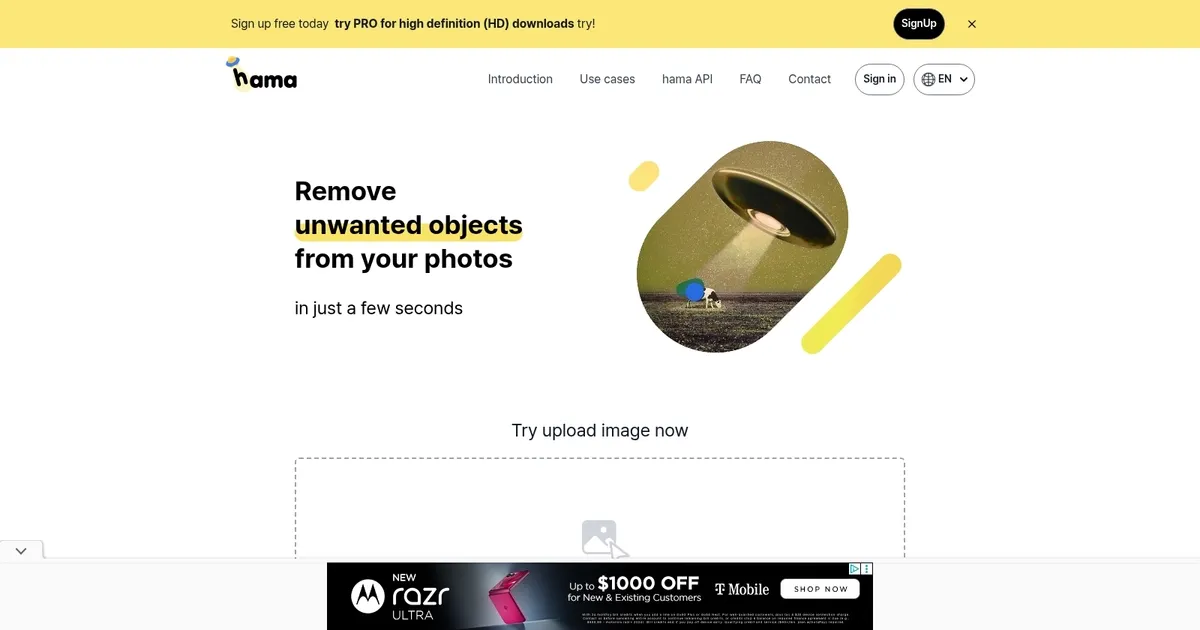
Hama is an AI-powered web application designed to efficiently remove unwanted objects from photos. It simplifies photo editing by allowing users to easily erase objects such as spots, freckles, pimples, wrinkles, and various blemishes. Moreover, Hama can remove obstructions from pictures, making it particularly useful for enhancing landscape or cityscape photos.
Users can interact with the application by uploading an image directly onto the platform and utilizing specific features, such as erasing objects with a few clicks. The process involves uploading the original image along with a mask image to the Hama API, which then processes these inputs to produce a final image free of unwanted elements.
Hama caters to a wide range of use cases, including applications in photo apps, template businesses, e-commerce platforms, web builders, maps, media, and other related sectors that require high-quality image manipulation. It is easy to use with functionalities such as drag-and-drop uploading and the option to execute multiple erasures for enhanced results.
In addition, Hama provides information on its pricing model and tips for achieving better erasure results. There is also a PRO version for high-definition downloads.
Homepage Screenshot 📸
What are the key features? ✨
- AI Object Removal: Erases unwanted objects, people, text or blemishes from photos by brushing over them and letting AI inpaint naturally.
- Repeat Erase Mode: Allows multiple brush passes over the same area to improve results on challenging sections.
- API Integration: Enables developers to embed the removal functionality into photo apps, e-commerce platforms, web builders or other services.
- Free Basic Editing: Offers unlimited standard-resolution edits without strict restrictions for casual users.
- HD Export Option: Provides higher definition downloads through the PRO upgrade for professional-quality outputs.
Who is it for? 🤔
Examples of what you can use it for 💡
- Casual photographer: Removes photobombers or stray objects from travel photos in seconds for cleaner social media shares.
- Portrait editor: Erases pimples, freckles, wrinkles or minor blemishes from headshots without complex retouching steps.
- E-commerce seller: Clears unwanted reflections, text or props from product images to create professional listings quickly.
- Real estate agent: Eliminates temporary obstructions like signs or people from property and street-view photos.
- Developer or SaaS creator: Integrates the API into custom photo editing apps or web platforms for seamless object removal features.
Pros & Cons ⚖️
- Fast and simple to use
- Natural-looking results often
- Free tier generous
- Repeat erase improves output
- HD needs PRO upgrade
- Complex backgrounds can need extra work
FAQs 💬
Ready to try Hama?
Removes unwanted objects, people, text from images quickly using AI brush tool
Visit HamaHama alternatives 🔗