
HeyPhoto by Icons8
An AI-powered photo editor that allows users to easily enhance and modify their images
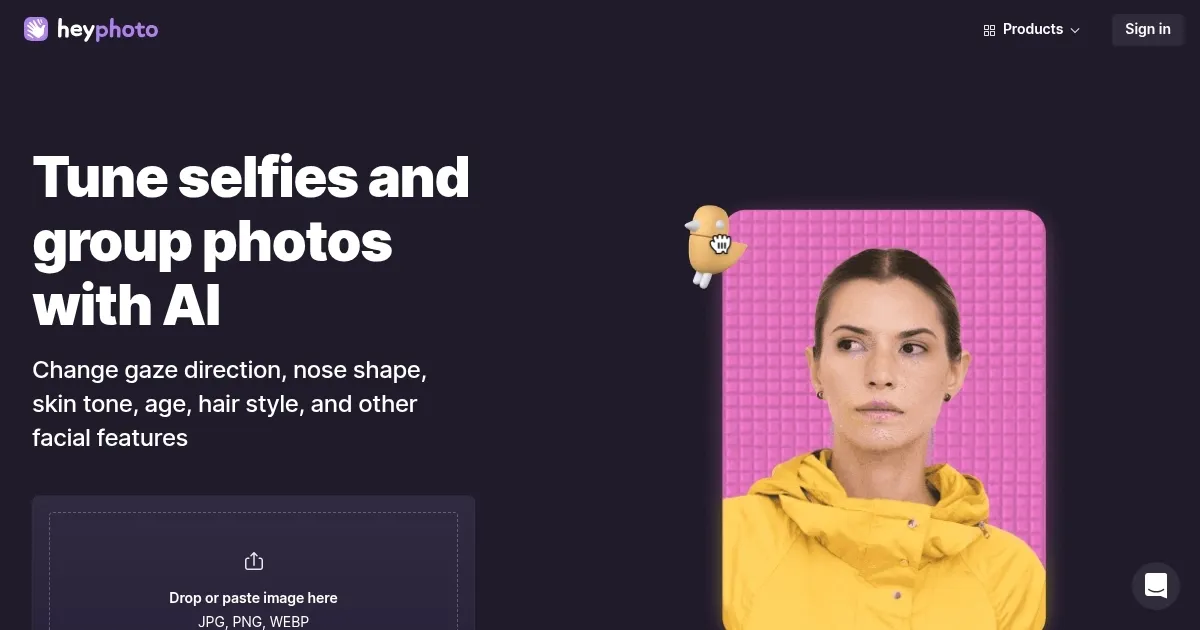
HeyPhoto is a free online AI-powered photo editor that allows users to easily enhance and modify their images. Utilizing advanced AI, it detects faces in photos and offers a range of tools to adjust facial features — including gaze direction, smiles, age, and gender. The platform’s intuitive design makes sure that users can achieve professional-looking results without any specialized skills.
One of HeyPhoto’s coolest features is the “Look at bird” tool, which allows users to change the direction of a subject’s gaze by dragging a bird icon across the screen. This interactive approach makes the editing process engaging and straightforward. Moreover, the “Gimme a smile” feature lets users adjust the level of a subject’s smile by moving a slider.
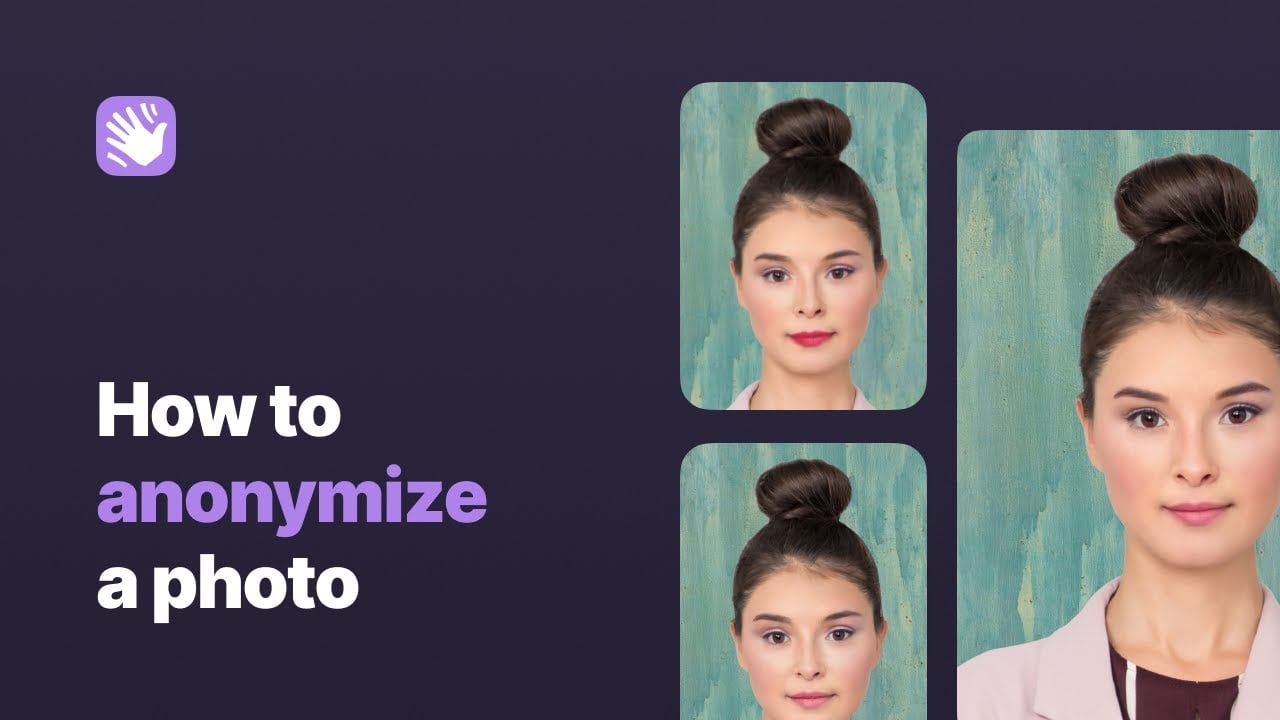
HeyPhoto also offers advanced functionalities such as altering hairstyles, applying makeup, and adjusting skin tones. These features enable users to experiment with different looks and styles, making it useful for both personal and professional use. The platform also includes an “Anonymize me” option, designed to help users protect their identity by making them unrecognizable to facial recognition systems.
While HeyPhoto is free to use, it adds a watermark to the edited images. The service supports photos up to 5 MB in size and works best with high-quality images where subjects are directly facing the camera.
All in all, HeyPhoto provides a user-friendly and feature-rich platform for AI-driven photo editing.
Homepage Screenshot 📸
Video Overview 🎬
What are the key features? ✨
- Gaze direction adjustment: The "Look at Bird" tool allows users to change the direction of a person's gaze in a photo by dragging a bird icon.
- Smile enhancements: With the "Gimme a Smile" feature, users can adjust the level of a subject's smile, adding or reducing happiness in the facial expression.
- Age modification: The "Change My Age" tool enables users to alter the perceived age of individuals in photos to make them look younger or older.
- Gender transformation: This feature allows users to modify facial characteristics to appear more masculine or feminine.
- Emotion tweaking: Users can adjust facial expressions to reflect various emotions, such as happiness, surprise, or anger.
Who is it for? 🤔
Examples of what you can use it for 💡
- Individuals can refine their profile pictures by adjusting smiles or gaze directions
- Modify your facial features to prevent recognition by facial recognition systems, safeguarding personal privacy
- Experiment with different facial expressions and ages to produce diverse and engaging visuals for storytelling or marketing purposes
- Make quick adjustments to portraits, such as altering gaze direction or adding smiles, without using complex editing software
- Users curious about how they might look at different ages or with different gender characteristics can use HeyPhoto for personal amusement
Pros & Cons ⚖️
- User-friendly interface for quick photo edits
- Quick turnaround for photo processing
- Good for marketing, entertainment, and more
- It won't replace Photoshop (and that's ok)
Ready to try HeyPhoto?
An AI-powered photo editor that allows users to easily enhance and modify their images
Visit HeyPhotoHeyPhoto alternatives 🔗