JotBot
An AI-powered writing assistant that enhances the writing process for students, professionals, etc.
JotBot AI is an AI-powered writing assistant designed to significantly enhance the writing process for students, professionals, and anyone in between. The tool is meant to mimic a user’s writing style, offering a range of features that support various stages of the writing process, from ideation to final editing.
JotBot could also be used for real-time note-taking, generating transcripts and descriptive notes instantly during lectures, meetings, or any conversation without requiring manual input. This makes it particularly valuable for students, professionals, and anyone else who needs to capture detailed notes on the fly.
In addition, JotBot features a sophisticated source management system that finds relevant information and integrates citations directly into your documents.
Plus, JotBot’s so-called “++” feature is created to address writer’s block by continuing to write from where you left off while maintaining the original tone and style. This feature is a boon for writers seeking fluidity in their creative processes.
Somewhat related, the platform allows users to upload their writing samples, which JotBot uses to learn their specific style.
Finally, we should add that JotBot AI offers advanced editing functions that enable users to command the AI to reword, summarize, expand, or adjust the style of any text. Check it out.
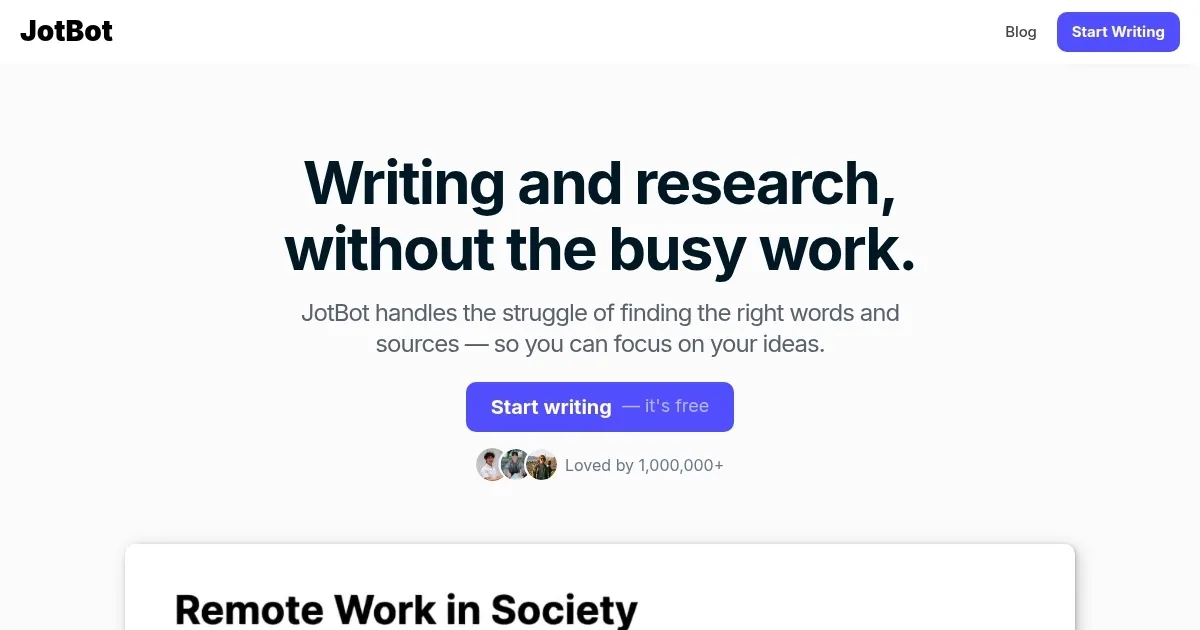
Homepage Screenshot 📸
Video Overview 🎬
What are the key features? ✨
- Real-time note-taking: JotBot can listen to lectures, meetings, or conversations and automatically generate accurate notes.
- Source integration & citation: When writing, JotBot helps you find and cite sources easily. It can scrape websites for information and automatically insert citations in the correct format.
- Customizable text editing: JotBot lets you reword, summarize, or adjust the style of your writing with ease.
- No more writer's block: If you're stuck and can't think of what to write next, JotBot's "++" feature can continue your text based on the last thing you wrote.
- Writing assistance: JotBot analyzes your writing samples to learn your unique style and preferences and later generates text that matches your style.
Who is it for? 🤔
Examples of what you can use it for 💡
- Students and researchers can use JotBot to generate and organize notes from lectures or readings
- Professionals can utilize JotBot for drafting reports, creating detailed meeting minutes, or composing professional emails
- Writers can use JotBot to overcome writer's block by having the AI continue their stories or articles where they left off
- Content creators can leverage JotBot to generate initial drafts for blog posts, social media updates, and marketing materials
- Educators can incorporate JotBot as a tool in the classroom to help students improve their writing skills
Pros & Cons ⚖️
- Generates text in your style of writing
- Addressing writer's block with AI
- It can automatically take notes on your behalf
- Generated content may not feel genuinely unique
Ready to try JotBot?
An AI-powered writing assistant that enhances the writing process for students, professionals, etc.
Visit JotBot