Skip to content
logo-darklogo-darklogo-darklogo-dark
  • Tool Categories
    • 🎨Art & Creative Design505
    • 🏢Business Management644
    • 💻Coding & Development514
    • 👮Detection83
    • 🧠General Use728
    • 🏥Health & Wellness55
    • 📷Image & Photo Analysis100
    • 🖼️Image Generation & Editing618
    • 📐Interior & Architectural Design37
    • 🎓Learning & Education483
    • ⚖️Legal & Finance90
    • 🎭Lifestyle & Entertainment236
    • 📢Marketing & Advertising627
    • 🎧Music & Audio138
    • 👔Office & Workplace1,014
    • 🔬Research & Data Analysis373
    • 👥Social Media245
    • 🎥Video Generation & Editing426
    • 👧🏻Virtual Companion135
    • 🎤Voice Generation & Editing381
    • ✍️Writing & Editing808
    • All Categories
    • AI Use Cases
  • News
  • Events
    • Academic Conferences
    • Developer Conferences
    • Expos / Trade Shows
    • Industry Summits
    • Workshops / Training
    • All Events
    • Past Events
  • Saved Tools
  • Suggest a Tool
    ✕
    Home › Marketing & Advertising › Sales Assistant› Journey
    Journey

    Journey

    Builds shareable microsites from existing content to engage B2B buyers

    Journey is a platform that enables B2B teams to create shareable microsites from existing content assets like videos, PDFs, and decks. It offers drag-and-drop organization to form cohesive narratives without coding or design expertise. The tool includes analytics for tracking engagement metrics such as time on page and scroll depth. Pricing starts at $9 per user per month for basic features and scales to $59 for advanced options, which is competitive with alternatives like trumpet and RELAYTO that provide similar digital sales room functionalities but may differ in integration depth.

    Key features include content consolidation into branded links, access controls like password protection, and visitor insights to monitor interactions. The AI chatbot in higher plans allows interactive queries within microsites. Users can reuse templates across teams for efficiency in sales, onboarding, and proposals. Competitors such as Aligned focus more on collaboration, while Journey emphasizes quick setup and async delivery.

    Readers may like the platforms ability to boost engagement by 47 percent in post-demo follow-ups, as reported by some teams. The no-login requirement for viewers reduces friction. Potential drawbacks include limited journeys in entry plans and the need for upgrades to remove branding. A surprise element is the session replays in premium tiers, offering detailed behavioral data.

    For technical details, Journey supports embedding various file types and provides email tracking. It integrates with tools like Zapier in advanced plans. Compared to DealHub.io, it offers simpler pricing but fewer CPQ features. The tool is suited for lean teams aiming to appear more professional without heavy resources.

    To get started, sign up for the 14-day trial and test with existing assets. Focus on analytics to refine content. Upgrade based on team size and needed integrations for optimal use.

    Visit Journey ↗
    Categories
    📢 Advertising
    🛍️ Sales Assistant 💼 Sales 🚀 Marketing
    👔 Work
    📄 Document Generation 💬 Presentation Generation
    🏢 Business
    👥 CRM

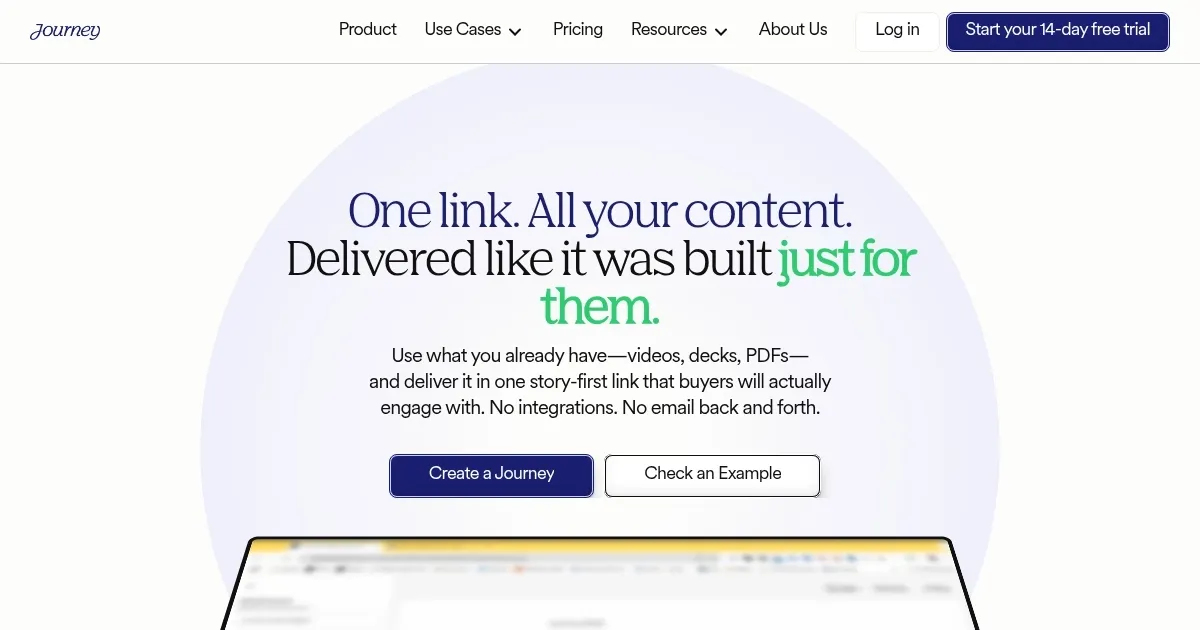
    Homepage Screenshot 📸

    Journey screenshot

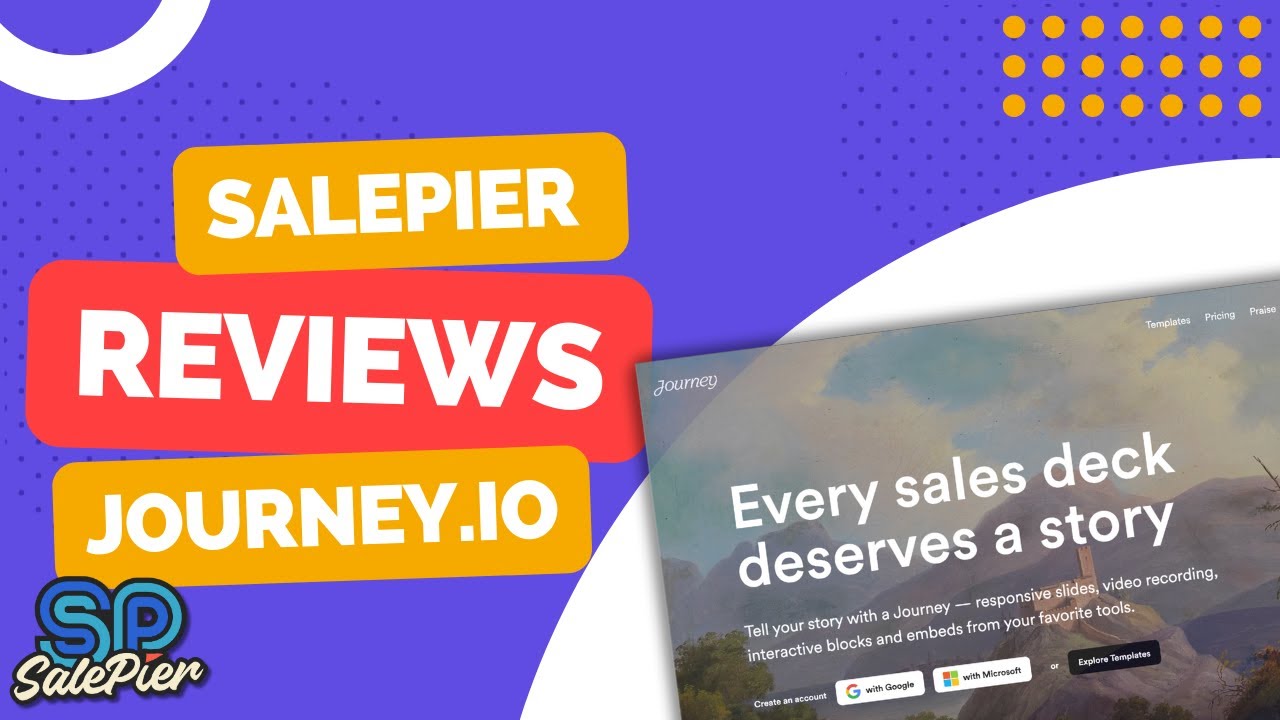
    Video Overview 🎬

    Journey - Video Overview

    What are the key features? ✨

    • Content Consolidation: Combines various assets like PDFs and videos into one scrollable microsite.
    • Branded Sharing: Creates custom links that are easy to distribute without viewer logins.
    • Engagement Analytics: Tracks metrics including time on page and scroll depth for insights.
    • AI Chatbot: Provides interactive responses to user queries in higher plans.
    • Access Controls: Offers password protection and gated content for secure sharing.

    Who is it for? 🤔

    Journey proves helpful for B2B founders, marketers, and sales teams who need to package scattered content into engaging microsites, especially lean operations looking to boost follow-up efficiency, track buyer interactions, and deliver polished experiences without technical hurdles.

    Examples of what you can use it for 💡

    • Founder: Builds branded onboarding flows to make small teams appear more established.
    • Marketer: Creates reusable templates to maintain narrative control and analyze asset performance.
    • Salesperson: Packages pitches into trackable links for async buyer engagement.
    • Partnership Manager: Shares single links for quick platform onboarding with usage tracking.
    • Fundraiser: Organizes proposals into cohesive microsites to impress investors.

    Pros & Cons ⚖️

    • Ease of use
    • Strong analytics
    • Quick setup
    • Affordable entry
    • Limited basic plan
    • Upgrade for AI

    FAQs 💬

    What is Journey?
    Journey is a platform for creating branded microsites from existing content to engage B2B buyers.
    Does Journey require new content creation?
    No, it uses your existing assets like PDFs and videos.
    Is there a free trial?
    Yes, a 14-day trial with all features is available.
    What analytics does it provide?
    It tracks time on page, scroll depth, and clicks.
    Does it have AI features?
    Yes, an AI chatbot is included in the Grow plan and above.
    Can buyers access without logging in?
    Yes, no login is required for viewers.
    What integrations are available?
    Zapier and Clay in Scale plan, with CRM in Enterprise.
    How does it compare to Notion?
    It focuses on presentation and tracking, not just storage.
    Is it suitable for small teams?
    Yes, designed for lean B2B teams with affordable pricing.
    What file types are supported?
    Videos, decks, PDFs, and contracts are supported.

    Ready to try Journey?

    Builds shareable microsites from existing content to engage B2B buyers

    Visit Journey ↗

    Journey alternatives 🔗

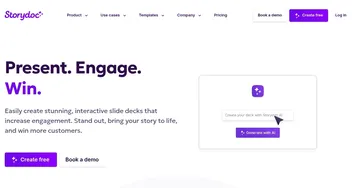
    1. Storydoc Storydoc An AI-powered platform that transforms traditional presentations into interactive experiences
    2. Supademo Supademo An AI-powered platform for creation of interactive product demonstrations
    3. Prezi Prezi Creates engaging AI-powered presentations in seconds
    4. Visme Visme Create stunning presentations, infographics, and branded visuals effortlessly
    5. Sendspark Sendspark Creates personalized video messages to boost engagement in sales and marketing
    6. Vidyard Vidyard An online tool designed to help businesses create, host, and share videos
    Share
    Journey screenshot enlarged
    Best AI Tools

    Discover the best AI tools for any use case

    Explore
    • Tool Categories
    • AI Use Cases
    • AI Events
    • AI News
    • Saved Tools
    Company
    • About Us
    • Contact Us
    • Media & Partnerships
    • Suggest a Tool
    Legal
    • Privacy Policy
    • Terms of Service
    Copyright © 2026 Best AI Tools 415 Mission Street, 37th Floor, San Francisco, CA 94105