Skip to content
logo-darklogo-darklogo-darklogo-dark
  • Tool Categories
    • 🎨Art & Creative Design505
    • 🏢Business Management644
    • 💻Coding & Development514
    • 👮Detection83
    • 🧠General Use728
    • 🏥Health & Wellness55
    • 📷Image & Photo Analysis100
    • 🖼️Image Generation & Editing618
    • 📐Interior & Architectural Design37
    • 🎓Learning & Education483
    • ⚖️Legal & Finance90
    • 🎭Lifestyle & Entertainment236
    • 📢Marketing & Advertising627
    • 🎧Music & Audio138
    • 👔Office & Workplace1,014
    • 🔬Research & Data Analysis373
    • 👥Social Media245
    • 🎥Video Generation & Editing426
    • 👧🏻Virtual Companion135
    • 🎤Voice Generation & Editing381
    • ✍️Writing & Editing808
    • All Categories
    • AI Use Cases
  • News
  • Events
    • Academic Conferences
    • Developer Conferences
    • Expos / Trade Shows
    • Industry Summits
    • Workshops / Training
    • All Events
    • Past Events
  • Saved Tools
  • Suggest a Tool
    ✕
    Home › General Use › Chatbot› Juma
    Juma

    Juma

    An AI-powered platform that integrates ChatGPT into a shared workspace

    Formerly called Team-GPT, Juma is an AI-powered platform that enhances team collaboration by integrating ChatGPT into a shared workspace. In that sense, it allows multiple users to engage with AI simultaneously — thus streamlining communication and idea exchange. But there’s more beneath the surface, as we’ll explain here.

    Juma offers a user-friendly interface and the ability to collaborate in real-time with my team. We could share chats, create prompt templates, and organize our conversations efficiently. This streamlined our workflow and made AI integration seamless. Also, the platform’s focus on collective learning turned every interaction into a team-wide learning opportunity.

    Juma supports multiple AI models, allowing us to choose the one that best fits our needs. In addition, the privacy and security measures ensured our data remained protected, which is crucial for any organization. The platform also offers on-premise deployment, which gave us full control over our sensitive information.

    Juma is ideal for businesses and organizations looking to integrate AI into their operations securely and efficiently. Its collaborative features, combined with robust security measures, make it a valuable tool for teams aiming to enhance productivity and innovation.

    In summary, by adopting Juma – companies can unlock the full potential of AI across their operations. Check it out.

    Visit Juma ↗
    Categories
    🧠 General
    💬 Chatbot 🤖 Assistant 🧠 Large Language Model
    🏢 Business
    🏢 Enterprise 🔄 Workflow
    👔 Work
    💼 Workplace Assistant ⚡ Work Productivity 🤖 Copilot

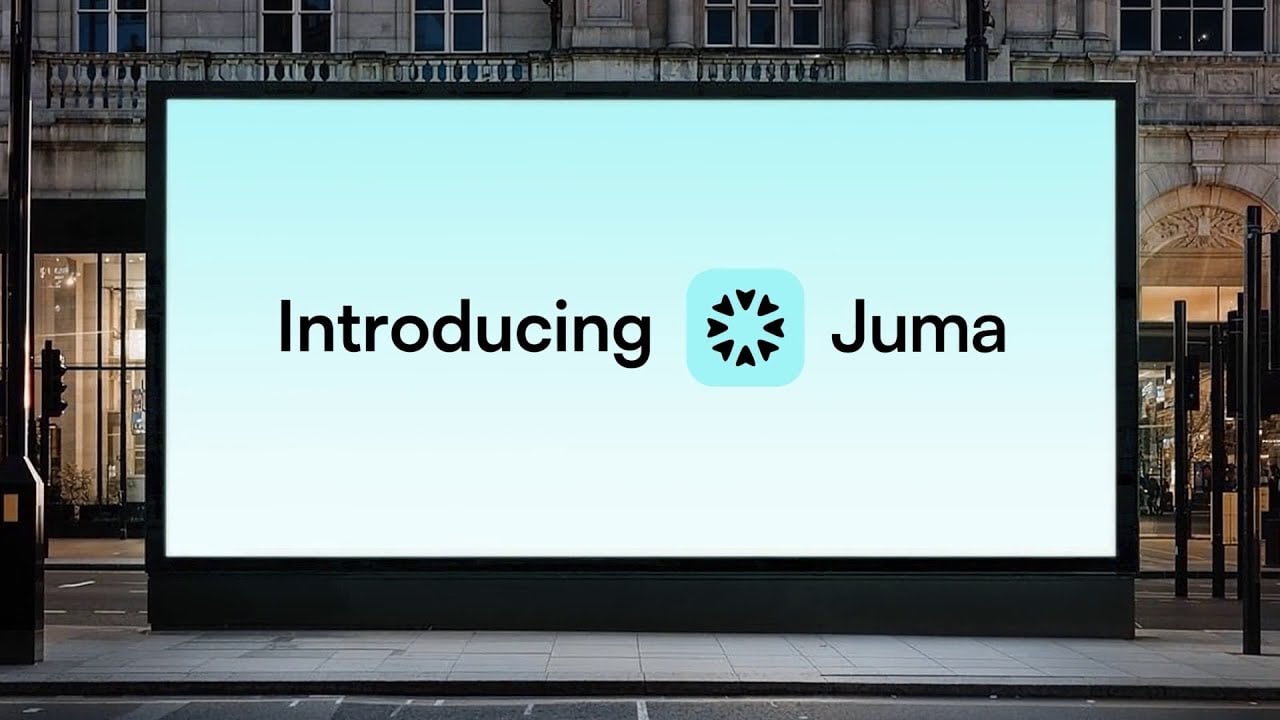
    Homepage Screenshot 📸

    Juma screenshot

    Video Overview 🎬

    Juma - Video Overview

    What are the key features? ✨

    • Multi-model integration: Juma supports various AI models, including GPT-4 and Claude, allowing teams to select the most suitable model for each task.
    • Shared workspaces: The platform provides a centralized environment where team members can collaborate on AI-assisted projects, share prompts, and organize conversations efficiently.
    • Prompt library: Access to a comprehensive library of pre-made prompts and use cases enables teams to accelerate AI adoption and streamline workflows.
    • Data privacy & security: Juma ensures enterprise-grade security, safeguarding data through compliance with industry standards and offering options for private cloud hosting.
    • Cost-effective API usage: The platform offers usage-based billing, allowing organizations to pay only for actual API consumption.

    Who is it for? 🤔

    Juma is designed for organizations of varying sizes, from small teams to large enterprises, looking to integrate AI into their workflows to enhance productivity and collaboration. It caters to diverse departments, including marketing, consulting, IT, sales, and human resources, providing tailored AI solutions to meet specific industry needs. Ultimately, by offering a secure, collaborative platform with multi-model support - Juma appeals to businesses seeking to leverage AI technology while maintaining data privacy and operational efficiency.

    Examples of what you can use it for 💡

    • Enhance content creation, SEO research, and campaign strategies by collaborating on AI-generated insights and materials
    • Utilize AI to analyze financial metrics, industry-specific KPIs, and market intelligence
    • Improve coding efficiency and debugging processes by leveraging AI models to automate routine tasks and provide intelligent code suggestions
    • Develop personalized sales pitches, forecast trends, and analyze customer data using AI-driven insights to boost sales performance
    • Streamline recruitment processes, generate job descriptions, and create onboarding materials with AI assistance

    Pros & Cons ⚖️

    • Collaborative AI chats that enhance teamwork
    • Usage-based billing for cost efficiency
    • Shared prompts can streamline workflows
    • It takes some time to really master it

    FAQs 💬

    What exactly is Juma designed for?
    Juma is a collaborative AI workspace made specifically for marketing teams so they can research, plan campaigns, create content, and analyze results together while keeping everything on-brand and organized.
    How does Juma differ from ChatGPT or similar chat-based AI tools?
    Unlike solo chat interfaces, Juma provides a team-first environment with shared projects, custom brand-trained assistants, reusable marketing Flows, and organization by client or campaign so knowledge and outputs stay consistent across the group.
    Can multiple team members work together in real time?
    Yes, teams collaborate directly in shared Projects, co-edit content, share prompts and insights, and build on each other's work without duplicating effort or losing context.
    Does Juma support custom AI assistants or models?
    Absolutely, you can build custom AI assistants trained on your brand voice, guidelines, and past campaigns, plus access and switch between multiple leading AI models from one workspace.
    Is it suitable for agencies that handle multiple clients?
    Yes, the platform lets you organize everything by client or project, maintain separate brand voices and playbooks, and keep work isolated and secure for each account.
    What kinds of marketing tasks can the Flows automate or streamline?
    Flows guide step-by-step processes for things like SEO article outlines, persona-driven landing pages, competitor analysis, social content repurposing from video, email sequences, press releases, and campaign performance reviews.
    How secure is my team's data on Juma?
    Juma uses enterprise-grade security with encryption, role-based permissions, isolated projects, and a policy that customer data never trains external models, meeting standards many large companies require.
    Do I need technical skills to set up custom assistants or Flows?
    No, the platform is designed for marketers, not developers, so building custom assistants and using or editing Flows relies mostly on natural language and simple configuration.
    Can Juma help maintain consistent brand voice across content?
    Yes, custom assistants and brand voice guides ensure outputs match your tone, style, and messaging, reducing the usual editing time needed with generic AI.
    Is Juma only for large marketing teams?
    Not at all, small agencies and even growing in-house teams use it effectively because the collaborative features scale down well and help maintain quality even with fewer people.

    Ready to try Juma?

    An AI-powered platform that integrates ChatGPT into a shared workspace

    Visit Juma ↗

    Juma alternatives 🔗

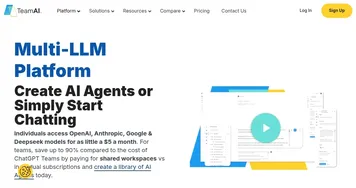
    1. TeamAI TeamAI Streamlines team collaboration with AI-driven workflows and unified model access
    2. Slack AI Slack AI Search smarter, summarize conversations instantly, and be at your most productive
    3. Miro AI Miro AI Visual collaboration platform that lets you build the next big thing with a prompt and a chat
    4. Glean Glean An AI platform designed to integrate and harness the power of a company's knowledge base
    5. Dust Dust An AI platform that helps businesses build custom AI assistants connected to their company data
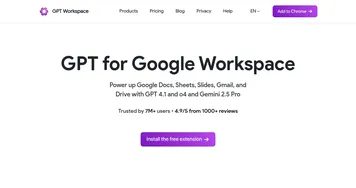
    6. GPT Workspace GPT Workspace An AI-powered tool that integrates into Google Workspace to enhance productivity
    Share
    Juma screenshot enlarged
    Best AI Tools

    Discover the best AI tools for any use case

    Explore
    • Tool Categories
    • AI Use Cases
    • AI Events
    • AI News
    • Saved Tools
    Company
    • About Us
    • Contact Us
    • Media & Partnerships
    • Suggest a Tool
    Legal
    • Privacy Policy
    • Terms of Service
    Copyright © 2026 Best AI Tools 415 Mission Street, 37th Floor, San Francisco, CA 94105