LibreChat
Connects users to multiple AI models for customizable, secure chat interactions
I spent yesterday tinkering with LibreChat, and let me tell you, it’s like stepping into a candy store of AI models, each one ready to chat, code, or analyze at your whim. The interface, a near-twin of ChatGPT’s, feels instantly familiar — clean, minimal, with a chat box that begs you to type something clever. I plugged in a Google Gemini API key, and within minutes, I was asking it to summarize a screenshot of a webpage. The response was snappy, accurate, and frankly, a little thrilling. Switching to Anthropic’s Claude mid-conversation? No sweat. LibreChat’s Dynamic Configuration feature made it feel like I was flipping channels on a futuristic TV, each AI offering a slightly different flavor of smarts.
The Prompt Library Builder caught my eye right away. I created a quick prompt for drafting Python code snippets, and the ability to save it with variables was a time-saver. I also played with the Conversation Branching feature, forking a chat to test different responses to a question about data visualization. It’s like having a choose-your-own-adventure book for AI chats — super handy for exploring ideas. The Code Interpreter API let me run a small JavaScript script securely, though I didn’t dive deep enough to test file outputs. Still, the sandboxed environment gave me confidence nothing would go haywire.
But there’s a catch. The setup, even for the cloud version, requires some legwork — grabbing API keys, tweaking settings, and praying your provider plays nice. I hit a snag when my Gemini key didn’t register at first, requiring a quick peek at the docs to sort it out. Compared to ChatGPT, which is as easy as signing up and chatting, LibreChat demands a bit more patience. Some X posts mentioned frustration with the Code Interpreter‘s paid option, which stung a bit for an open-source darling. And while OpenWebUI feels similar, LibreChat’s broader model support gives it a slight edge for tinkerers like me.
The real surprise was the RAG API. I uploaded a PDF of a tech article and asked for a summary — boom, it nailed it, pulling key points like a pro. It’s not flawless; I wished for better file organization, but for a quick test, it was impressive. The open-source vibe, with its active GitHub community, makes you feel part of something bigger, though you’ll need to lean on forums for help.
My advice? Dip your toes in with the online demo to get a feel for it. If you’re hooked, grab API keys from a provider like Google for free models, and experiment with the Prompt Library to streamline your workflow. If you’re self-hosting, brace for a learning curve but know it’s worth it for the control.
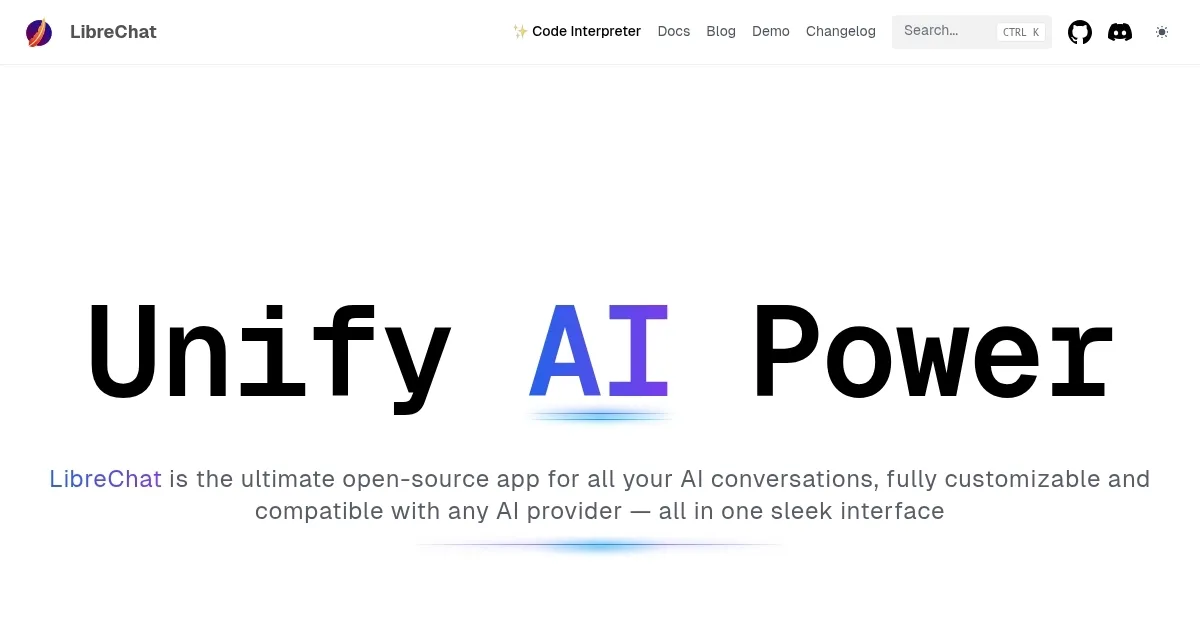
Homepage Screenshot 📸
Video Overview 🎬

What are the key features? ✨
- Prompt Library Builder: Creates reusable prompts with variables for efficient task automation.
- Code Interpreter API: Executes code securely in languages like Python, JavaScript, and Go.
- Conversation Branching: Forks chats to explore multiple response paths without losing context.
- RAG API: Enables question-answering from uploaded documents using Retrieval Augmented Generation.
- Multi-Model Support: Integrates with OpenAI, Anthropic, Google Gemini, and more for flexible AI access.
Who is it for? 🤔
Examples of what you can use it for 💡
- Developer: Uses Code Interpreter API to securely test Python scripts within chats.
- Small Business Owner: Integrates LibreChat for AI-driven customer support via API connections.
- Educator: Creates custom prompts to assist students with research queries using RAG API.
- Content Creator: Generates images or text with DALL-E and Gemini for creative projects.
- Privacy Advocate: Self-hosts LibreChat to ensure data stays on local servers.
Pros & Cons ⚖️
- Free and open-source platform.
- Supports multiple AI models.
- Customizable prompt library.
- Complex self-hosting setup.
- Limited file management.
FAQs 💬
Ready to try LibreChat?
Connects users to multiple AI models for customizable, secure chat interactions
Visit LibreChatLibreChat alternatives 🔗