logo-darklogo-darklogo-darklogo-dark
  • Tool Categories
    • ๐ŸŽจArt & Creative Design505
    • ๐ŸขBusiness Management644
    • ๐Ÿ’ปCoding & Development515
    • ๐Ÿ‘ฎDetection83
    • ๐Ÿง General Use727
    • ๐ŸฅHealth & Wellness55
    • ๐Ÿ“ทImage & Photo Analysis100
    • ๐Ÿ–ผ๏ธImage Generation & Editing618
    • ๐Ÿ“Interior & Architectural Design37
    • ๐ŸŽ“Learning & Education483
    • โš–๏ธLegal & Finance90
    • ๐ŸŽญLifestyle & Entertainment236
    • ๐Ÿ“ขMarketing & Advertising627
    • ๐ŸŽงMusic & Audio138
    • ๐Ÿ‘”Office & Workplace1,014
    • ๐Ÿ”ฌResearch & Data Analysis372
    • ๐Ÿ‘ฅSocial Media245
    • ๐ŸŽฅVideo Generation & Editing426
    • ๐Ÿ‘ง๐ŸปVirtual Companion135
    • ๐ŸŽคVoice Generation & Editing381
    • โœ๏ธWriting & Editing808
    • All Categories
    • AI Use Cases
  • News
  • Events
    • Academic Conferences
    • Developer Conferences
    • Expos / Trade Shows
    • Industry Summits
    • Workshops / Training
    • All Events
    • Past Events
  • Saved Tools
  • Suggest a Tool
โœ•
Home › Learning & Education › Quiz Generation› MagicForm
MagicForm

MagicForm

Generates quizzes from text, URLs, or videos in seconds

MagicForm is an AI-powered tool that generates quizzes from text, URLs, PDFs, or YouTube videos directly within Google Forms. It streamlines quiz creation for educators, trainers, and professionals by automating question generation. Users install the add-on, input content, select question types, and generate quizzes in seconds. The tool integrates with Google Forms, leveraging its familiar interface for ease of use.

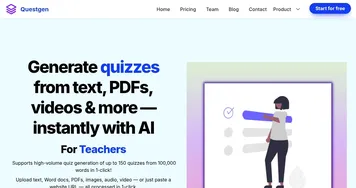
Key features include the ability to create quizzes from diverse sources, such as web pages, documents, or videos, with customizable question counts and types like multiple-choice or true/false. It offers pre-designed quiz templates exportable to PowerPoint. The free tier allows basic quiz creation, while paid plans unlock higher quotas. Compared to Questgen and AIQuizGen, which emphasize gamification, MagicForm focuses on quick, no-frills quiz generation. It lacks the advanced analytics of Formative, relying on Google Forms’ native reporting.

The tool performs well with clear source material, producing relevant questions in most cases. However, the AI can generate off-topic or vague questions, especially with complex content. User feedback on Google Workspace Marketplace notes occasional glitches, like prompts for premium upgrades despite subscriptions. Support is available via email, but response times vary. Pricing aligns with competitors like Quizizz, offering a free tier and affordable paid plans.

MagicForm’s strength is its simplicity and speed, ideal for users needing quick assessments. It struggles with inconsistent AI output and limited analytics. The free version suits small-scale use, while paid plans cater to frequent users. To get started, install the add-on and test it with straightforward content to gauge its accuracy.

Visit MagicForm ↗
Categories
๐ŸŽ“ Education
๐Ÿ“ Quiz Generation โœ๏ธ Homework Helper
๐Ÿ“ข Advertising
๐ŸŽฏ Lead Generation
๐Ÿข Business
๐ŸŽง Customer Service
๐Ÿง  General
๐Ÿ’ฌ Chatbot

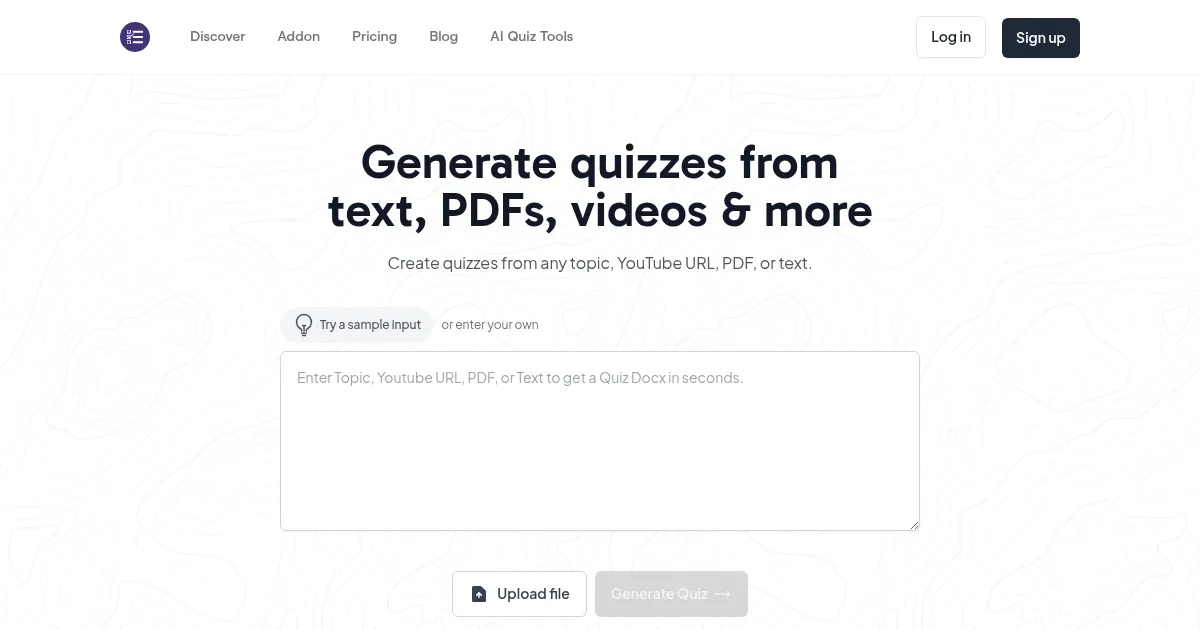
Homepage Screenshot 📸

MagicForm screenshot

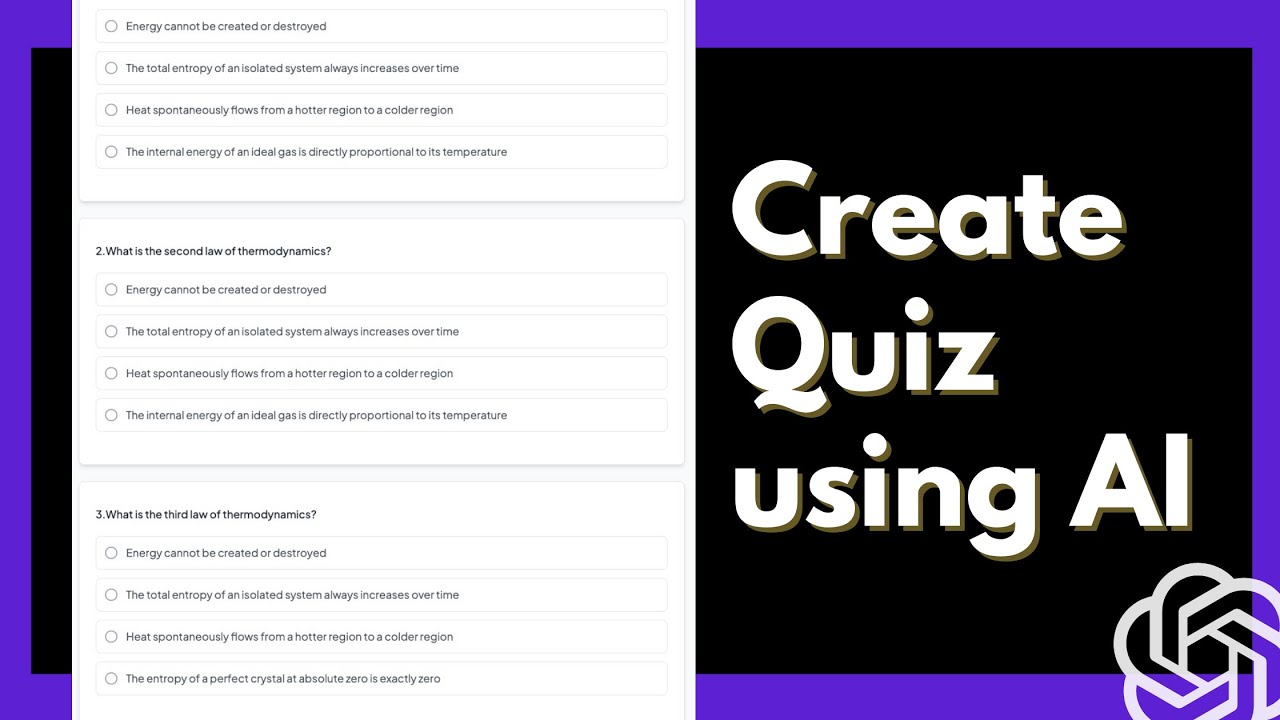
Video Overview 🎬

MagicForm - Video Overview

What are the key features? ✨

  • Quiz Generation: Creates quizzes from text, URLs, PDFs, or videos in seconds.
  • Google Forms Integration: Operates within Google Forms for seamless use.
  • Customizable Questions: Allows selection of question types and counts.
  • Template Export: Offers quiz templates exportable to PowerPoint.
  • Free Tier: Provides basic quiz creation without a subscription.

Who is it for? 🤔

MagicForm is designed for educators, HR professionals, and trainers who need to create quizzes quickly without extensive manual effort. It suits teachers crafting classroom assessments, corporate trainers developing employee tests, or content creators building engaging quizzes for audiences. Its integration with Google Forms makes it particularly valuable for those already using Googleโ€™s ecosystem, while its free tier appeals to budget-conscious users or those testing the waters.

Examples of what you can use it for 💡

  • Teacher: Generates quizzes from lesson PDFs for student assessments.
  • HR Manager: Creates training quizzes from company manuals.
  • Content Creator: Builds audience quizzes from blog post content.
  • Trainer: Develops tests from YouTube tutorials for workshops.
  • Educator: Crafts quick quizzes from web articles for class discussions.

Pros & Cons ⚖️

  • Easy Google Forms integration
  • Free tier available
  • PowerPoint export option
  • AI can produce vague questions
  • Limited analytics features

FAQs 💬

What is MagicForm?
MagicForm is an AI tool that generates quizzes from text, URLs, PDFs, or videos within Google Forms.
Is there a free version available?
Yes, MagicForm offers a free tier for basic quiz creation without requiring a credit card.
What types of content can I use to create quizzes?
You can use text, URLs, PDFs, YouTube videos, or Word documents to generate quizzes.
Does it integrate with other platforms?
It integrates directly with Google Forms and supports PowerPoint exports for templates.
Can I customize the quiz questions?
Yes, you can choose question types and the number of questions to generate.
How accurate are the generated questions?
Questions are generally accurate but may occasionally be vague or off-topic, depending on the source.
Is it suitable for non-educators?
Yes, HR professionals and content creators can use it for training or audience engagement.
What happens if the AI generates poor questions?
You can regenerate questions to improve relevance or edit them manually in Google Forms.
How does pricing compare to competitors?
Pricing is competitive, with a free tier and paid plans similar to Questgen and AIQuizGen.

Ready to try MagicForm?

Generates quizzes from text, URLs, or videos in seconds

Visit MagicForm ↗

MagicForm alternatives 🔗

  1. Wooclap AI Wooclap AI An AI-powered tool designed to streamline quiz creation for educators
  2. Magic School AI Magic School AI An online platform for educators, offering a wide array of tools to enhance teaching efficiency
  3. Articulate 360 Articulate 360 A fancy e-learning platform designed to streamline the creation of engaging online training content
  4. Gizmo AI Gizmo AI A learning platform designed to enhance educational experiences through AI-powered tools
  5. StudySmarter StudySmarter Creates AI-powered study tools to boost learning efficiency
  6. Mindgrasp Mindgrasp AI learning assistant that creates notes and answers questions from documents, videos, and more
Share
MagicForm screenshot enlarged
Promote MagicForm
light badge
Copy Embed Code
dark badge
Copy Embed Code
neutral badge
Copy Embed Code
Best AI Tools

Discover the best AI tools for any use case

Explore
  • Tool Categories
  • AI Use Cases
  • AI Events
  • AI News
  • Saved Tools
Company
  • About Us
  • Contact Us
  • Media & Partnerships
  • Suggest a Tool
Legal
  • Privacy Policy
  • Terms of Service
Copyright © 2026 Best AI Tools 415 Mission Street, 37th Floor, San Francisco, CA 94105