Memex
Turns ideas into software using natural language, no coding required
Memex is an AI-powered desktop tool that lets users build software through natural language instructions, supporting any programming language and tech stack for deployment to any platform. It targets non-coders like product managers and business owners, as well as developers seeking faster prototyping. Projects stay local for privacy, and users can set rules for AI behavior.
Key features include Plan Mode, which creates structured development plans from user inputs, and the Control Center, which manages version control and app operations. The Memex Universe offers templates like Next.js landing pages, Python apps with Firebase, or Shopify themes to kickstart projects. The Interactive Terminal handles command-line tasks, while Professional Workflows let users define custom AI guidelines. Recent updates include Long Context Mode for extended project memory and support for Claude 4 and Gemini 2.5 models.
Compared to Bubble, which focuses on no-code web apps, or Replit, which supports collaborative coding, Memex offers broader language support and desktop privacy. Bubble’s ecosystem is more restrictive, while Replit requires coding knowledge. Memex’s free tier suits basic use, with paid plans for advanced features, aligning with competitors’ pricing models.
Some users report that Memex excels at rapid prototyping but struggles with complex backend logic. The learning curve for setting AI rules can be steep for non-technical users. Integration with tools like CRMs is limited compared to enterprise-focused platforms like OutSystems.
Memex launched from stealth in April 2025, founded by the DataFleets team. User feedback on X highlights its speed, with one founder noting MVPs built in hours. Reddit discussions point out occasional AI overreach in code suggestions.
Try Memex with a simple template like a React website to test its natural language interface. Focus on prototyping to leverage its strengths, and explore the Control Center for streamlined project management.
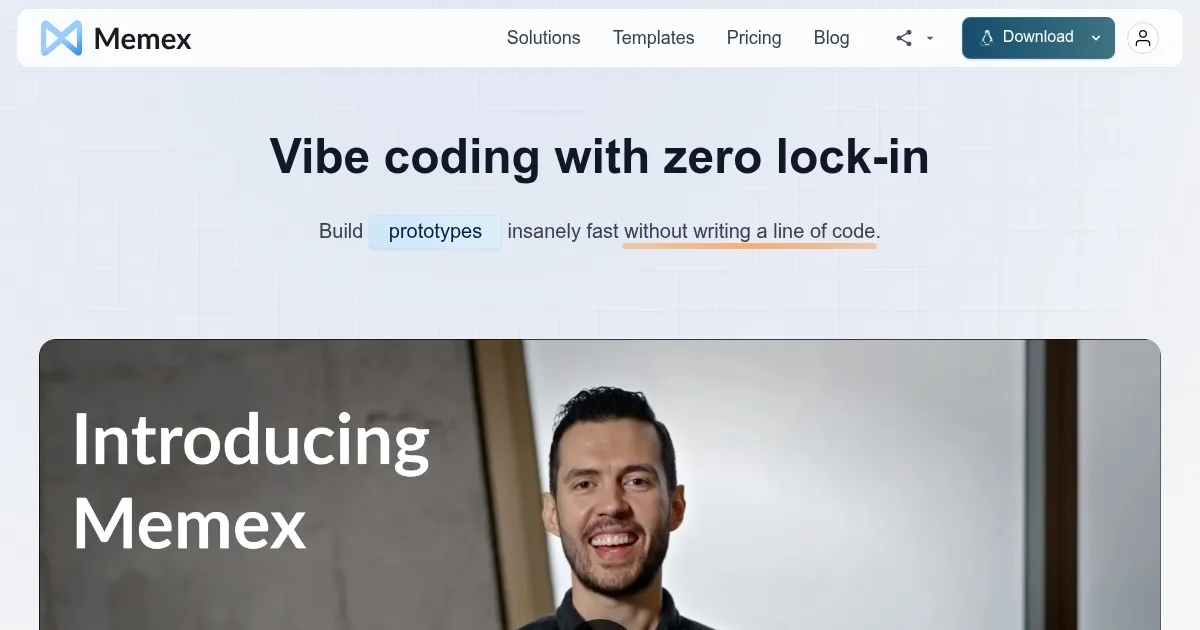
Homepage Screenshot 📸
Video Overview 🎬

What are the key features? ✨
- Plan Mode: Guides users through requirements to create structured development plans.
- Control Center: Manages version control and app operations with a user-friendly interface.
- Memex Universe: Offers templates like Next.js or Python apps for quick project starts.
- Interactive Terminal: Handles command-line tasks with AI assistance for seamless execution.
- Professional Workflows: Allows users to set custom rules for AI-driven development.
Who is it for? 🤔
Examples of what you can use it for 💡
- Product Manager: Builds a task tracker app to streamline team workflows using natural language.
- Business Owner: Creates a Shopify theme to launch an e-commerce site without coding.
- Data Scientist: Develops a Python-based data analysis tool with Streamlit for quick insights.
- Founder: Prototypes a React website to pitch to investors in hours.
- Sales Engineer: Constructs a client demo app on Google App Engine post-meeting.
Pros & Cons ⚖️
- Fast prototyping with templates
- Private, desktop-based projects
- Customizable AI workflows
- Struggles with complex backends
- Steep learning curve for rules
FAQs 💬
Ready to try Memex?
Turns ideas into software using natural language, no coding required
Visit Memex