Mood Board AI
An AI tool that helps you create mood boards quickly and easily
Mood Board AI is a fancy tool that helps you create mood boards quickly and easily. Instead of spending hours cutting and pasting images, you can describe your idea, and the AI will make a mood board on your behalf. Whether you’re designing a room, planning a fashion line, or creating a brand – this tool can help you see your ideas come to life.
Say you want/need to design a cozy living room. Instead of doing it all from the ground up, you can tell (write) Mood Board AI things like “warm colors, soft textures, and wooden furniture.” The AI will take it from there to create a mood board with images that match your description. This makes it easier to visualize your ideas and make decisions.
Mood Board AI also lets you customize your mood boards. You can add or remove items, change colors, and even create a shopping list of the products you like. As a result, you can go from an idea to a complete plan without having any design skills.
Moreover, Mood Board AI allows you to turn your mood board into a 3D design. This helps you see how your ideas would look in real life. In a way, it’s like having a virtual room where you can try out different styles and layouts.
Alas, this isn’t the only tool in town that lets you create mood boards. Before spending your hard-earned cash, you may also want to check other tools, such as LTX Studio and Kive, which include features for the same purpose.
Nevertheless, Mood Board AI is great for anyone who wants to bring their creative ideas to life. It is easy to use, saves time, and helps you make better design choices. So, whether you’re a professional designer or just someone with a vision, this tool can help you make it a reality.
Homepage Screenshot 📸
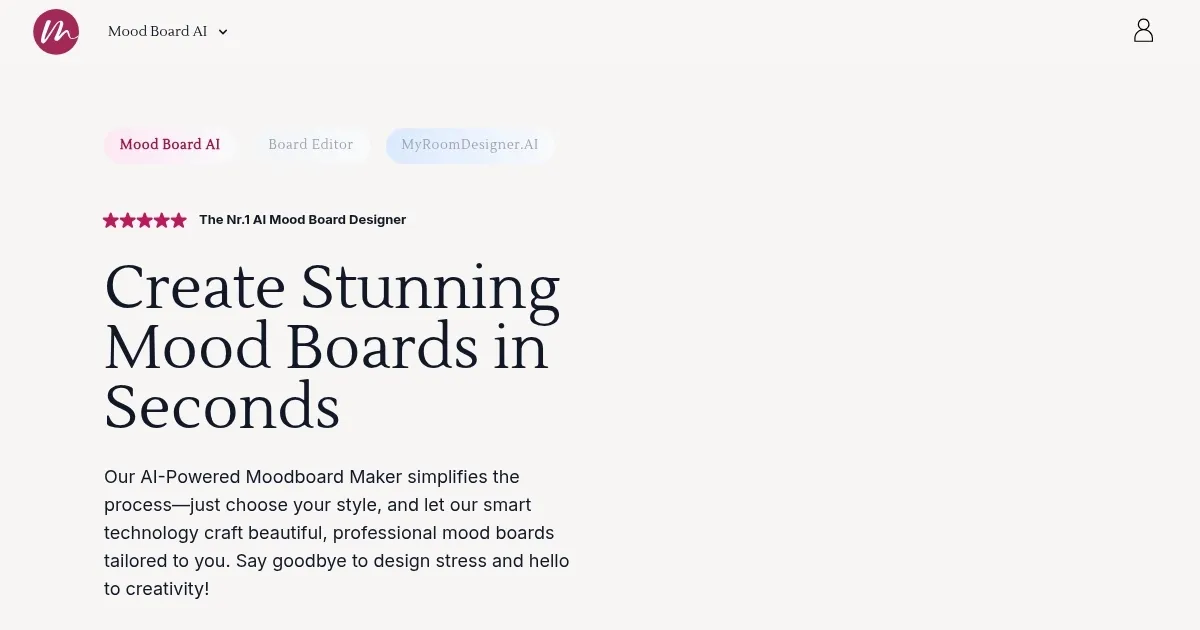
What are the key features? ✨
- Easy mood board creation: Just describe your idea, and the AI will create a mood board for you. No design skills needed.
- Customization options: You can add or remove items, change colors, and adjust the layout to fit your vision.
- Shopping list creation: The tool can generate a list of products from your mood board to make it easy to shop for items you like.
- 3D design integration: Turn your mood board into a 3D design to see how your ideas would look in real life.
- User-friendly interface: The platform is designed to be intuitive and easy to navigate, even for beginners.
Who is it for? 🤔
Examples of what you can use it for 💡
- Plan and visualize room designs, experiment with different styles, and create shopping lists for furniture and decor
- Develop mood boards for clothing lines, explore color palettes, and gather inspiration for new collections
- Create visual representations of brand identities, including logos, color schemes, and imagery
- Design mood boards for weddings, parties, or corporate events to set the tone and style
- Use the tool for DIY projects, home renovations, or any creative endeavor that benefits from visual planning
Pros & Cons ⚖️
- Saves time by automating the mood board creation process
- Integrates with 3D design tools for enhanced visualization
- Generates shopping lists to streamline the purchasing process
- Limited free features (make sense)
Ready to try Mood Board AI?
An AI tool that helps you create mood boards quickly and easily
Visit Mood Board AIMood Board AI alternatives 🔗