Motiff
An AI-powered design tool that helps create user interfaces (UI) more efficiently
Motiff is an AI-powered design tool that helps create user interfaces (UI) more efficiently. To that end, it offers features like AI layout, AI toolbox, and AI design systems to speed up the design process. Motiff also supports cloud collaboration, allowing teams to seamlessly work together.
Motiff lets users create fully editable UI designs through intuitive prompts. This feature is meant to simplify the design process, making it accessible even for those without extensive design experience.
Motiff’s AI Design Systems help maintain project consistency by enabling users to create and manage design systems effortlessly. This ensures that all design elements adhere to established guidelines, resulting in a cohesive user experience.
Users have noted that Motiff’s AI features significantly enhance productivity by automating repetitive tasks. However, some have mentioned that the lack of plugin support and limited customization options can be drawbacks. It’s up to you to decide whether Motiff could work for you. It’s worth checking out, we think.
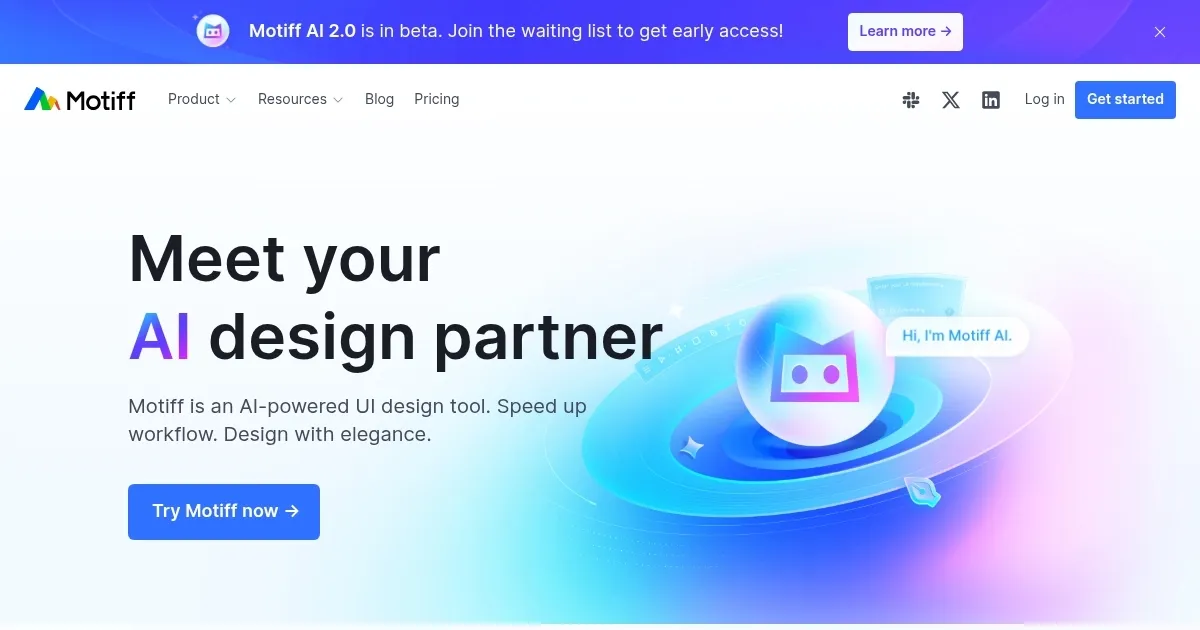
Homepage Screenshot 📸
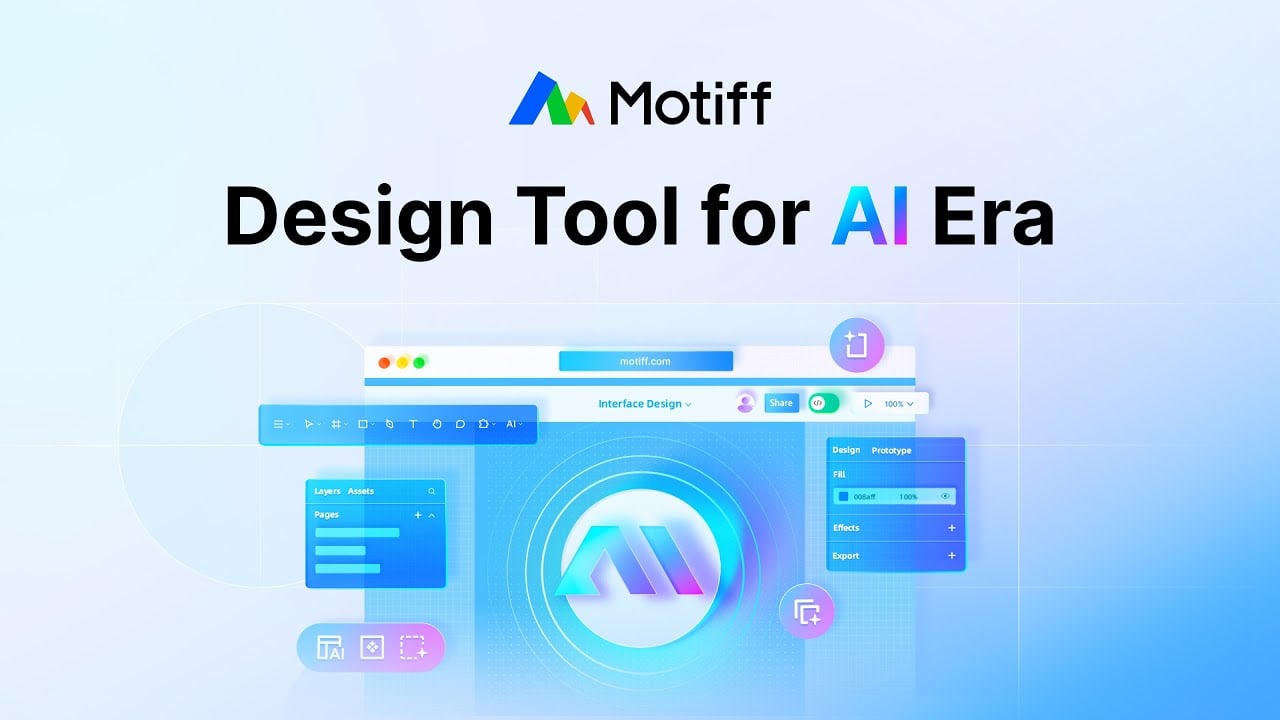
Video Overview 🎬
What are the key features? ✨
- AI-generated UI designs: Motiff enables users to create fully editable UI designs through intuitive prompts, streamlining the design process and reducing manual effort.
- AI Toolbox: A suite of AI-driven tools that automate repetitive tasks, providing design suggestions to boost productivity and creativity.
- Design systems: Motiff's design systems help maintain consistency across projects by allowing users to create and manage scalable design elements, ensuring cohesive user experiences.
- Prototyping: Users can swiftly create high-fidelity, interactive prototypes to validate designs, facilitating efficient testing and iteration.
- Dev mode: This feature bridges the gap between design and development by allowing users to turn UI designs into code.
Who is it for? 🤔
Examples of what you can use it for 💡
- Craft intuitive and easy-to-use user interfaces for web and mobile applications
- Collaborate in real-time, sharing design assets and feedback, to enhance productivity and ensure alignment throughout the project lifecycle
- Create interactive prototypes that can be tested with users to gather feedback and inform design improvements
- Develop and maintain comprehensive design systems to ensure brand consistency and streamlined design processes across multiple projects
- Developers can leverage Motiff's Dev Mode to access code snippets and specifications directly from design files
Pros & Cons ⚖️
- Makes UI design accessible to the general public
- Real-time team collaboration
- High-fidelity prototyping included
- Lacks plugin support
Ready to try Motiff?
An AI-powered design tool that helps create user interfaces (UI) more efficiently
Visit MotiffMotiff alternatives 🔗