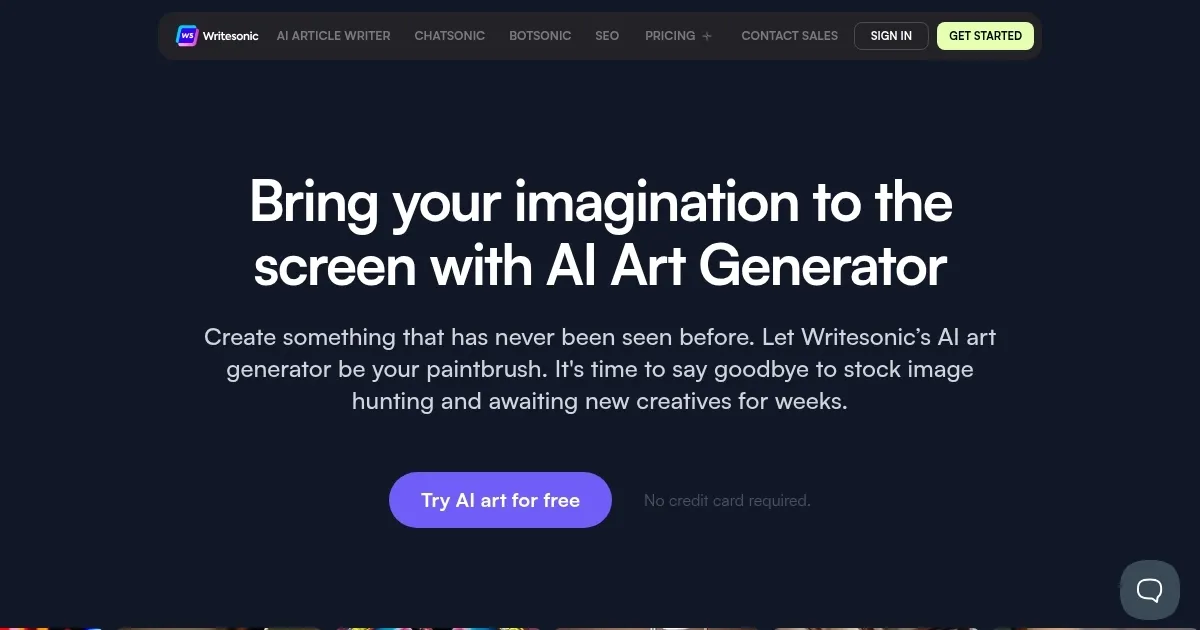
Photosonic AI Art Generator by Writesonic
An AI-powered platform from Writesonic that generates custom, unique artwork based on text prompts.
The Photosonic AI Art Generator from Writesonic is an innovative tool designed to create unique artwork using artificial intelligence. It allows users to bring their imagination to life by generating any desired art in seconds. Whether it’s producing trippy paintings, minimalist illustrations, cartoon canvas paintings, abstract art faces, or photorealistic images, this AI art generator provides truly original pieces.
In addition, it is a cost-effective alternative to purchasing expensive stock photos by providing royalty-free AI-generated art that meets specific requirements, thereby saving users significant amounts of money.
The AI Art Generator is user-friendly and requires no high-level art expertise, enabling anyone to generate art with just a few clicks and an accurate text prompt. It supports creating a wide range of art types, including photorealistic images, abstract art, portraits, still life, landscapes, cityscapes, animal portraits, stylistic images, 3D images, vectors, and graphics.
ALl this makes it suitable for use across various online platforms, such as social media, blog posts, and landing pages. Moreover, the Photosonic AI Art Generator offers the possibility to create realistic portraits of people who do not exist in the real world, opening up endless creative possibilities for users.
Homepage Screenshot 📸
Video Overview 🎬
What are the key features? ✨
- Text-to-image: Create any type of art by describing it with text prompts, enabling users to effortlessly generate unique and realistic images.
- Many styles: Generate art in various styles, from photorealistic images to abstract and impressionist art, offering creative flexibility.
- Cost-effective: Save money on stock photos by generating high-quality, royalty-free images for your specific needs.
- User-friendly interface: No high-level art expertise required - anyone can create stunning art with just a few clicks.
- Different use cases: Suitable for multiple platforms, including social media, blogs, and marketing materials.
Who is it for? 🤔
Examples of what you can use it for 💡
- Quickly generate eye-catching images for social media, enhancing engagement
- Create unique and relevant images to accompany blog posts, improving visual appeal
- Develop customized visuals for advertising campaigns without the need for expensive photo shoots
- Design product images or mockups for e-commerce sites, ensuring professional presentation
- Generate art for personal use, such as custom portraits or unique decorations
Pros & Cons ⚖️
- Many different styles to choose from
- Could replace your need for stock photos
- Great for social media graphics
- Midjourney works better
FAQs 💬
Ready to try Photosonic AI Art Generator?
An AI-powered platform from Writesonic that generates custom, unique artwork based on text prompts.
Visit Photosonic AI Art GeneratorPhotosonic AI Art Generator alternatives 🔗