Presentory by Wondershare
Generates professional presentations using AI from topics or text inputs
You know how presentations can turn into a real grind, especially if you’re not a design whiz, well Wondershare Presentory steps in like that clever assistant who knows exactly what you need. This AI tool takes the hassle out of building slides by letting you start with just a topic or some pasted text, and then it spins up a full deck using GPT-4 to craft natural sounding content that’s on point for your audience. I think its particularly smart how it suggests images that match your words perfectly, pulling from a big library to make sure everything looks cohesive without you hunting around for hours.
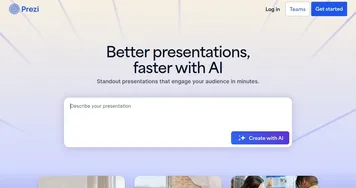
One feature that stands out is the responsive layouts, over 20 styles to pick from like classic or minimal, and the AI adjusts them automatically to fit your stuff, so no more fiddling with alignments that never quite work. Component based editing lets you tweak text boxes or colors easily, which feels empowering even if you’re new to this. But here’s a potential surprise, the themes switch with one click, transforming the whole look to match your brand, and it might catch you off guard how professional it ends up. Compared to tools like Canva or Prezi, Presentory focuses more on AI driven automation, though it might not have as vast a template library as Canva, but it compensates with quicker generation times.
Users often rave about the seamless sharing options, save as PPT or PDF, or just share a link online, which preserves all your formatting nicely. Things you might like include the speed, I’ve seen reviews where folks cut their prep time in half, and the AI image generator that’s a real time saver for visuals. On the flip side, some mention that while its great for quick drafts, you might still need to polish for very specific niches, and the online version could feel a bit limited compared to desktop if you’re on Mac. Pricing wise, it offers a free trial then moves to affordable paid plans that stack up well against competitors like Beautiful.ai, which might charge more for similar AI features.
Diving deeper, the technical side uses GPT-4 for refining tone and optimizing content, which means your text comes out engaging and error free, with suggestions for grammar too. This integration makes it stand out, especially for educators or marketers who need to adapt quickly. A surprise element could be how it handles diverse content structures, automatically formatting bullets or sections, but watch out if your topic is too obscure, the AI might need more guidance. Overall, it exudes that polished feel without overwhelming you with options.
If you’re eyeing alternatives, Gamma offers similar AI generation but with more collaborative tools, while Presentory shines in solo creation workflows. Readers appreciate the intuitive steps, input topic, choose theme, edit, and share, it’s that straightforward. But don’t expect miracles on super complex data viz, it handles basics well though. To get the most out of it, start with clear outlines and let the AI do the heavy lifting, then fine tune for your voice, you’ll probably find yourself presenting with more confidence.
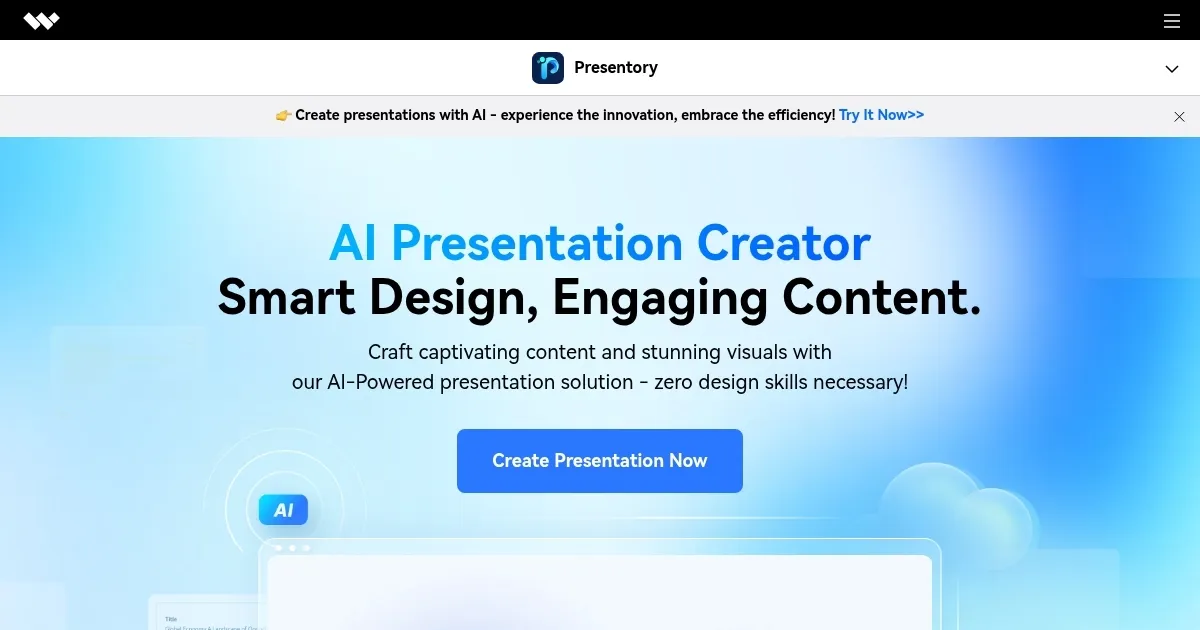
Homepage Screenshot 📸
What are the key features? ✨
- AI Content Generation: Uses GPT-4 to create natural text for presentations from topics or inputs.
- Responsive Layouts: Automatically adjusts over 20 styles to fit content structures.
- AI Image Generator: Produces tailored high-quality images for slides.
- Theme Customization: Offers one-click changes among over 20 theme styles.
- Export Options: Saves as PPT, PDF, or shares online links seamlessly.
Who is it for? 🤔
Examples of what you can use it for 💡
- Marketing Manager: Creates audience-targeted pitch decks from outlines in minutes.
- Educator: Generates lesson slides with matching images and adaptive layouts.
- Sales Representative: Builds client presentations with refined tone and easy sharing.
- Project Coordinator: Optimizes existing content for team updates using AI edits.
- Content Creator: Produces visual slideshows with theme customizations for online posts.
Pros & Cons ⚖️
- Fast generation
- Easy editing
- AI visuals
- Affordable plans
- Limited complexity
- Occasional tweaks
FAQs 💬
Ready to try Presentory?
Generates professional presentations using AI from topics or text inputs
Visit PresentoryPresentory alternatives 🔗