logo-darklogo-darklogo-darklogo-dark
  • Tool Categories
    • 🎨Art & Creative Design505
    • 🏢Business Management644
    • 💻Coding & Development515
    • 👮Detection83
    • 🧠General Use727
    • 🏥Health & Wellness55
    • 📷Image & Photo Analysis100
    • 🖼️Image Generation & Editing618
    • 📐Interior & Architectural Design37
    • 🎓Learning & Education483
    • ⚖️Legal & Finance90
    • 🎭Lifestyle & Entertainment236
    • 📢Marketing & Advertising627
    • 🎧Music & Audio138
    • 👔Office & Workplace1,014
    • 🔬Research & Data Analysis372
    • 👥Social Media245
    • 🎥Video Generation & Editing426
    • 👧🏻Virtual Companion135
    • 🎤Voice Generation & Editing381
    • ✍️Writing & Editing808
    • All Categories
    • AI Use Cases
  • News
  • Events
    • Academic Conferences
    • Developer Conferences
    • Expos / Trade Shows
    • Industry Summits
    • Workshops / Training
    • All Events
    • Past Events
  • Saved Tools
  • Suggest a Tool
✕
Home › Office & Workplace › Meeting Assistant› Pronounce
Pronounce

Pronounce

An AI-powered tool that helps improve your English speaking skills

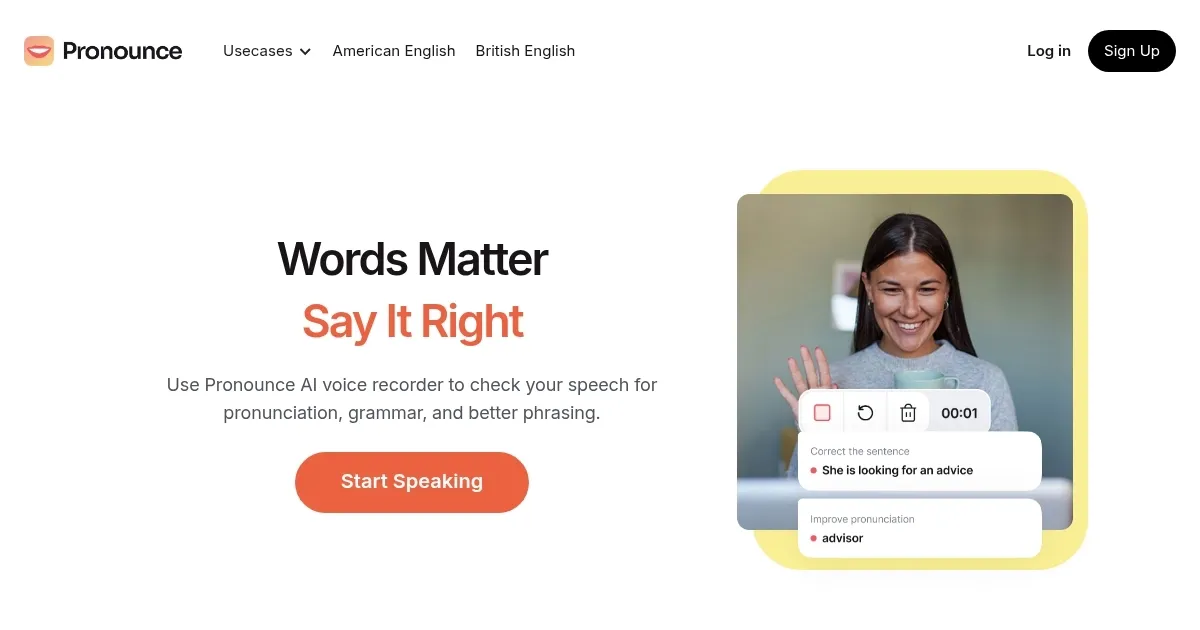
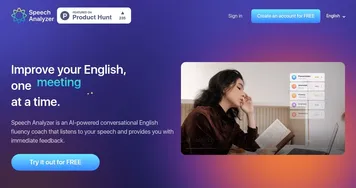
Pronounce is an AI-powered tool that helps improve your English speaking skills. It offers real-time feedback on pronunciation, grammar, and vocabulary — making it easier to speak clearly and confidently.

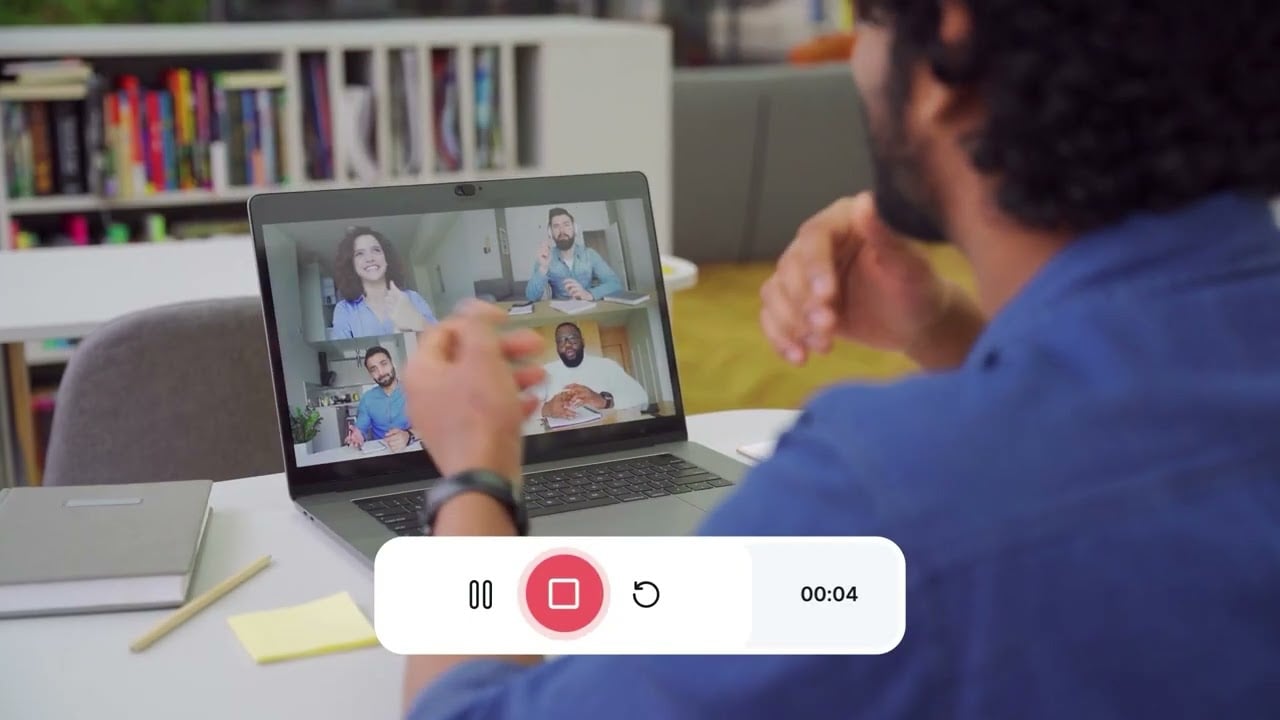
Using Pronounce is simple. You can record your voice during meetings on platforms like Google Meet and Zoom. The tool will then analyze your speech and provide instant feedback. This helps you identify and correct mistakes quickly.

Pronounce is like your AI speaking partner that lets you practice conversations on various topics. This interactive approach makes learning more engaging and effective.

In my experience, Pronounce has been useful for refining communication skills. Its user-friendly interface and personalized feedback make it a practical choice for anyone looking to enhance their English speaking abilities.

So, whether you’re preparing for a presentation or aiming to improve daily conversations – Pronounce adapts to your needs, making it a versatile tool for effective language learning.

Visit Pronounce ↗
Categories
👔 Work
🤝 Meeting Assistant 🗒️ Note Taking 📝 Note Generation
🎤 Voice
📝 Transcriber 🎤 Recording 💬 Speech-to-Text
✍️ Writing
📝 Summarizer
🎓 Education
🗣️ Language Learning

Homepage Screenshot 📸

Pronounce screenshot

Video Overview 🎬

Pronounce - Video Overview

What are the key features? ✨

  • Real-time speech analysis: Pronounce listens as you speak and instantly checks your grammar, pronunciation, and fluency to provide immediate feedback.
  • Progress tracking: The tool monitors your improvement over time, showing if you're speaking more confidently than before.
  • AI-assisted coaching: You can chat with an AI speech coach to practice conversations, making learning engaging and effective.
  • Accent training: Pronounce offers exercises to help you master American or British accents so you can sound more like a native speaker.
  • Cross-platform availability: You can use Pronounce on different devices, including smartphones, tablets, and computers.

Who is it for? 🤔

Pronounce is designed for anyone looking to enhance their English speaking skills. It can be particularly beneficial for non-native speakers aiming to reduce their accents, professionals seeking to advance their careers through improved communication, and language learners striving for fluency. By offering real-time feedback and personalized coaching, Pronounce makes speaking English clearly and confidently easier.

Examples of what you can use it for 💡

  • Reduce your accents and improve clarity, making communication in English more effective
  • Executives and professionals across industries use Pronounce to refine their American accents
  • Students and learners benefit from daily exercises and personalized feedback
  • Non-native English speakers can use Pronounce to overcome language barriers and improve their language skills
  • Speech therapists and educators can use it to track the progress of therapy clients or students

Pros & Cons ⚖️

  • AI pronunciation feedback offering real-time speech improvements
  • Interactive practice involving AI conversation for fluency
  • Easy navigation and use
  • No mobile app

Ready to try Pronounce?

An AI-powered tool that helps improve your English speaking skills

Visit Pronounce ↗
Pronounce alternatives 🔗

  1. Slack AI Slack AI Search smarter, summarize conversations instantly, and be at your most productive
  2. FigJam AI FigJam AI Instantly visualize ideas, suggest best practices, and automate tedious tasks
  3. ClickUp Brain ClickUp Brain Automates workflows with contextual AI for tasks, meetings, and content creation
  4. Miro AI Miro AI Visual collaboration platform that lets you build the next big thing with a prompt and a chat
  5. Zoom AI Companion Zoom AI Companion Get high-quality results when drafting emails and chat messages, summarizing meetings and chat threads
  6. TurboScribe TurboScribe Transcribes audio and video files to accurate text instantly
Share
Pronounce screenshot enlarged
Promote Pronounce
light badge
Copy Embed Code
dark badge
Copy Embed Code
neutral badge
Copy Embed Code
Best AI Tools

Discover the best AI tools for any use case

Explore
  • Tool Categories
  • AI Use Cases
  • AI Events
  • AI News
  • Saved Tools
Company
  • About Us
  • Contact Us
  • Media & Partnerships
  • Suggest a Tool
Legal
  • Privacy Policy
  • Terms of Service
Copyright © 2026 Best AI Tools 415 Mission Street, 37th Floor, San Francisco, CA 94105