logo-darklogo-darklogo-darklogo-dark
  • Tool Categories
    • 🎨Art & Creative Design505
    • 🏢Business Management644
    • 💻Coding & Development515
    • 👮Detection83
    • 🧠General Use727
    • 🏥Health & Wellness55
    • 📷Image & Photo Analysis100
    • 🖼️Image Generation & Editing618
    • 📐Interior & Architectural Design37
    • 🎓Learning & Education483
    • ⚖️Legal & Finance90
    • 🎭Lifestyle & Entertainment236
    • 📢Marketing & Advertising627
    • 🎧Music & Audio138
    • 👔Office & Workplace1,014
    • 🔬Research & Data Analysis372
    • 👥Social Media245
    • 🎥Video Generation & Editing426
    • 👧🏻Virtual Companion135
    • 🎤Voice Generation & Editing381
    • ✍️Writing & Editing808
    • All Categories
    • AI Use Cases
  • News
  • Events
    • Academic Conferences
    • Developer Conferences
    • Expos / Trade Shows
    • Industry Summits
    • Workshops / Training
    • All Events
    • Past Events
  • Saved Tools
  • Suggest a Tool
✕
Home › Art & Creative Design › 3D Modeling› Sloyd
Sloyd

Sloyd

3D modeling has never been easier - select a generator, tweak it, done

Sloyd is an AI tool designed to revolutionize how 3D models are created, making it an invaluable asset for game developers, designers, and 3D enthusiasts. To that end, it features an extensive library of high-quality, easy-to-use 3D models that are regularly updated — covering a broad range of categories such as architectural designs, weapons, furniture, and props.

Users can effortlessly customize these models using AI-driven text prompts, alongside simple sliders and toggles — allowing for quick customization without the need for previous 3D modeling knowledge. The models are optimized and ready-to-use, featuring automatic UV-unwrapping for texturing and automatic Levels of Detail (LODs) to match quality and performance needs — ensuring they are both efficient and versatile for various projects.

Furthermore, Sloyd introduces a unique takes on 3D model generation by combining emerging AI technologies with advanced parametric generators — addressing the challenges faced in creating game-ready assets with optimized mesh and precise topology. This blend allows for generation of a vast array of 3D model variations in real time, directly within games or through a web editor.

The tool leverages a powerful parametric engine that enables the creation of unique assets with remarkable speed, ensuring that game developers and 3D artists can produce diverse and creative models quickly and effortlessly.

Visit Sloyd ↗
Categories
🎨 Art
🧊 3D Modeling 🎲 Text to 3D Design
🖼️ Image
🧊 3D Imaging
💻 Coding
🎮 Game Generation

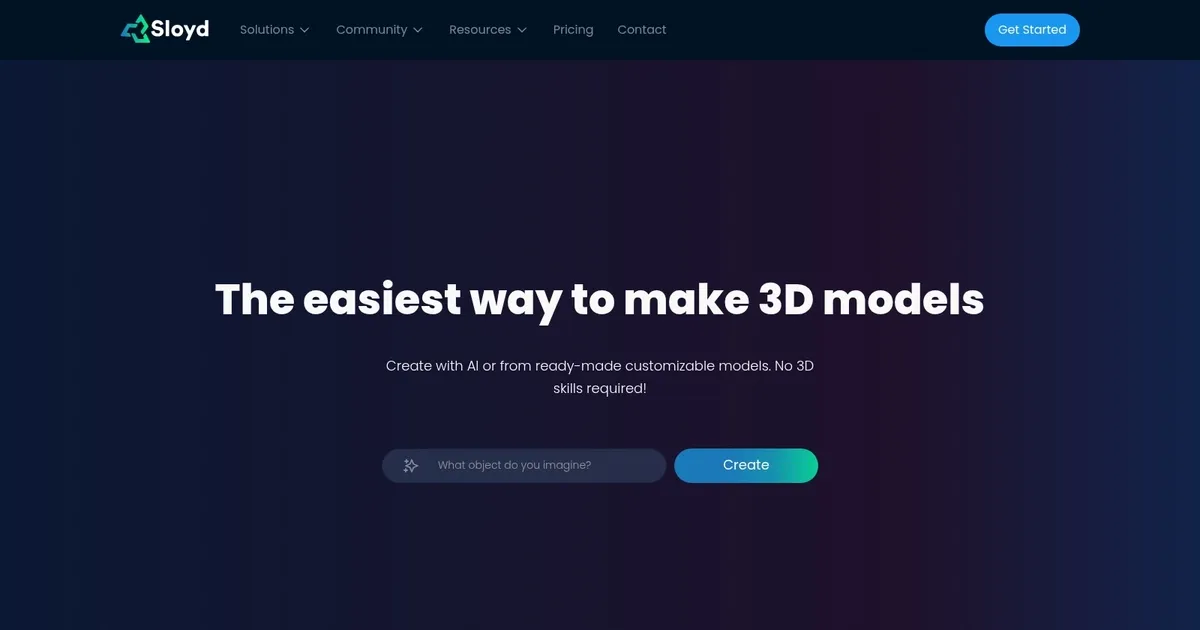
Homepage Screenshot 📸

Sloyd screenshot

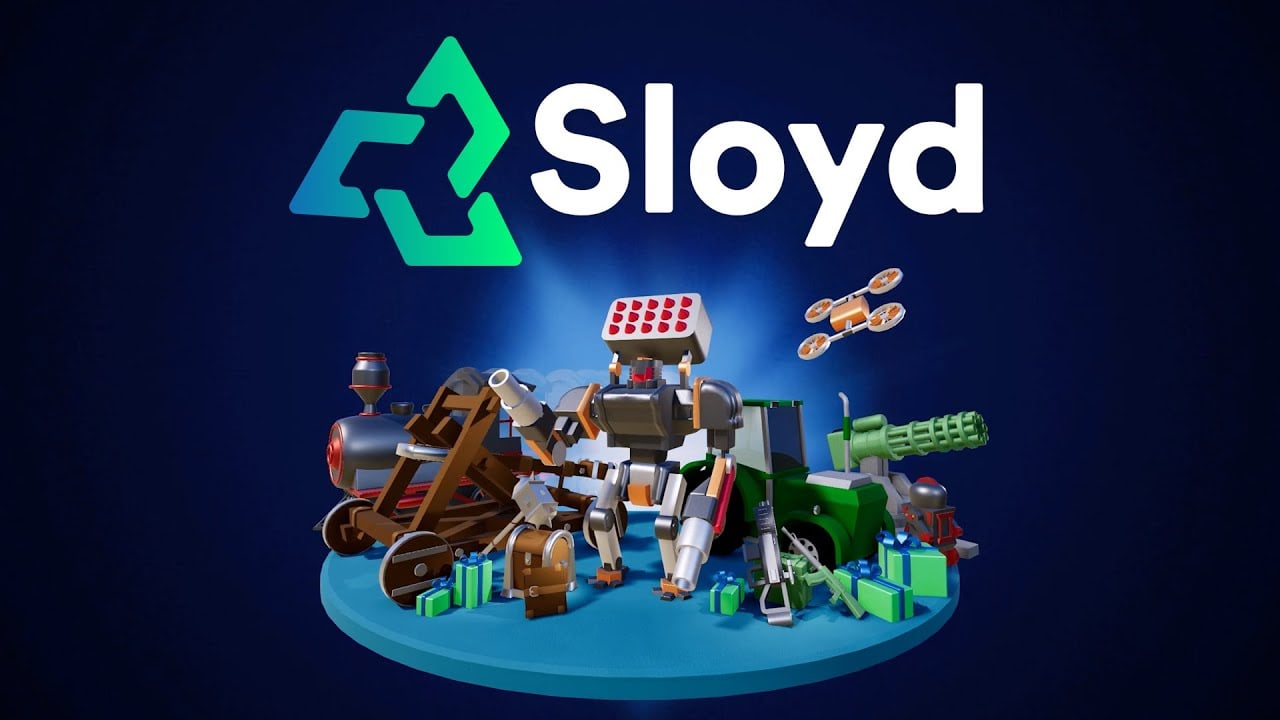
Video Overview 🎬

Sloyd - Video Overview

What are the key features? ✨

  • Text-to-3D Generation: creates 3D models directly from descriptive text prompts in seconds with options for variations and iterations.
  • Image-to-3D Conversion: transforms a single photo, sketch, or render into a textured 3D model preserving shape and proportions.
  • Parametric Templates: starts with customizable pre-built generators using sliders for precise shape, proportion, and detail adjustments.
  • Topology and Rigging Controls: sets polygon counts for clean quads, adds automatic rigging, and enables AI-prompted animations.
  • Style Presets and Image Tools: applies consistent styles via presets or custom references and includes AI image generation/editing for better 3D references.

Who is it for? 🤔

Sloyd proves especially helpful for game developers needing fast prototypes, indie creators building assets without deep modeling skills, 3D printing enthusiasts exploring variations quickly, animation studios requiring quick placeholders, and designers in product visualization or concept art who want speed combined with some editable control.

Examples of what you can use it for 💡

  • Indie game developer: generates and iterates on props or characters rapidly to prototype levels without waiting on traditional modeling.
  • 3D printing hobbyist: creates custom collectibles or functional parts from text ideas and refines them for clean printable STL exports.
  • Animation studio artist: produces rigged placeholder models fast to block out scenes before detailed work in other software.
  • Product designer: visualizes concepts from sketches or descriptions and adjusts proportions parametrically for client presentations.
  • Content creator: builds stylized assets for videos, AR filters, or web experiences using image references and quick style tweaks.

Pros & Cons ⚖️

  • Fast asset creation with real-time tweaks
  • Unlimited generations on paid plans
  • Clean topology for games and editing
  • Easy for beginners yet controllable
  • Free version quite restricted
  • Less suited for ultra-detailed sculpting

FAQs 💬

What does Sloyd actually do?
Sloyd uses AI to generate and customize 3D models from text prompts, images, or parametric templates, giving users real-time sliders and controls for refinement without needing advanced 3D software skills.
Is Sloyd completely free to use?
No, it offers a free trial or limited free access, but full unlimited generations and advanced features require a paid subscription.
Can I export models from Sloyd for other programs?
Yes, models export in common formats like glTF, FBX, OBJ, and STL, making them compatible with Unity, Unreal, Blender, and 3D printing workflows.
How does Sloyd compare to Meshy or Tripo AI?
Sloyd stands out with parametric templates and real-time slider controls for more predictable edits, while tools like Meshy emphasize broader text-to-3D variety and plugins, and Tripo focuses on optimized game-ready topology.
Does Sloyd support rigging and animation?
Yes, it includes one-click automatic rigging and AI text-prompted simple animations directly in the platform.
Is Sloyd good for beginners with no 3D experience?
Definitely, its intuitive interface, templates, and AI guidance make it accessible even if you've never touched 3D modeling before.
What kind of models work best in Sloyd?
It excels at props, characters, environments, and collectibles, especially game-ready or printable assets with clean geometry.
Can I control polygon count or mesh quality?
Yes, users set target polygon counts and prefer quads for better editing or animation downstream.
Does Sloyd have image-to-3D capabilities?
Yes, upload a photo or sketch and it generates a 3D model matching the shape, with options to refine further.
How fast is model generation in Sloyd?
Most generations happen in seconds, with real-time previews and adjustments for quick iteration.

Ready to try Sloyd?

3D modeling has never been easier - select a generator, tweak it, done

Visit Sloyd ↗

Sloyd alternatives 🔗

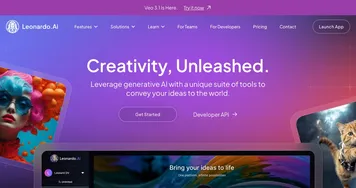
  1. Leonardo.Ai Leonardo.Ai A tool that helps artists create stunning game assets with the help of AI
  2. Krea Krea Empowering users to generate and enhance images and videos using advanced AI
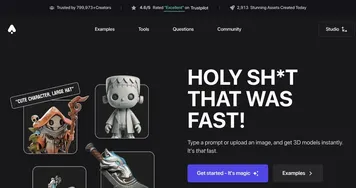
  3. Meshy Meshy Transforms text prompts and images into high-quality 3D models instantly.
  4. Tripo3D Tripo3D An AI-driven platform designed to transform text into 3D animations
  5. Luma Interactive Scenes Luma Interactive Scenes Capture and experience the world in lifelike 3D
  6. Homestyler AI Designer Homestyler AI Designer Choose design style and room type, and let AI design the room for you
Share
Sloyd screenshot enlarged
Promote Sloyd
light badge
Copy Embed Code
dark badge
Copy Embed Code
neutral badge
Copy Embed Code
Best AI Tools

Discover the best AI tools for any use case

Explore
  • Tool Categories
  • AI Use Cases
  • AI Events
  • AI News
  • Saved Tools
Company
  • About Us
  • Contact Us
  • Media & Partnerships
  • Suggest a Tool
Legal
  • Privacy Policy
  • Terms of Service
Copyright © 2026 Best AI Tools 415 Mission Street, 37th Floor, San Francisco, CA 94105