logo-darklogo-darklogo-darklogo-dark
  • Tool Categories
    • ๐ŸŽจ Art
    • ๐Ÿข Business
    • ๐Ÿ’ป Coding
    • ๐Ÿ‘ฎ Detection
    • ๐Ÿง  General
    • ๐Ÿฅ Health
    • ๐Ÿ“ท Image Analysis
    • ๐Ÿ–ผ๏ธ Image
    • ๐Ÿ“ Architecture
    • ๐ŸŽ“ Education
    • โš–๏ธ Legal/Finance
    • ๐ŸŽญ Lifestyle
    • ๐Ÿ“ข Advertising
    • ๐ŸŽง Music
    • ๐Ÿ‘” Work
    • ๐Ÿ”ฌ Research
    • ๐Ÿ‘ฅ Social
    • ๐ŸŽฅ Video
    • ๐Ÿ‘ง๐Ÿป Companion
    • ๐ŸŽค Voice
    • โœ๏ธ Writing
    • All Categories
    • AI Use Cases
  • News
  • Events
    • Academic Conferences
    • Developer Conferences
    • Expos / Trade Shows
    • Industry Summits
    • Online Events
    • Workshops / Training
    • All Events
    • Past Events
  • Saved Tools
  • Suggest a Tool
โœ•
Home › Voice Generation & Editing › Speech-to-Text› SpeechText.AI
SpeechText.AI

SpeechText.AI

Transcribe audio and video into text with domain-specific speech recognition technology

SpeechText.AI is an advanced AI software designed to convert speech into text through an efficient audio transcription process. It supports the transcription of both audio and video files by utilizing powerful deep neural network models to achieve high accuracy comparable to human transcriptionists.

The service supports various file formats and over 30 languages, including accents of non-native speakers. Users can select specific industry domains and audio types to enhance the recognition accuracy of domain-specific terminologies. In addition, it offers an interactive proofreading interface and the capability to export transcriptions in multiple formats, facilitating a wide range of applications from medical data transcription to subtitle generation.

SpeechText.AI also provides other notable features, such as speaker identification in multi-participant conversations, an audio search engine, automatic punctuation, and domain-optimized models for better recognition in specialized fields like finance, healthcare, and legal industries.

The service has a flexible pricing model, offering pay-as-you-go plans tailored to different user needs without monthly fees — making it accessible to individual and business users alike. Moreover, it emphasizes the ease of generating subtitles for videos and accurately transcribing various audio types like interviews and conference calls by leveraging specific machine learning models optimized for those tasks.

In other words, if you use it “properly” – SpeechText.AI can do wonders for you. Check it out.

Visit SpeechText.AI ↗

Categories

๐ŸŽค Voice

๐Ÿ’ฌ Speech-to-Text ๐Ÿ“ Transcriber ๐Ÿ”  Audio To Text ๐Ÿ—ฃ๏ธ Speech Recognition

โœ๏ธ Writing

๐Ÿ’ฌ Subtitle Generation

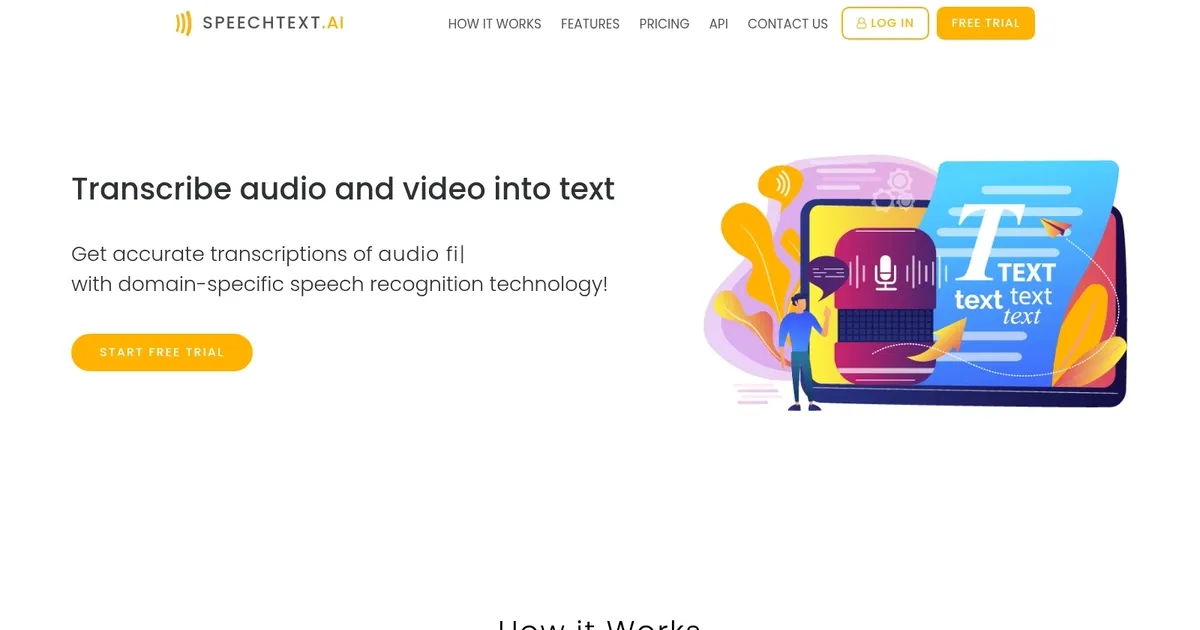
Screenshot 📸

SpeechText.AI screenshot

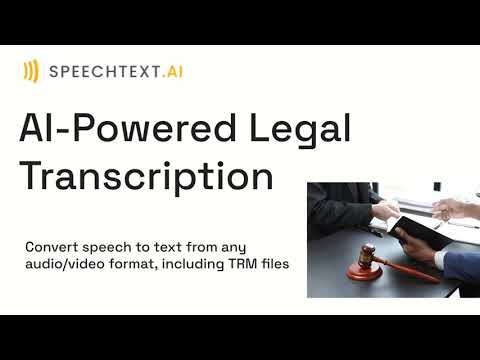
Video Overview 🎬

SpeechText.AI - Video Overview

What are the key features? ✨

  • Speech Recognition: Converts audio and video to text using advanced deep neural networks for fast, near-human accuracy.
  • Speaker Identification: Automatically detects and labels different speakers in multi-person conversations.
  • Domain-Specific Models: Optimizes transcription accuracy for industry jargon in fields like legal, medical, finance, and more.
  • Automatic Punctuation: Adds commas, periods, question marks, and other punctuation naturally to the output text.
  • Multi-Language Support: Handles over 50 languages with regional accents and variants for global usability.

Who is it for? 🤔

SpeechText.ai suits journalists, researchers, podcasters, legal professionals, healthcare workers, and anyone who regularly deals with recorded interviews, meetings, lectures, or dictations. Its especially helpful for people needing accurate transcripts in multiple languages or specialized domains without committing to monthly fees, and it works well for moderate-volume users who value editing tools and easy exports over live collaboration features.

Examples of what you can use it for 💡

  • Journalist: Transcribes recorded interviews quickly, labels speakers, and searches for quotes to speed up article writing.
  • Podcaster: Converts episodes to text for show notes, captions, or repurposing content into blog posts.
  • Legal Professional: Produces accurate transcripts of depositions or meetings with domain-tuned models for precise terminology.
  • Researcher: Handles multilingual field recordings or lectures, enabling keyword searches and translations for analysis.
  • Student: Turns recorded classes or seminars into searchable study notes with automatic punctuation for easier review.

Pros & Cons ⚖️

  • High accuracy on clear audio
  • Pay-as-you-go pricing
  • Strong multi-language support
  • Domain-specific optimization
  • Struggles with heavy noise
  • Occasional edit needed

FAQs 💬

What file formats does SpeechText.ai accept?
It supports virtually all common audio and video formats including MP3, MP4, WAV, M4A, WMA, and moreโ€”no conversion required before upload.
How many languages does SpeechText.ai support?
Over 50 languages are available, along with many regional variants and accents such as different forms of English, Spanish, Arabic, and others.
Does it handle speaker identification?
Yes, the tool automatically detects and labels different speakers in conversations with multiple participants.
Is there a free trial or free tier?
It operates on pay-as-you-go with no monthly subscription, so you pay only for transcription minutes used, often starting with affordable credit packs.
Can I translate transcripts to another language?
Yes, you can transcribe audio in the original language and generate a translated version in a target language in one process.
How accurate is the transcription?
It reports a 3.8% word error rate on the LibriSpeech English benchmark, performing close to human levels on clear audio, though results vary with noise or accents.
Is my data secure and private?
Yes, the service is GDPR compliant, uses European servers, encrypts data, and processes files automatically with confidentiality in mind.
Can I edit the transcript after generation?
Absolutelyโ€”an interactive editing interface lets you proofread, correct errors, and search the content before exporting.
What export formats are available?
Transcripts export to TXT, PDF, DOCX, SRT for subtitles, and other common options.
Does it work for noisy or accented audio?
It performs well on many accents and non-native speech, but very noisy environments or heavy overlaps may require more manual corrections.

Ready to try SpeechText.AI?

Transcribe audio and video into text with domain-specific speech recognition technology

Visit SpeechText.AI ↗

SpeechText.AI alternatives 🔗

  1. ElevenLabs ElevenLabs Generates lifelike, expressive AI voices for diverse applications
  2. AWS HealthScribe AWS HealthScribe Automatically create clinical notes from patient-clinician conversations using generative AI
  3. Hugging Face Hugging Face Hosts and collaborates on machine learning models, datasets, and apps
  4. TurboScribe TurboScribe Transcribes audio and video files to accurate text instantly
  5. VEED VEED Creates pro-level videos with AI-powered editing and collaboration tools
  6. Otter.ai Otter.ai An AI meeting assistant that writes notes, captures slides and more
Share
SpeechText.AI screenshot enlarged
Promote SpeechText.AI
light badge
Copy Embed Code
dark badge
Copy Embed Code
neutral badge
Copy Embed Code
Best AI Tools

Discover the best AI tools for any use case

About Us | Contact Us | Suggest an AI Tool
Privacy Policy | Terms of Service
Copyright © 2026 Best AI Tools 415 Mission Street, 37th Floor, San Francisco, CA 94105