Trigger.dev
Creates reliable background jobs and AI workflows using async code
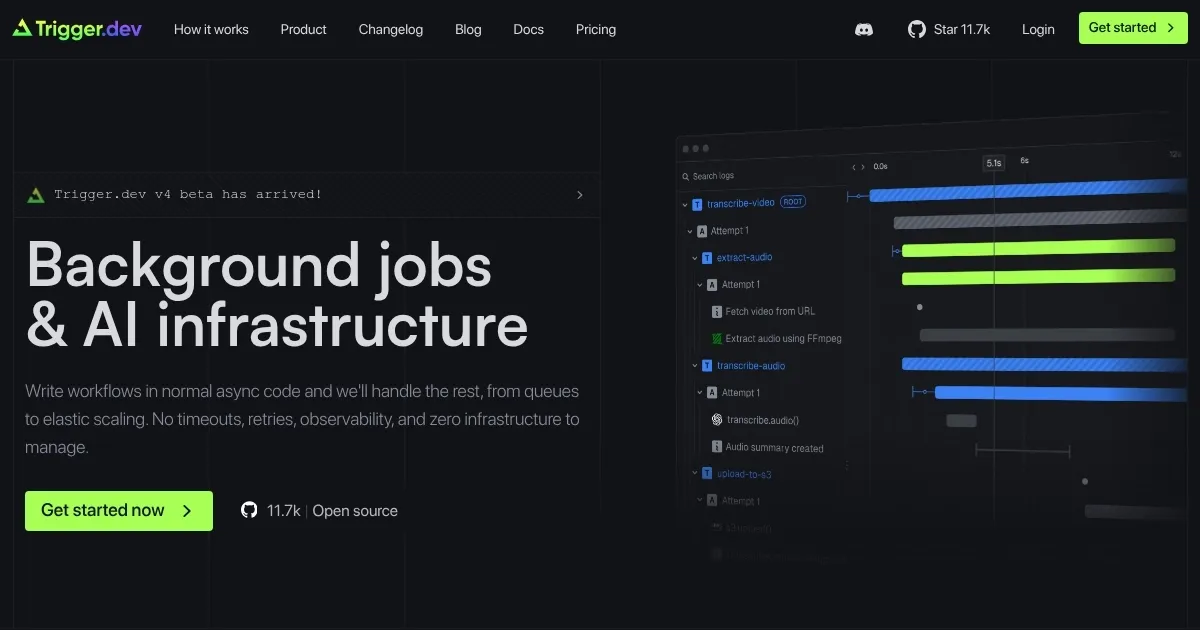
Trigger.dev is an open-source platform for creating and managing long-running background jobs and AI workflows in async code, with no infrastructure management or timeouts. It integrates into existing Node.js projects via a CLI and SDK, allowing developers to define tasks as async functions. The platform supports queuing, automatic retries, and elastic scaling, with a dashboard for real-time observability. It also offers a Realtime API with React hooks for frontend integration and a Checkpoint-Resume System for task reliability.
Key features include the ability to write tasks in TypeScript or JavaScript, with examples like the “convertVideo” task that processes videos using FFmpeg and uploads results to S3. The platform supports integrations with APIs like Slack, Stripe, and GitHub, handling authentication automatically. Webhooks can be set up using “defineHttpEndpoint” for custom APIs, and scheduled tasks run via CRON. The cloud version simplifies deployment, while self-hosting is available for full control, though it requires significant infrastructure like Kubernetes.
Users appreciate the ease of setup, with the CLI creating a “/trigger” folder and example task in minutes. The dashboard provides detailed run logs, making debugging straightforward. The Realtime API enables live task updates, ideal for user-facing applications. However, self-hosting demands substantial resources, including 6+ vCPUs and 12GB RAM for production. The API integration library, while growing, may not cover niche services, requiring manual webhook setup. Some users report a learning curve for advanced features like webhook verification.
Compared to Temporal, Trigger.dev is lighter and integrates directly into codebases, avoiding complex runtime setups. AWS Step Functions offers similar functionality but is cloud-specific and potentially costlier. Trigger.dev’s open-source nature and community support on Discord add flexibility and accessibility.
To get started, run the CLI’s “init” command and test the example task. Use the dashboard to monitor runs and explore integrations for common APIs. For custom needs, review the webhook documentation and consider the cloud version to avoid self-hosting complexity.
Homepage Screenshot 📸
Video Overview 🎬
What are the key features? ✨
- Task Definition: Write long-running tasks as async functions in TypeScript/JavaScript.
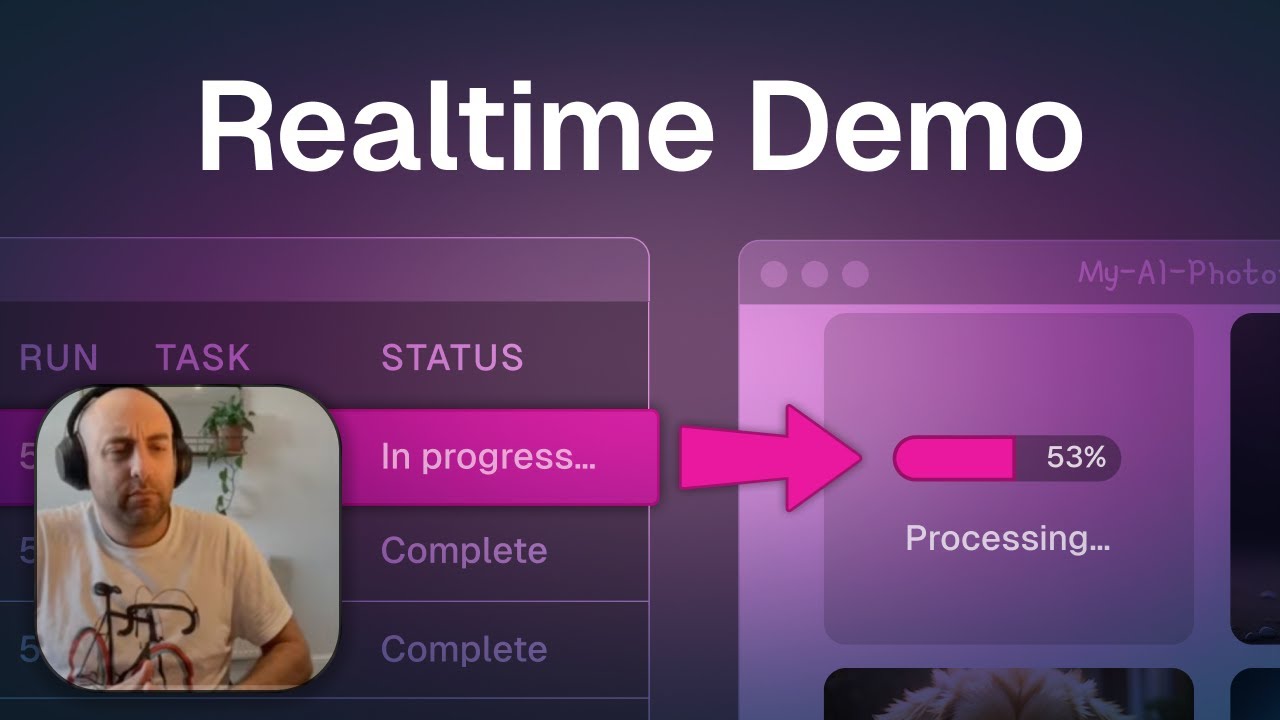
- Realtime API: Stream task progress to frontends using React hooks.
- API Integrations: Connect to services like Slack and Stripe with managed authentication.
- Checkpoint-Resume System: Ensures tasks resume after interruptions without data loss.
- Observability Dashboard: Monitor task runs with detailed logs and retry tracking.
Who is it for? 🤔
Examples of what you can use it for 💡
- Web Developer: Automates data syncing between Notion and Slack using API integrations.
- AI Engineer: Chains LLM prompts for multi-stage AI processing with human-in-the-loop steps.
- E-commerce Manager: Schedules hourly transaction syncs across multiple bank accounts.
- Content Creator: Processes and uploads videos to S3 with real-time frontend updates.
- DevOps Engineer: Triggers automated GitHub workflows for CI/CD pipelines.
Pros & Cons ⚖️
- Easy CLI setup in minutes.
- Open-source with MIT license.
- Seamless API integrations.
- Self-hosting needs heavy resources.
- Cloud costs may add up.
FAQs 💬
Ready to try Trigger.dev?
Creates reliable background jobs and AI workflows using async code
Visit Trigger.dev