Webcrumbs
Generates ready-to-use frontend code from images or text prompts instantly
Webcrumbs is an open-source tool that generates frontend code from images or text prompts, streamlining the development process. Launched in 2023 by Julia Machado in Palo Alto, it allows users to create UI components without manual coding, supporting frameworks like React, Vue, Svelte, and HTML. The tool integrates with Tailwind CSS and requires no login, making it accessible for rapid prototyping.
The core feature is AI-powered component generation. Users can upload a design screenshot or describe a component, and Webcrumbs delivers ready-to-use code in seconds. The visual editor allows customization of colors, fonts, and spacing, ensuring the output aligns with project needs. Code can be copied in multiple languages with one click or downloaded for easy integration. The open-source JavaScript plugin builder enables community contributions, enhancing flexibility.
Webcrumbs excels in speed and ease of use. Developers and designers save time by automating repetitive tasks, with Product Hunt reviews praising its ability to create custom UI modules quickly. The no-login access and Tailwind CSS support are particularly valued for small teams or solo developers. Its GitHub repository, with over 1.2k stars, reflects strong community support.
However, limitations exist. Complex designs, like animated components, may require manual adjustments for accuracy. The tool’s reliance on Tailwind CSS might not suit developers using other styling frameworks. Some users report a learning curve to optimize prompts for best results. Compared to Vercel v0, which focuses on Next.js integration, or Fronty, which converts images to HTML/CSS faster, Webcrumbs offers broader framework support and open-source extensibility.
For best results, use high-quality images or specific text prompts. Experiment with the visual editor to fine-tune outputs, and leverage the community on Discord or GitHub for support. If you’re new, start with simple components to master the workflow before tackling complex designs.
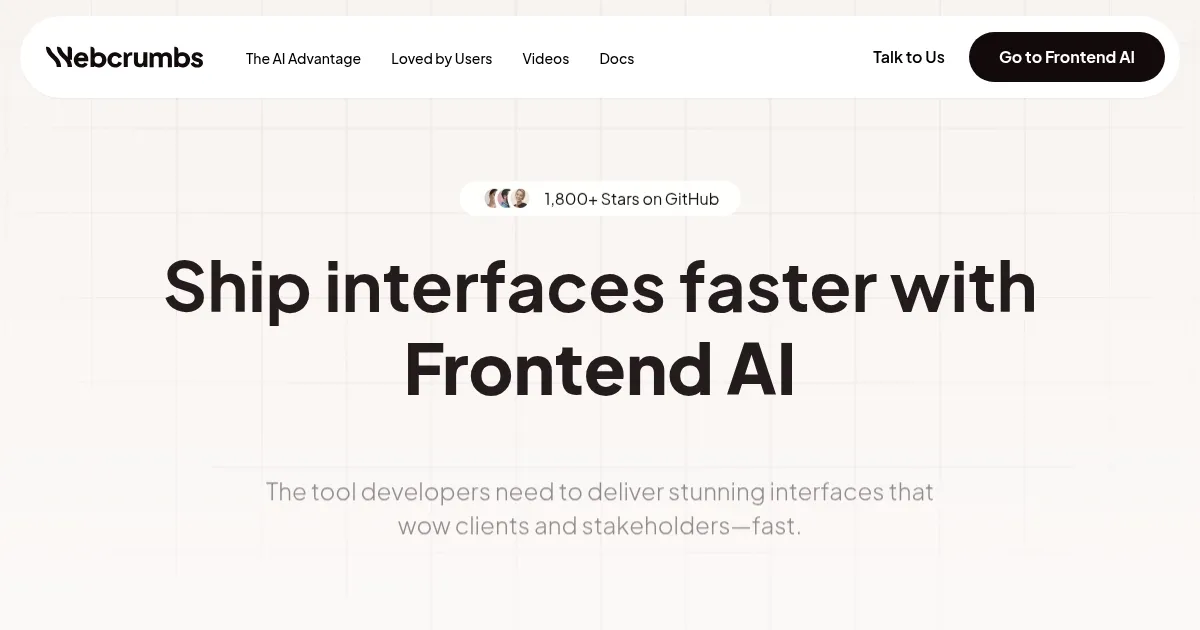
Homepage Screenshot 📸
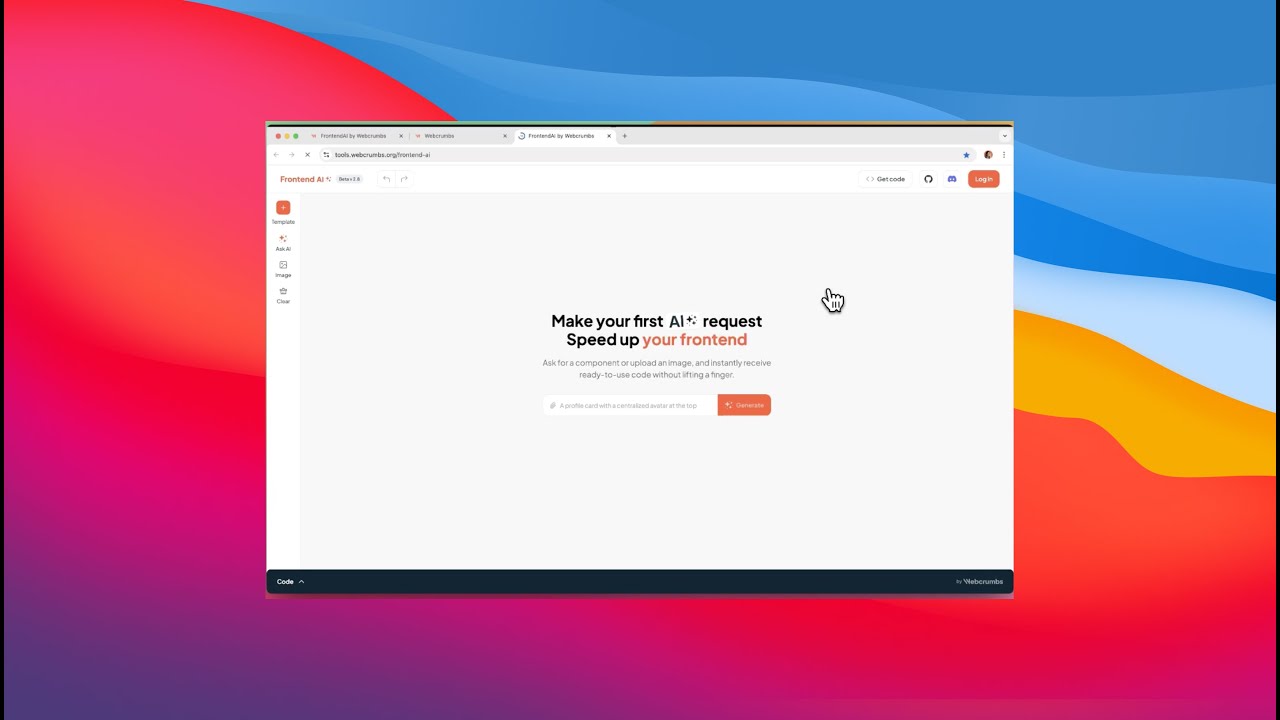
Video Overview 🎬
What are the key features? ✨
- AI Component Generation: Creates frontend components from images or text prompts instantly
- Visual Editor Customization: Adjusts colors, fonts, and spacing to match project requirements
- Multi-Language Code Copying: Copies code in React, Vue, Svelte, or HTML with one click
- Tailwind CSS Integration: Generates code with Tailwind classes for rapid styling
- Open-Source Plugin Builder: Enables users to build and share custom JavaScript plugins
Who is it for? 🤔
Examples of what you can use it for 💡
- Frontend Developer: Generates UI components from Figma designs to speed up coding
- UX/UI Designer: Converts mockups into code without relying on developers
- Startup Founder: Prototypes app interfaces quickly without a large dev team
- Freelancer: Creates custom components for clients with minimal effort
- Student: Learns frontend development by experimenting with code generation
Pros & Cons ⚖️
- Generates code instantly from images or text
- Supports multiple frameworks like React, Vue
- No login required for quick access
- Customizable designs via visual editor
- Complex designs may need manual tweaks
- Relies heavily on Tailwind CSS
FAQs 💬
Ready to try Webcrumbs?
Generates ready-to-use frontend code from images or text prompts instantly
Visit Webcrumbs