Yescribe.ai
Converts audio and video to text with high accuracy across multiple languages and formats
Yescribe.ai is like that trusty friend who never misses a word in a conversation, no matter how fast or multilingual the chatter gets. This AI-powered transcription tool takes your audio or video files — podcasts, lectures, interviews, you name it — and turns them into clean, precise text faster than you can say “meeting notes.” Built on advanced AI, including the Whisper technology, it boasts a jaw-dropping 99.9% accuracy rate. I think it’s safe to say this tool is a game-changer for anyone juggling audio content, but let’s dig into what makes it tick, what might trip you up, and why it’s worth a look.
First off, the ease of use is a standout. You visit the Yescribe.ai website, upload your file (MP3, MP4, WAV, or even a YouTube link), pick your language, and boom — within minutes, you’ve got a transcript ready to download in formats like TXT, DOCX, or PDF. The interface is clean, intuitive, no tech degree required. It supports over 98 languages, from common ones like Spanish to less common ones like Javanese, which is a boon for global teams or researchers working with diverse sources. The tool’s ability to handle files up to five hours long is a lifesaver for transcribing lengthy webinars or interviews, and the AI-generated summaries are a neat trick for quickly grasping key points without wading through pages of text.
But it’s not just about transcription. Yescribe.ai adds value with features like speaker segmentation, which organizes dialogue by who’s speaking, making it easier to follow conversations. The YouTube Transcript Generator is another gem, letting you paste a video URL and get a timestamped transcript for free — perfect for content creators repurposing videos into blog posts. Data privacy is a big deal here, with encrypted uploads and clear retention policies, so you don’t have to worry about your sensitive client meeting ending up in the wrong hands.
That said, it’s not flawless. The free plan, while generous (three 30-minute transcriptions daily), might feel restrictive for heavy users, like journalists churning through hours of interviews. You’ll need a paid plan for more flexibility, and while pricing is competitive compared to rivals like Otter.ai or Sonix, some users on Reddit mentioned wishing for more advanced editing tools within the platform. If you’re expecting built-in translation or subtitle generation beyond basic transcription, you might be disappointed — those features are limited unless you opt for higher tiers. Also, accuracy can dip slightly with poor audio quality, though that’s true for most transcription tools.
What surprised me? The speed. Yescribe.ai’s high-speed GPU clusters mean even long files are processed in minutes, not hours. Compared to competitors like Cockatoo, which often relies on human transcribers for higher accuracy at a slower pace, Yescribe.ai’s AI-driven approach feels like a glimpse into the future. For small businesses or solo creators, the free tier is a low-risk way to test the waters. My advice: start with the free plan, upload a test file, and see how it fits your workflow. If you’re transcribing regularly, check the paid plans on their pricing page to match your needs.
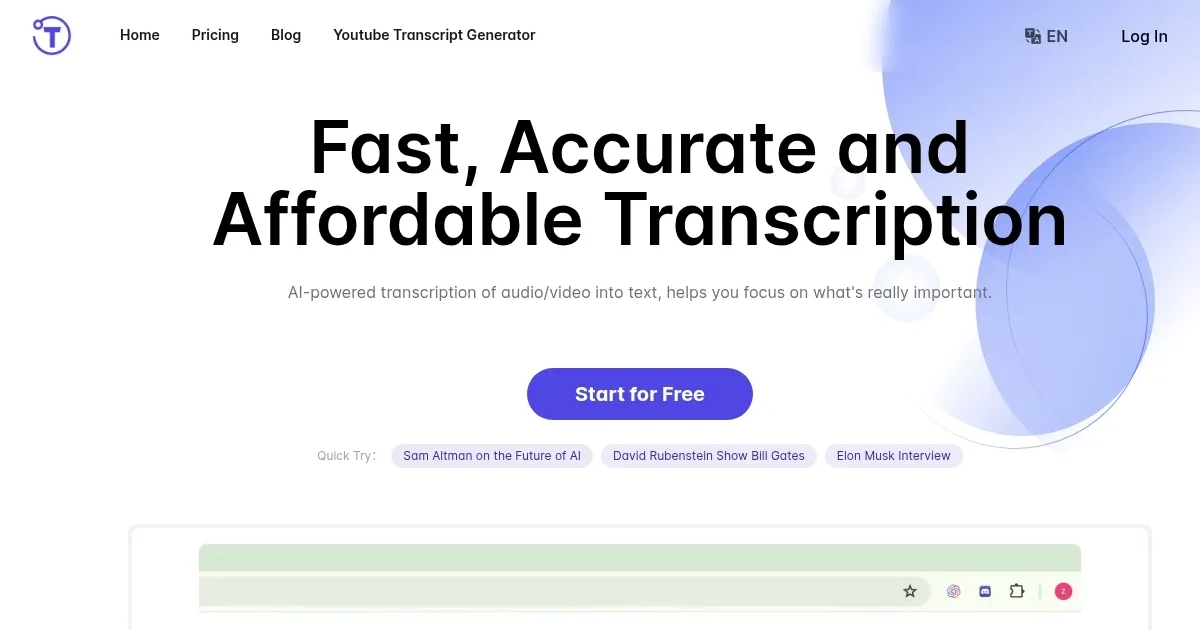
Homepage Screenshot 📸
Video Overview 🎬
What are the key features? ✨
- Transcription Accuracy: Achieves 99.9% accuracy using Whisper AI for reliable text conversion.
- Multilingual Support: Supports over 98 languages, including Javanese and Zulu, for global accessibility.
- YouTube Transcript Generator: Converts YouTube video URLs into timestamped text transcripts.
- AI Summaries: Generates concise overviews of long transcripts for quick insights.
- Speaker Segmentation: Labels speakers in conversations for clear, organized transcripts.
Who is it for? 🤔
Examples of what you can use it for 💡
- Journalist: Converts interview recordings into text for accurate, detailed reporting.
- Student: Transcribes lecture videos to create searchable study notes.
- Content Creator: Turns podcast episodes into blog posts or social media content.
- Business Professional: Documents client meetings for detailed records and follow-ups.
- Researcher: Transcribes focus group discussions for in-depth analysis.
Pros & Cons ⚖️
- Highly accurate transcription
- Supports 98+ languages
- Free plan with daily quota
- Accuracy drops with poor audio
- Basic editing tools
FAQs 💬
Ready to try Yescribe.ai?
Converts audio and video to text with high accuracy across multiple languages and formats
Visit Yescribe.aiYescribe.ai alternatives 🔗