Transgate
Converts audio/video to text with high accuracy in seconds
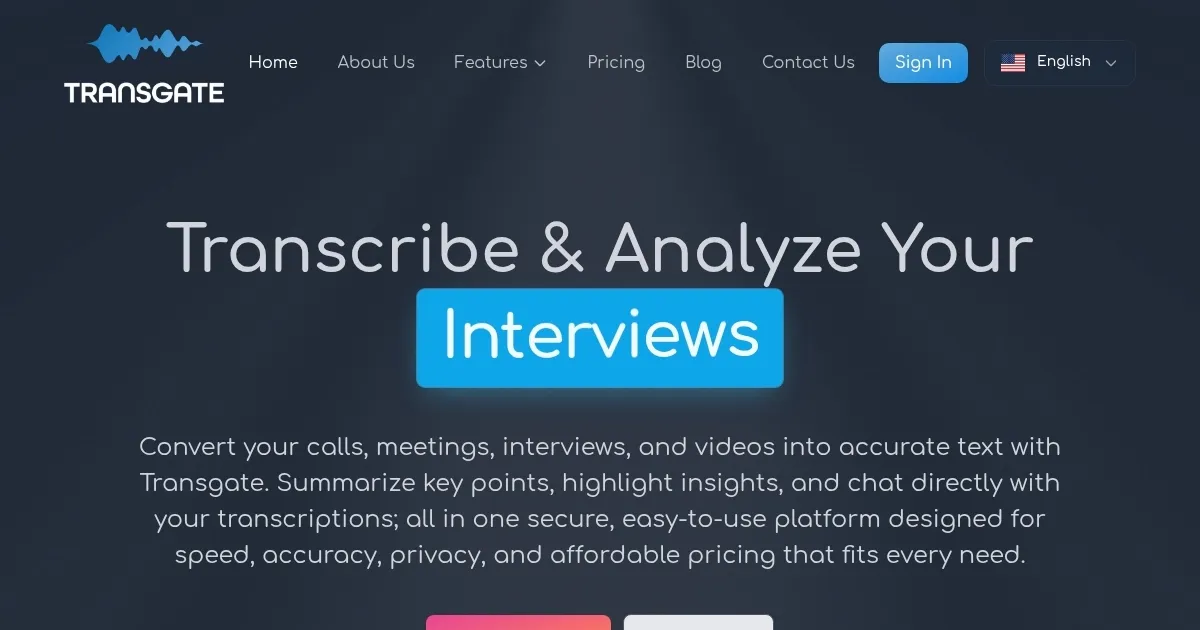
Transgate is an AI-powered platform that converts audio and video files into text with high accuracy and speed. It supports over 50 languages and various file formats, including MP3, WAV, MP4, and AVI. The tool offers a user-friendly interface, allowing users to upload files, transcribe them in minutes, and edit or export the results. It’s designed for professionals across industries like academia, healthcare, and legal, with features like Smart Content Highlights and interactive AI chat.
The transcription process is efficient, often completing hour-long files in under 10 minutes with 98% accuracy. The Smart Content Highlights feature identifies key points and action items, while the Summarize tool condenses recordings into clear takeaways. The AI chat lets users query transcripts for specific details, such as speakers or topics. Data security is prioritized, with GDPR, HIPAA, and SSL compliance ensuring safe handling of sensitive information. A free trial offers 20 minutes of transcription.
Compared to competitors like Otter and Descript, Transgate excels in multilingual support and speed. Otter provides real-time transcription, which Transgate lacks, while Descript offers advanced audio editing for content creators. Transgate’s pay-as-you-go pricing is flexible, appealing to users avoiding subscriptions, though it may not suit those needing extensive editing tools.
Accuracy can falter with poor audio quality or heavy accents, requiring manual edits. The editing interface, while functional, may feel slow for long transcripts. Export options are limited to standard formats like Word and PDF, which may not meet all user needs.
For best results, use high-quality audio files. Start with the free trial to test transcription accuracy. Explore Smart Highlights and AI chat for meetings or interviews. Compare it with Otter or Descript if you need specialized features.
Homepage Screenshot 📸
Video Overview 🎬

What are the key features? ✨
- Smart Content Highlights: Identifies key points and action items from recordings.
- Interactive AI Chat: Allows users to query transcripts for specific details or insights.
- Summarize Tool: Condenses audio/video into clear, shareable summaries.
- Multilingual Support: Transcribes in over 50 languages with high accuracy.
- Data Security: Ensures GDPR, HIPAA, and SSL compliance for secure data handling.
Who is it for? 🤔
Examples of what you can use it for 💡
- Researcher: Transcribes interviews quickly for analysis and reporting.
- Podcaster: Converts episodes into text for show notes or subtitles.
- Legal Professional: Transcribes depositions for case documentation.
- Healthcare Provider: Records patient data securely from consultations.
- Business Manager: Summarizes meeting recordings for action items.
Pros & Cons ⚖️
- Fast transcription speed
- Supports 50+ languages
- Flexible pricing model
- Struggles with noisy audio
- Limited export formats
FAQs 💬
Transgate alternatives 🔗