AgentDesk
Empowers AI agents with browser access for real-time debugging and interaction
AgentDesk is an AI development tool that embeds code editors and agents into web browsers using the Model Context Protocol (MCP). It enables real-time interaction with browser environments for debugging and testing. The platform focuses on frontend workflows, providing access to console logs, screenshots, and DOM elements directly through AI prompts.
Key features include BrowserTools MCP server, which connects AI editors like Cursor or Claude to the browser. Users install it via npx command and gain capabilities such as capturing network calls, processing images into grids for LLM analysis, and simulating mouse interactions. The tool supports live debugging sessions, where agents query selected elements and propose fixes based on real-time data.
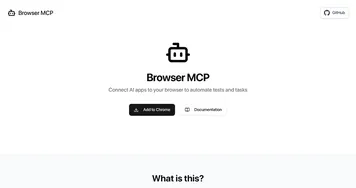
Competitors include Browser MCP for automated browser testing and Devin for autonomous app development. AgentDesk differs by emphasizing ad-hoc, interactive debugging over scripted automation. Pricing offers a free tier for basic use and paid plans for advanced features, generally more affordable than enterprise options like Salesforce Agentforce.
Users report reduced debugging time, with agents handling console error retrieval and visual inspections efficiently. Common praises include seamless integration with existing IDEs and the ability to share sessions for team reviews. Drawbacks involve occasional server connectivity issues, such as empty logs requiring restarts, and a frontend bias that limits backend utility.
For implementation, install the MCP server and test with simple prompts on a development project. Review agent outputs before applying changes to ensure accuracy. This approach maximizes the tools strengths in iterative web development tasks.
Homepage Screenshot 📸
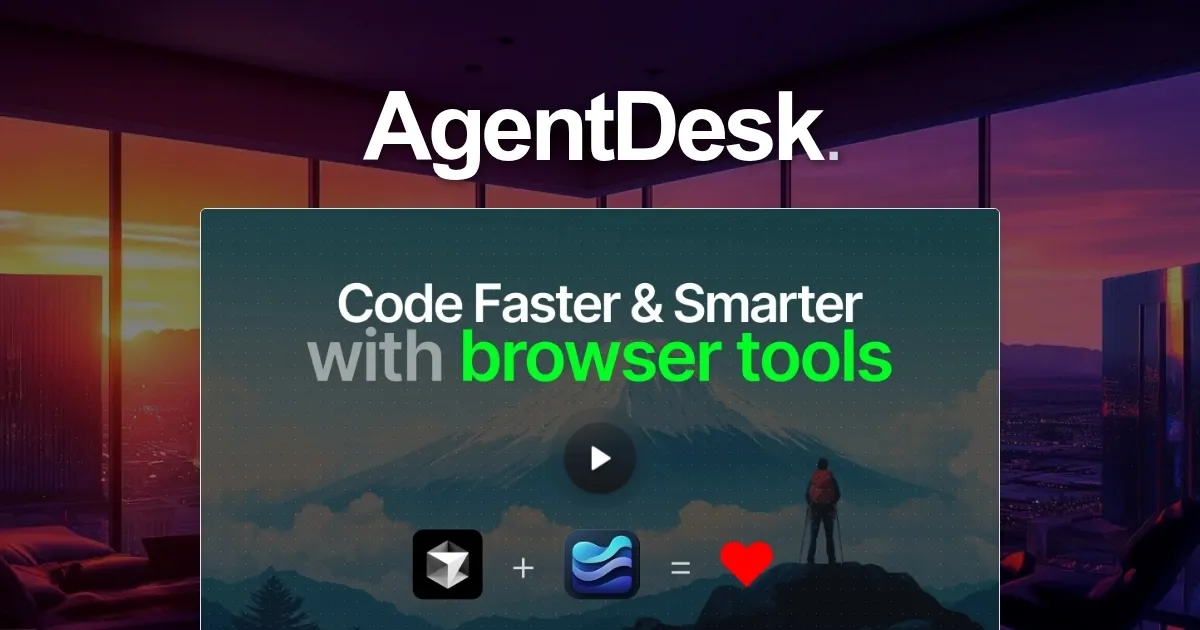
What are the key features? ✨
- BrowserTools MCP: Connects AI editors to browsers for live access to console logs and network data.
- Screenshot Processor: Converts full-page captures into grid images optimized for LLM analysis.
- DOM Interaction: Allows agents to query and manipulate selected elements in real-time during debugging.
- Console Log Retrieval: Pulls errors and outputs directly into AI prompts without manual copying.
- Prompt Library: Offers pre-built templates for engineering, marketing, and entrepreneurial tasks.
Who is it for? 🤔
Examples of what you can use it for 💡
- Frontend Developer: Uses agents to debug React components by pulling live console errors and suggesting responsive fixes.
- UI/UX Designer: Captures screenshots and analyzes layouts for accessibility issues during prototype reviews.
- Digital Marketer: Audits ad performance by querying network calls and optimizing load times on campaign pages.
- Indie Hacker: Builds MVP features with prompt templates that simulate user interactions for rapid testing.
- DevOps Engineer: Integrates browser data into CI/CD pipelines for end-to-end web app validation.
Pros & Cons ⚖️
- Seamless browser integration
- Real-time debugging speed
- Affordable entry tiers
- Strong community prompts
- Occasional server glitches
- Frontend focus limits
FAQs 💬
Ready to try AgentDesk?
Empowers AI agents with browser access for real-time debugging and interaction
Visit AgentDeskAgentDesk alternatives 🔗