Akool
An AI-powered tool designed to enhance digital content creation for businesses
Akool is an AI-powered tool designed to enhance digital content creation for businesses. It offers a range of features — including face swapping, video translation, realistic avatars, talking photos, image generation, and background change — allowing users to create engaging content quickly and efficiently for marketing, e-commerce, education, and entertainment.
Akool is especially great at creating realistic avatars, which can be useful for creating personalized videos and digital spokespersons Another highlight is the face swap feature, which provides users with the ability to create fun and creative content by swapping faces in photos and videos — and then use the newly created content for social media, advertisements, and entertainment purposes.
Akool can also translate videos in an effort to break language barriers, allowing businesses to reach a global audience. This feature ensures that content is accessible to a diverse audience, thus enhancing global communication and even marketing strategies.
We should also mention the talking photo tool which animates still images, bringing them to life with human-like voices.
All in all, Akool lets brands produce high-fidelity content that aligns with their brand aesthetics and voice. As such, it caters to a wide range of industries, providing tools that streamline content creation, improve engagement, and drive innovative marketing campaigns. Check it out.
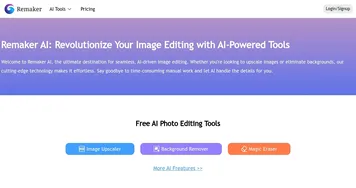
Homepage Screenshot 📸

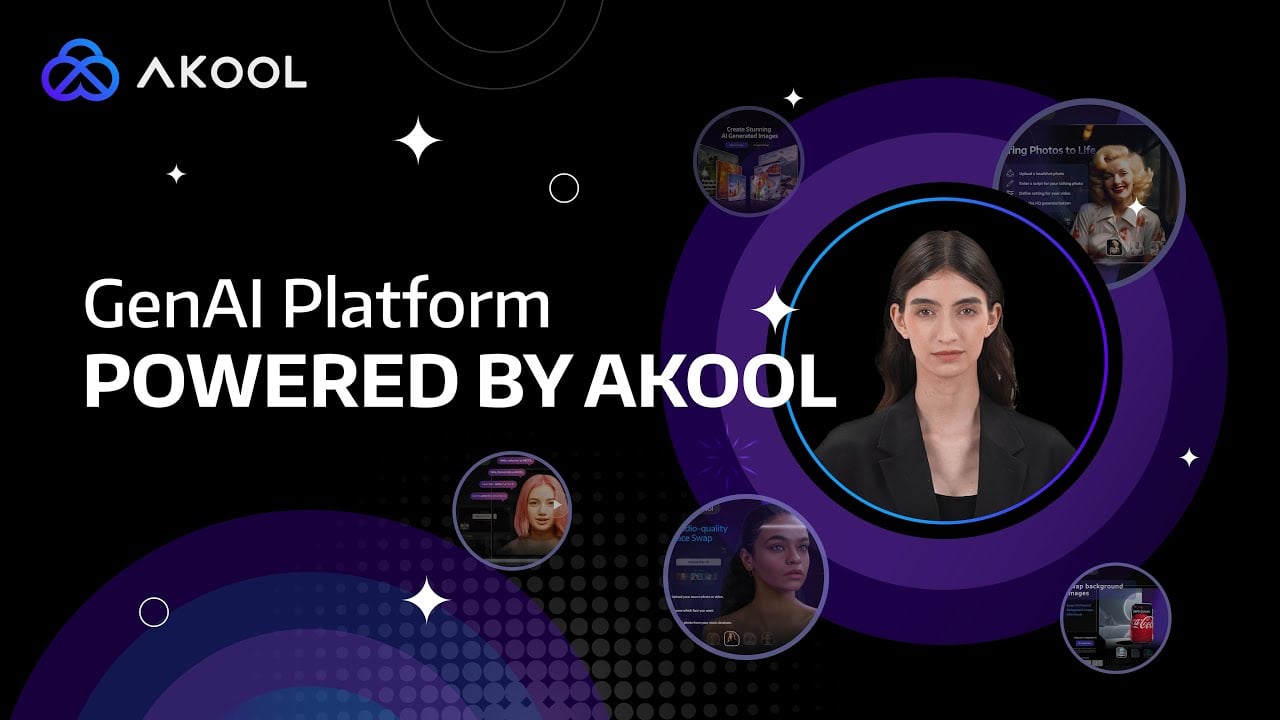
Video Overview 🎬
What are the key features? ✨
- Face swap: Easily swap faces in videos and photos, allowing for creative and humorous transformations like movie role refacing and gender swaps.
- Translate videos: Break language barriers by translating videos with high accuracy, making global communication more accessible.
- Realistic avatars: Create lifelike avatars and videos from text, utilizing AI to generate human-like voices and movements.
- Talking photos: Animate photos and make them speak with real human voices, making static images dynamic (and engaging).
- Background change: Change the background of product photos to enhance visual appeal and professionalism.
Who is it for? 🤔
Examples of what you can use it for 💡
- Enhance ad campaigns with creative face swaps, personalized videos, and more
- Create engaging and entertaining content for social media platforms
- Improve product listings with customized backgrounds and AI-generated images
- Utilize talking avatars and translated videos to create interactive and accessible educational materials
- Generate personalized videos and animated photos for personal use
Pros & Cons ⚖️
- Easily swap faces in images and videos
- Makes static images dynamic
- AI photo editing tools included
- Face swaps can be easily misused
FAQs 💬
Ready to try Akool?
An AI-powered tool designed to enhance digital content creation for businesses
Visit AkoolAkool alternatives 🔗