logo-darklogo-darklogo-darklogo-dark
  • Tool Categories
    • ๐ŸŽจArt & Creative Design505
    • ๐ŸขBusiness Management644
    • ๐Ÿ’ปCoding & Development515
    • ๐Ÿ‘ฎDetection83
    • ๐Ÿง General Use727
    • ๐ŸฅHealth & Wellness55
    • ๐Ÿ“ทImage & Photo Analysis100
    • ๐Ÿ–ผ๏ธImage Generation & Editing618
    • ๐Ÿ“Interior & Architectural Design37
    • ๐ŸŽ“Learning & Education483
    • โš–๏ธLegal & Finance90
    • ๐ŸŽญLifestyle & Entertainment236
    • ๐Ÿ“ขMarketing & Advertising627
    • ๐ŸŽงMusic & Audio138
    • ๐Ÿ‘”Office & Workplace1,014
    • ๐Ÿ”ฌResearch & Data Analysis372
    • ๐Ÿ‘ฅSocial Media245
    • ๐ŸŽฅVideo Generation & Editing426
    • ๐Ÿ‘ง๐ŸปVirtual Companion135
    • ๐ŸŽคVoice Generation & Editing381
    • โœ๏ธWriting & Editing808
    • All Categories
    • AI Use Cases
  • News
  • Events
    • Academic Conferences
    • Developer Conferences
    • Expos / Trade Shows
    • Industry Summits
    • Workshops / Training
    • All Events
    • Past Events
  • Saved Tools
  • Suggest a Tool
โœ•
Home › Coding & Development › App Building› AppsGeyser
AppsGeyser

AppsGeyser

Convert web content into Android apps in minutes without coding

AppsGeyser is a no-code platform that converts web content into Android apps using templates and a drag-and-drop interface. Launched in 2011, it enables users to create APKs in minutes without programming skills. The platform offers over 35 templates for categories like business, education, and games, supporting features like push notifications, Firebase analytics, and AdMob monetization. Users select a template, customize content, and download an APK for testing or Google Play publishing. Premium plans provide advanced features like custom branding and ad control.

The creation process is streamlined. Users choose a template, add content like text, images, or URLs, and name the app. The dashboard supports real-time previews and editing, with integrations for OneSignal push notifications and Firebase analytics. AppsGeyser generates APKs in about 30 seconds, and its guides assist with Google Play publishing. The free tier includes AppsGeyser branding, while premium plans remove it and add features like ad revenue control. The platform supports monetization through ads, in-app purchases, or subscriptions.

Compared to Appy Pie and Adalo, AppsGeyser is Android-focused, lacking native iOS support. iOS conversion is possible but requires manual compilation and an Apple Developer account. The template library is extensive but less flexible than competitors’ design tools. Users on Trustpilot praise the platform’s ease of use, though some report dashboard glitches or dated templates. Monetization tools are robust, with options to adjust ad frequency or disable ads entirely.

Limitations include Android-only focus, branding in the free tier, and occasional dashboard slowdowns. Premium plans, while offering more control, require additional costs compared to free competitors like Thunkable. The platform’s support team is responsive, with detailed guides and tutorials available. Users can access HTML source code for advanced customization, a feature not always available in rival platforms.

For first-time users, select a simple template like “Website to App” and test thoroughly before publishing. Use the support resources on AppsGeyser’s site to navigate Google Play requirements, and consider Firebase for tracking user engagement.

Visit AppsGeyser ↗
Categories
๐Ÿ’ป Coding
๐Ÿ“ฑ App Building ๐Ÿ‘จโ€๐Ÿ’ป Development โŒจ๏ธ Code Generation ๐ŸŽฎ Game Generation ๐Ÿ—๏ธ Website Building

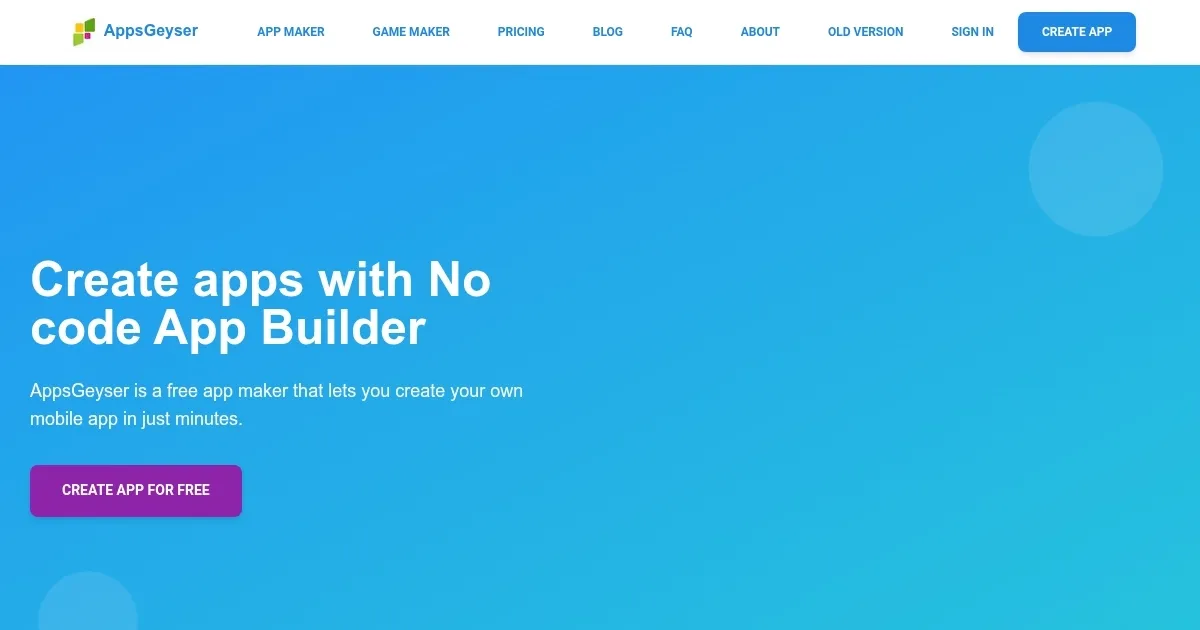
Homepage Screenshot 📸

AppsGeyser screenshot

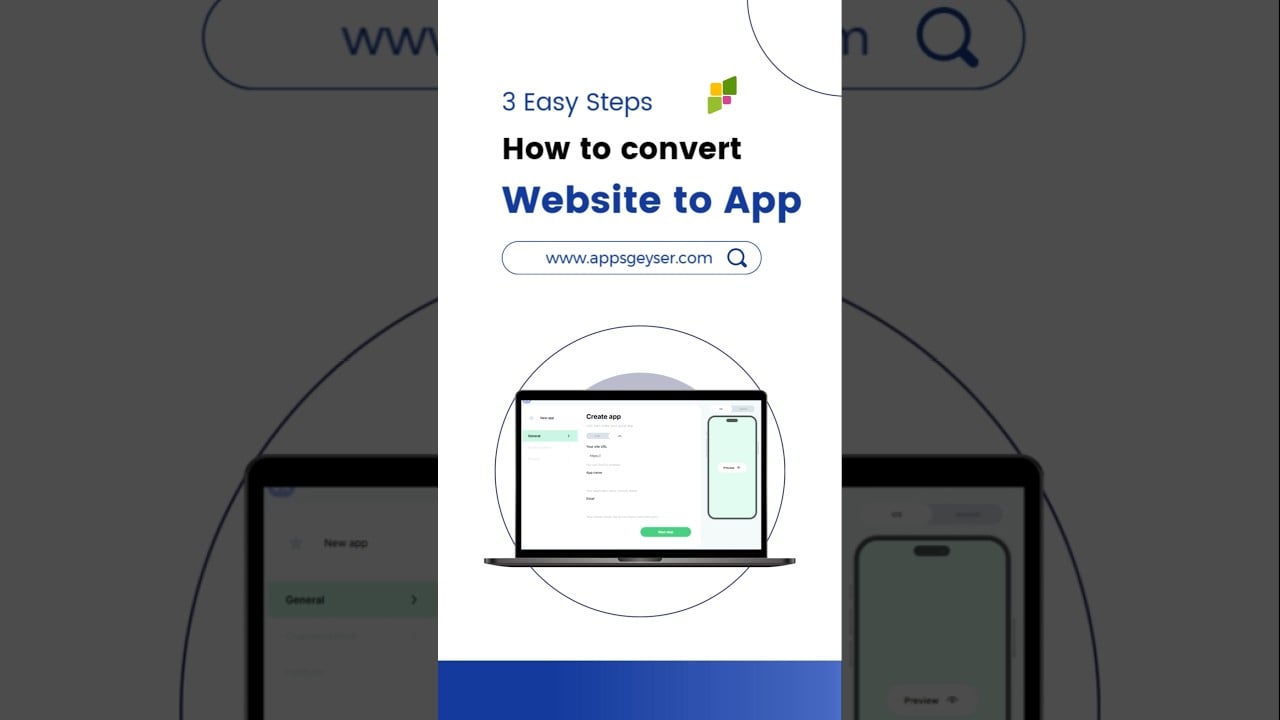
Video Overview 🎬

AppsGeyser - Video Overview

What are the key features? ✨

  • Template Library: Over 35 templates for creating apps in categories like business, education, and games.
  • Drag-and-Drop Interface: Intuitive interface for customizing apps without coding skills.
  • Monetization Tools: Supports AdMob, Appodeal, and in-app purchases for revenue generation.
  • Push Notifications: Integrates with OneSignal for real-time user engagement.
  • Firebase Analytics: Tracks user behavior and app performance with easy setup.

Who is it for? 🤔

AppsGeyser is designed for small business owners, bloggers, educators, and solo entrepreneurs who want to create Android apps quickly without coding expertise. It suits those with limited budgets, as the free tier offers robust features, and its templates cater to niches like e-commerce, education, and content creation, making it perfect for users needing a fast, functional mobile presence.

Examples of what you can use it for 💡

  • Small Business Owner: Converts a website into an app to boost customer engagement.
  • Blogger: Creates a blog app with offline access and push notifications.
  • Educator: Builds a quiz app to engage students with interactive content.
  • E-commerce Seller: Turns a Shopify store into an app for seamless shopping.
  • Content Creator: Develops a portfolio app to showcase work on mobile devices.

Pros & Cons ⚖️

  • Free tier with robust features
  • Fast APK creation in 30 seconds
  • Extensive template library
  • Android-only focus (as of August 2025)
  • Branding in free tier

FAQs 💬

Is AppsGeyser free to use?
Yes, the basic features are free, with premium plans for advanced options.
Can I create an iOS app with AppsGeyser?
iOS apps require manual conversion and an Apple Developer account.
Do I need coding skills to use AppsGeyser?
No, itโ€™s designed for non-coders with a drag-and-drop interface.
How long does it take to create an app?
Most users can create an APK in under 5 minutes.
Can I monetize my app?
Yes, through ads, in-app purchases, or subscriptions via AdMob and others.
Does AppsGeyser support push notifications?
Yes, it integrates with OneSignal for notifications.
Can I publish my app on Google Play?
Yes, with guides or professional publishing support.
Are there limits on free app creation?
No limits on the number of apps in the free tier.
Can I customize app designs?
Basic customization is free, with advanced options in premium plans.
Is support available for beginners?
Yes, tutorials and a responsive support team are available.

Ready to try AppsGeyser?

Convert web content into Android apps in minutes without coding

Visit AppsGeyser ↗
AppsGeyser alternatives 🔗

  1. Cursor Cursor Supercharges coding with AI agents that build, edit, and review code autonomously.
  2. Windsurf Windsurf Empowers developers with AI-driven code generation and real-time collaboration.
  3. Lovable Lovable Builds apps and websites via AI chat prompts.
  4. Replit AI Replit AI Transforms natural language prompts into fully deployable apps using AI agents
  5. v0.dev v0.dev Generates React UI components from text prompts using AI
  6. GitHub Copilot GitHub Copilot Enhances coding with AI-driven completions and chat assistance
Share
AppsGeyser screenshot enlarged
Promote AppsGeyser
light badge
Copy Embed Code
dark badge
Copy Embed Code
neutral badge
Copy Embed Code
Best AI Tools

Discover the best AI tools for any use case

Explore
  • Tool Categories
  • AI Use Cases
  • AI Events
  • AI News
  • Saved Tools
Company
  • About Us
  • Contact Us
  • Media & Partnerships
  • Suggest a Tool
Legal
  • Privacy Policy
  • Terms of Service
Copyright © 2026 Best AI Tools 415 Mission Street, 37th Floor, San Francisco, CA 94105