Chat4Data
Extracts structured web data via AI chat without code
Chat4Data is a Chrome extension that enables AI-powered extraction of structured data from websites using natural language prompts. It automates the process by auto-detecting fields such as prices, emails, images, links, and phone numbers on HTML pages, particularly optimized for e-commerce listings. Installation involves downloading from the Chrome Web Store, signing up for an account, and enabling it on a target site, where users chat commands like “extract product details” to initiate scraping.
The tool handles pagination automatically to collect data across multiple pages and exports results to CSV or Excel formats. Technical aspects include token-efficient AI analysis that avoids consuming tokens during extraction, with new users receiving one million free tokens and additional ones at one dollar per million. It supports modifications to fields via chat, such as adding or removing elements, and works on most static and dynamic sites but may require proxies for anti-scraping protections.
Competitors include Browse AI, which uses robot-based no-code extraction for similar tasks but focuses more on scheduled runs, and Octoparse, a desktop app with visual selectors for larger-scale scraping, offering unlimited free local extractions compared to Chat4Data’s token model. Readers may appreciate the zero-coding barrier and quick setup, allowing immediate data pulls for analysis, along with the feature called “Auto-Detect Fields” that suggests relevant data points for confirmation.
However, some may dislike dependency on internet connectivity for AI processing and potential inaccuracies on highly interactive JavaScript sites, where re-prompting is needed. A surprise element is its multilingual prompt support, processing commands in various languages without translation steps. General pricing starts free with scalable token purchases, cheaper per unit than subscription-heavy rivals like Browse AI’s paid plans.
The extension version stands at 2.0.1 as of recent updates, with features like subpage scraping in development. For practical use, test on simple pages to verify accuracy, use clear prompts for best results, and integrate exports directly into tools like Google Sheets for ongoing workflows.
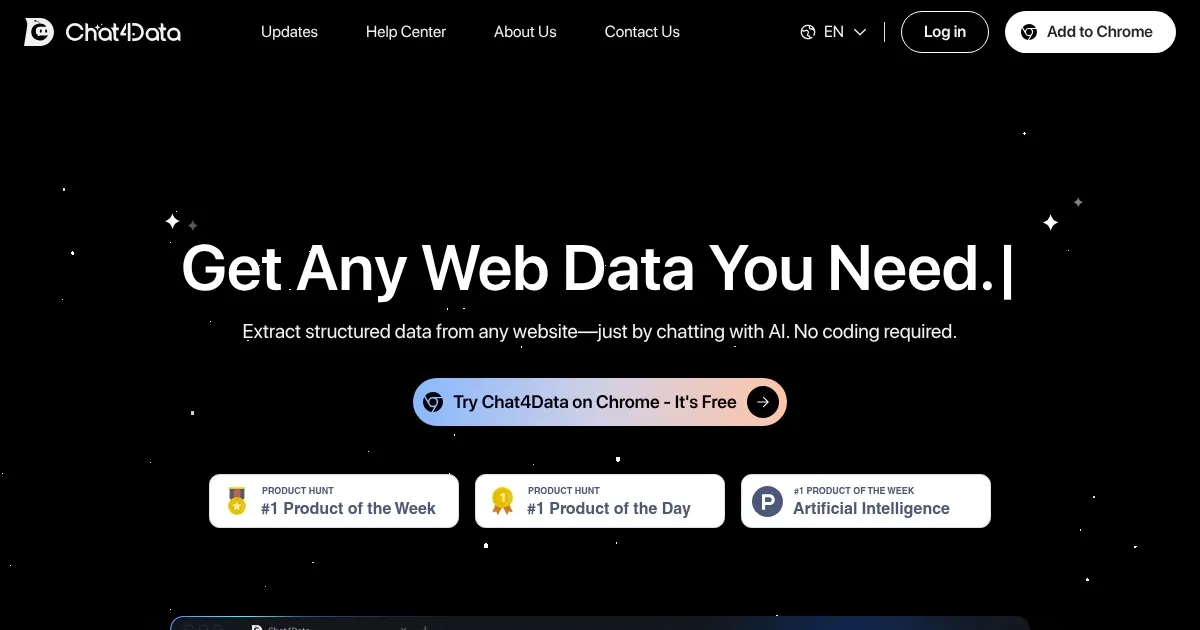
Homepage Screenshot 📸
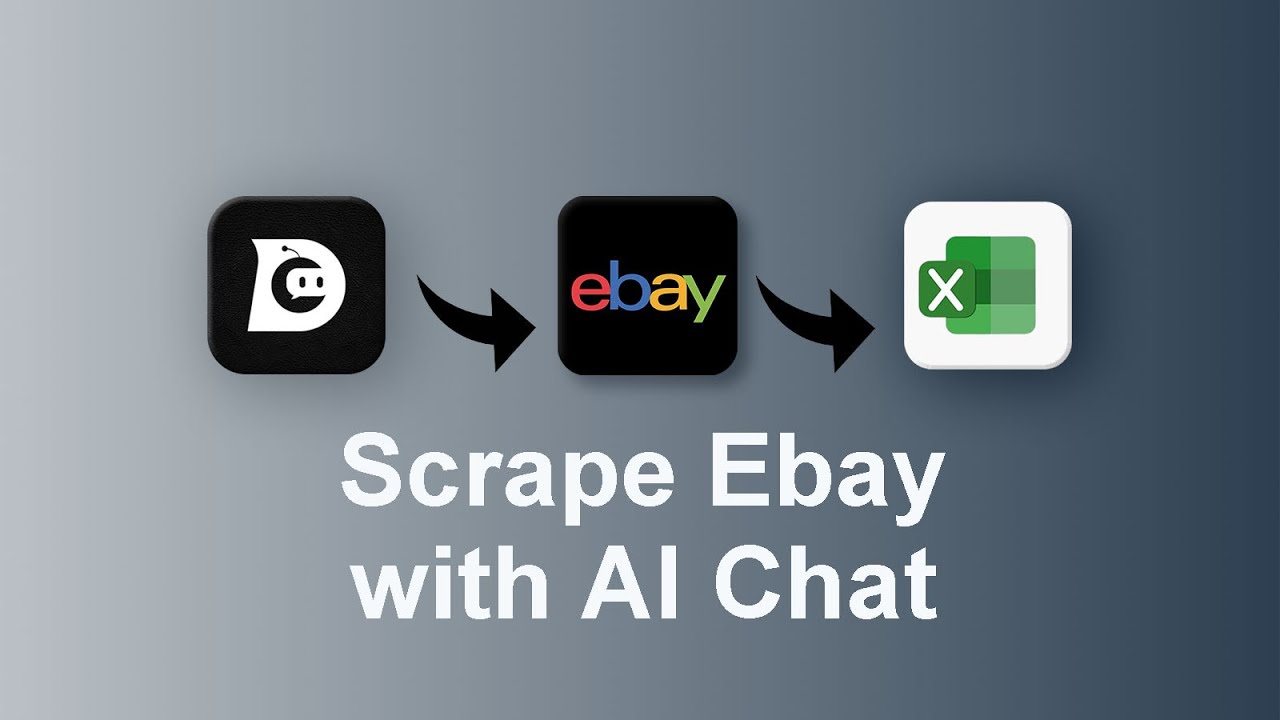
Video Overview 🎬
What are the key features? ✨
- AI-Powered Data Extraction: Uses natural language chats to pull structured data from websites without coding.
- Auto-Detect Fields: Automatically identifies and suggests valuable data like prices and emails for quick confirmation.
- Automated Pagination: Scans and collects data from all pages of a site without manual navigation.
- Multi-Data Type Support: Captures images, links, phone numbers, emails, and hidden elements in one go.
- Spreadsheet Export: Delivers extracted data directly to Excel or CSV for easy analysis.
Who is it for? 🤔
Examples of what you can use it for 💡
- Marketer: Extracts email lists and contact details from business directories to build targeted campaigns.
- Researcher: Pulls product prices and reviews from e-commerce sites for competitive analysis reports.
- Data Analyst: Collects structured listings from multiple pages of news sites for trend tracking.
- Sales Professional: Gathers phone numbers and links from vendor pages to qualify prospects.
- E-commerce Manager: Downloads images and descriptions from supplier sites to update inventory catalogs.
Pros & Cons ⚖️
- No coding needed
- Free starter tokens
- Easy spreadsheet export
- Token limits apply
- Dynamic site issues
FAQs 💬
Chat4Data alternatives 🔗